Set up scheduling links in minutes - for consultations, intro calls, client check-ins, coaching sessions, or any 1-on-1 meeting
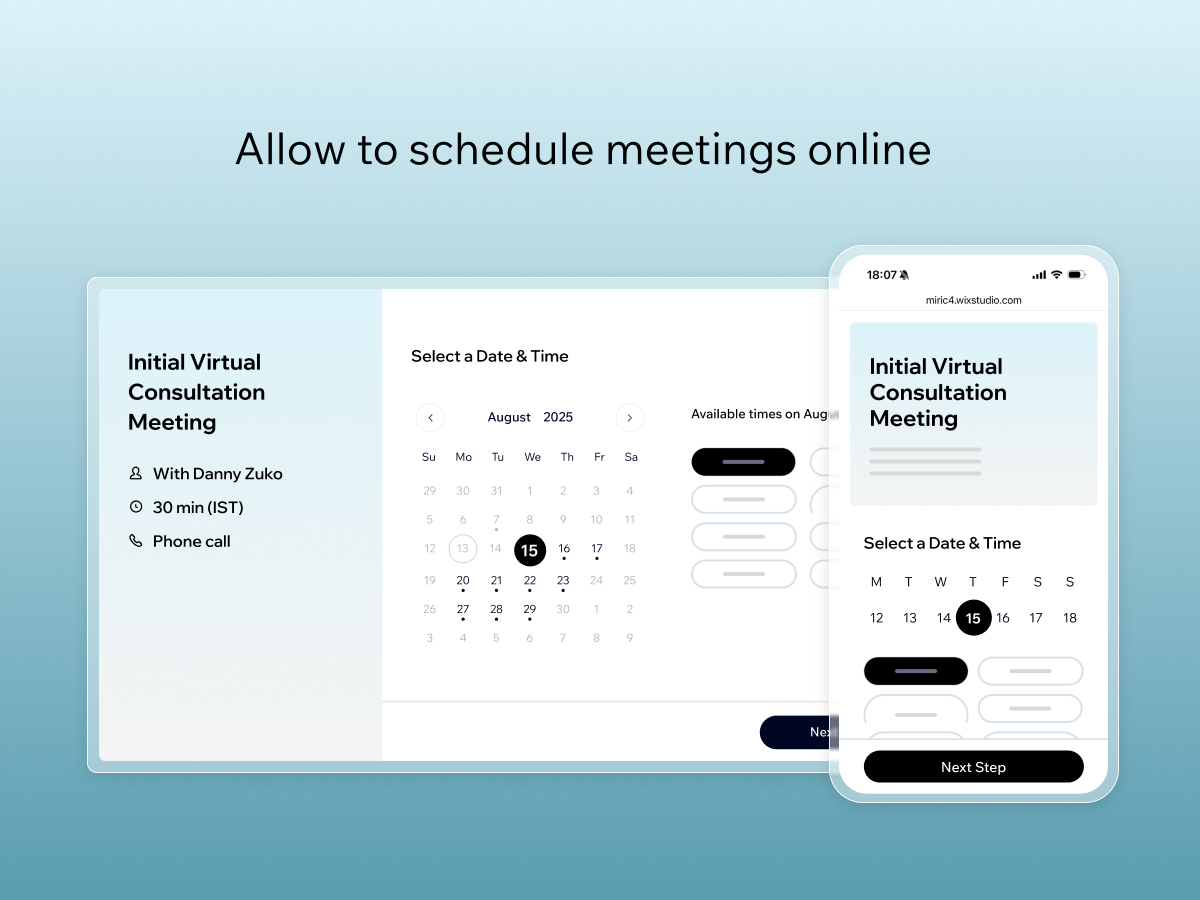
AI scheduling agent built in- clients can chat with an AI to find a time that works, or switch to a calendar view at any moment
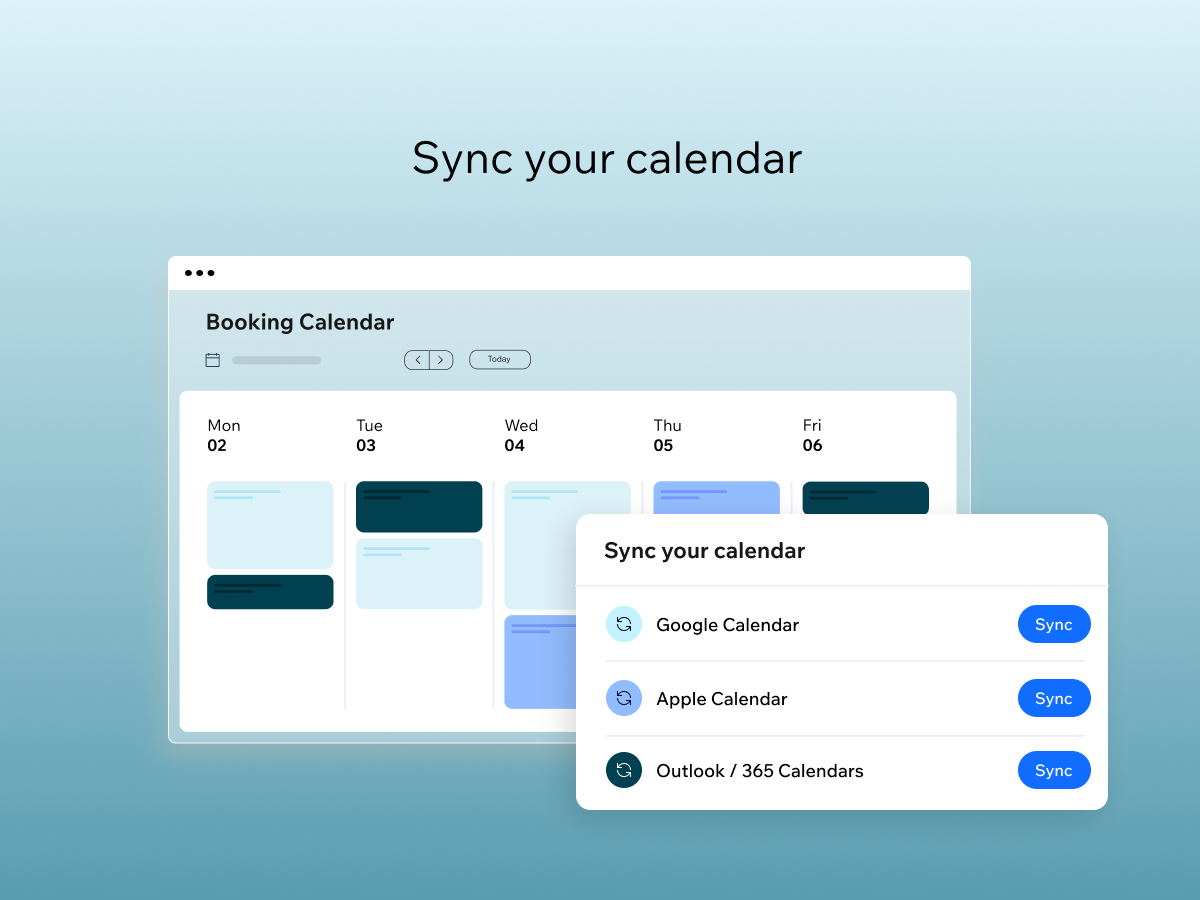
Sync your Google, Apple, or Outlook calendar — so available times always reflect your real schedule
Share anywhere - via URL, WhatsApp, email, or QR code, or embed on your Wix site. No website required
Set up scheduling links in minutes and let clients book the time that works for them-right from your Wix dashboard, no website required.
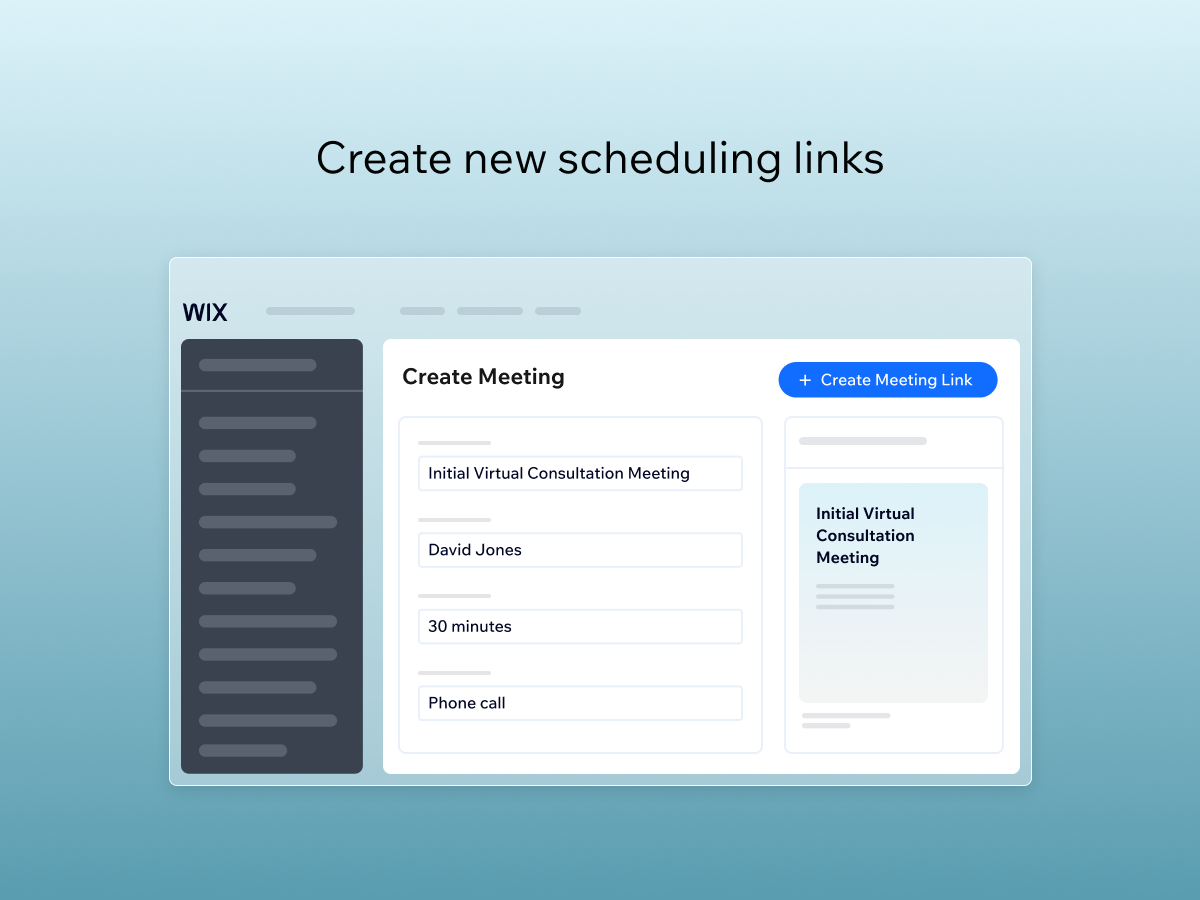
Customize each link with the meeting name, duration, buffer time, location, and price. Use Wix Meetings for consultations, intro calls, client check-ins, coaching sessions, or any 1-on-1 meeting your business needs.
With our built-in AI scheduling agent, clients can chat to find a time that works—or switch to a calendar view at any moment. It's a smarter, faster booking experience that turns more visits into confirmed meetings.
For teams, set up round-robin scheduling and decide which hosts get priority for new meetings. Sync your Google, Apple, or Outlook calendar to keep availability accurate, and share your scheduling link via URL, WhatsApp, email, or QR code-no site needed.
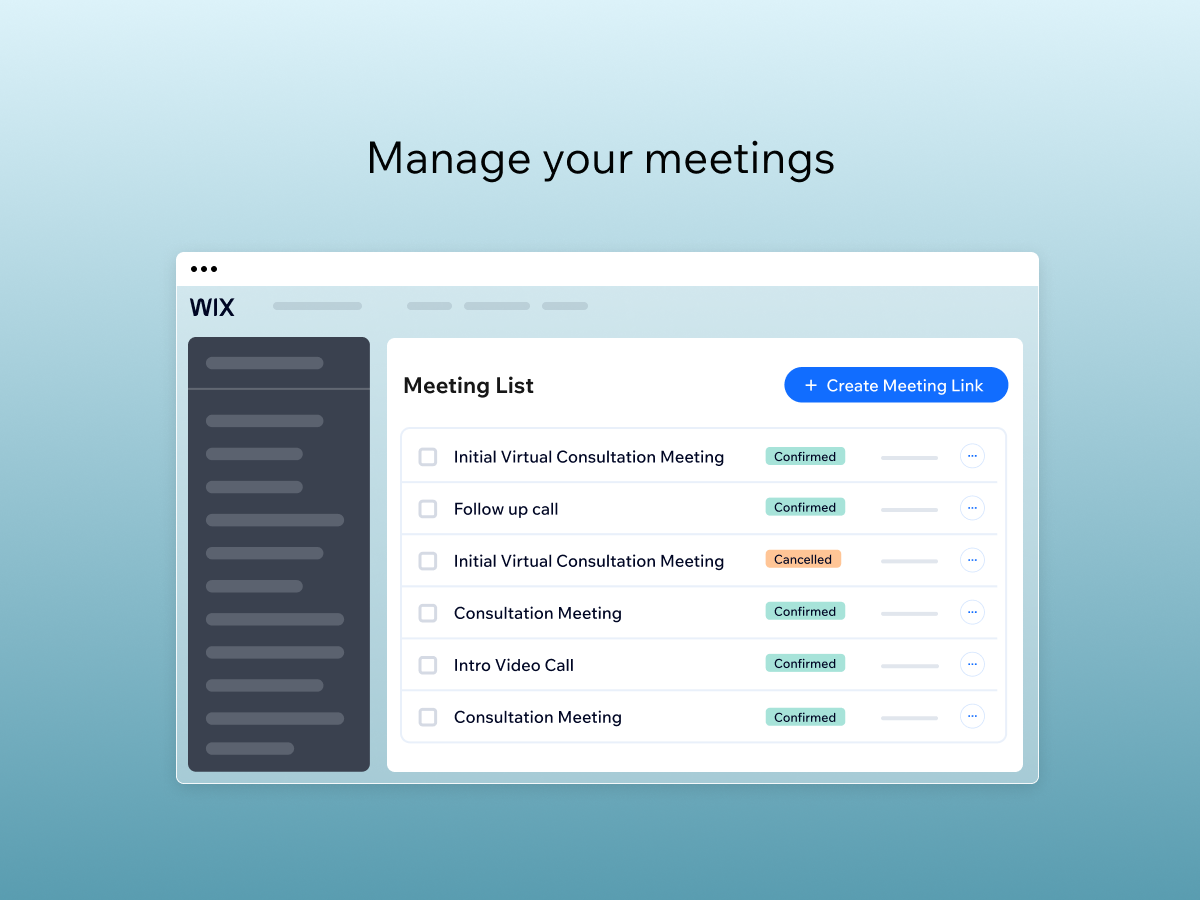
Once a meeting is booked, clients receive email and SMS notifications plus a calendar invite with full meeting details. They can reschedule or cancel from the email itself, and every meeting lands in your Wix dashboard. Need to charge? Connect Wix Payments to collect before the booking is confirmed.