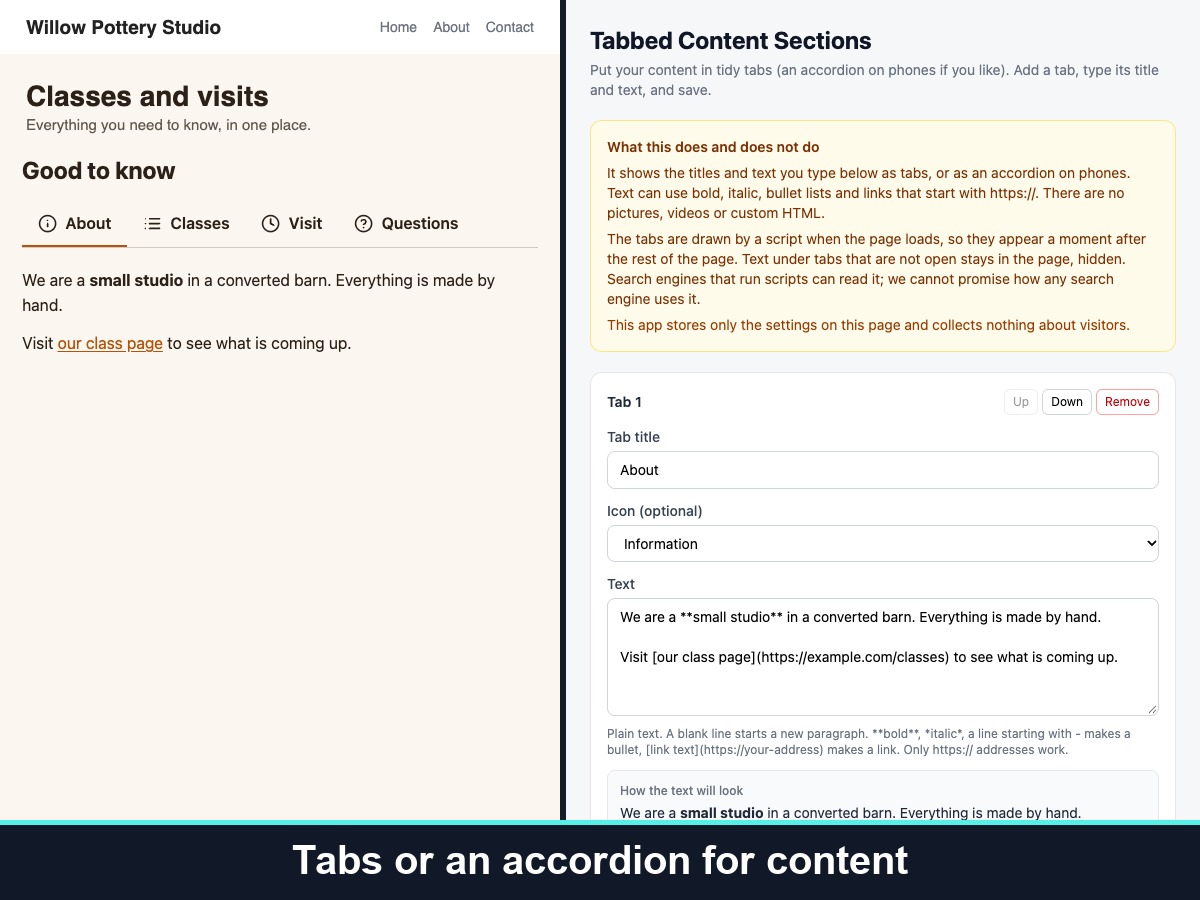
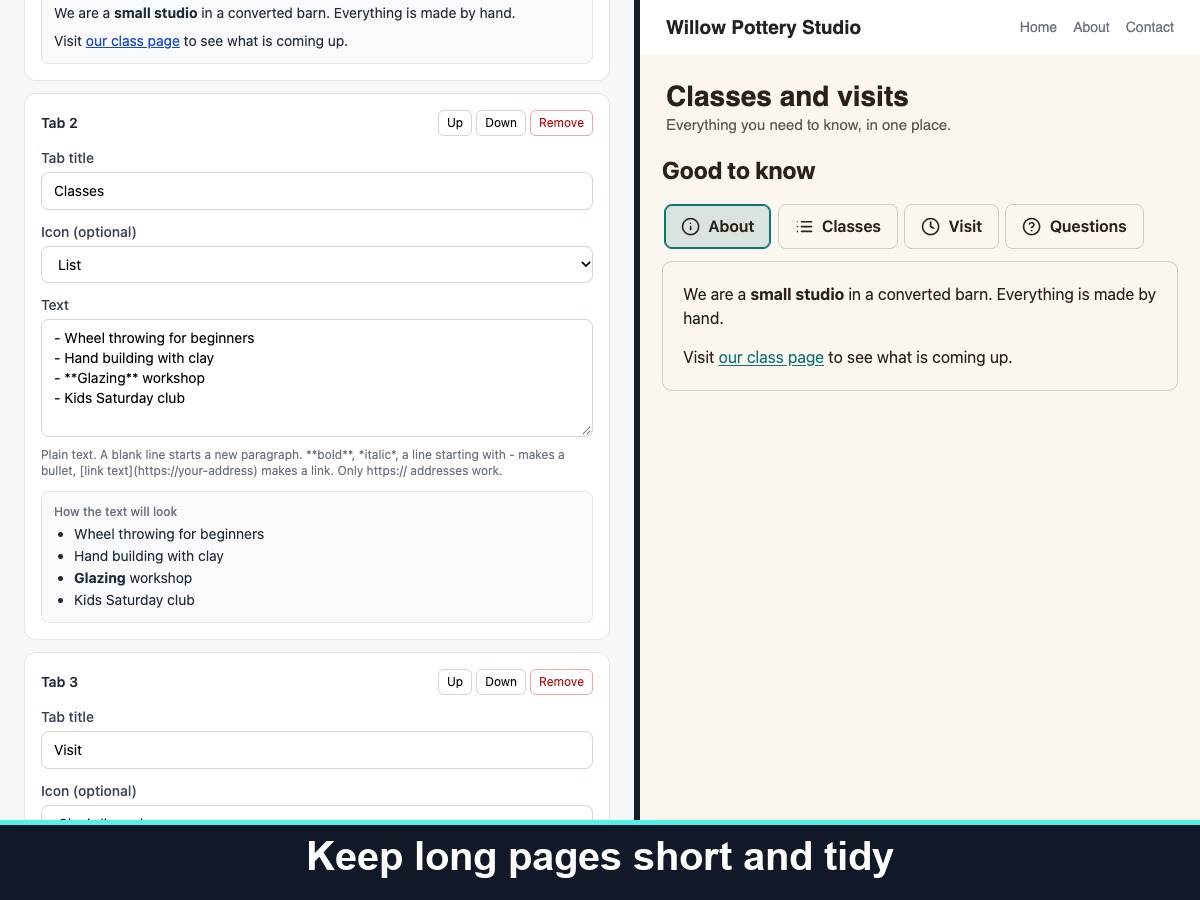
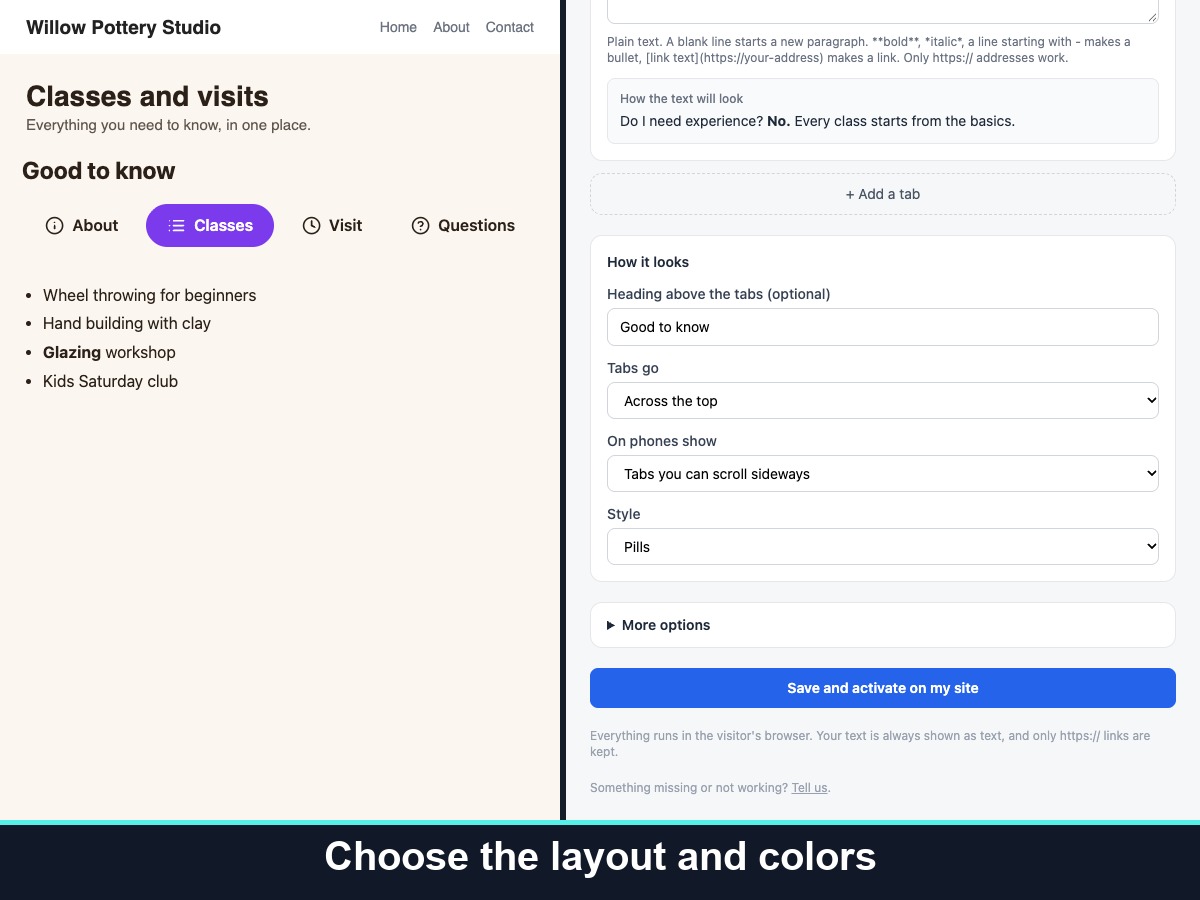
Tabbed Content Sections organizes a lot of information in one tidy block. Add up to 12 tabs, give each a title and some text, and visitors click through them instead of scrolling a long page. Show the tabs across the top or down the left side, in an underline, pill or boxed style.
Each tab can have a simple line icon from a built-in set. Text can include bold, italic, bullet lists and links that start with https://. On phones you choose between tabs that scroll sideways and an accordion. Pick which tab is open first, the alignment, text size, spacing and your own accent and text colors. Visitors can move between tabs with the arrow, Home and End keys, and visitors who prefer less motion are respected. You can also let visitors link straight to one tab.
Place it in an empty box you choose, or just above your footer, and limit it to chosen pages. It shows only the text you type: no pictures, video or custom HTML. The tabs are drawn by a script after the page loads. The app stores only your settings and collects nothing about visitors.