

webshop
bokningar
evenemang
popup

QuickSync for QuickBooks
från
QuickBooks Online inventory & item connector
Inga omdömen än
Gratis paket tillgängligt

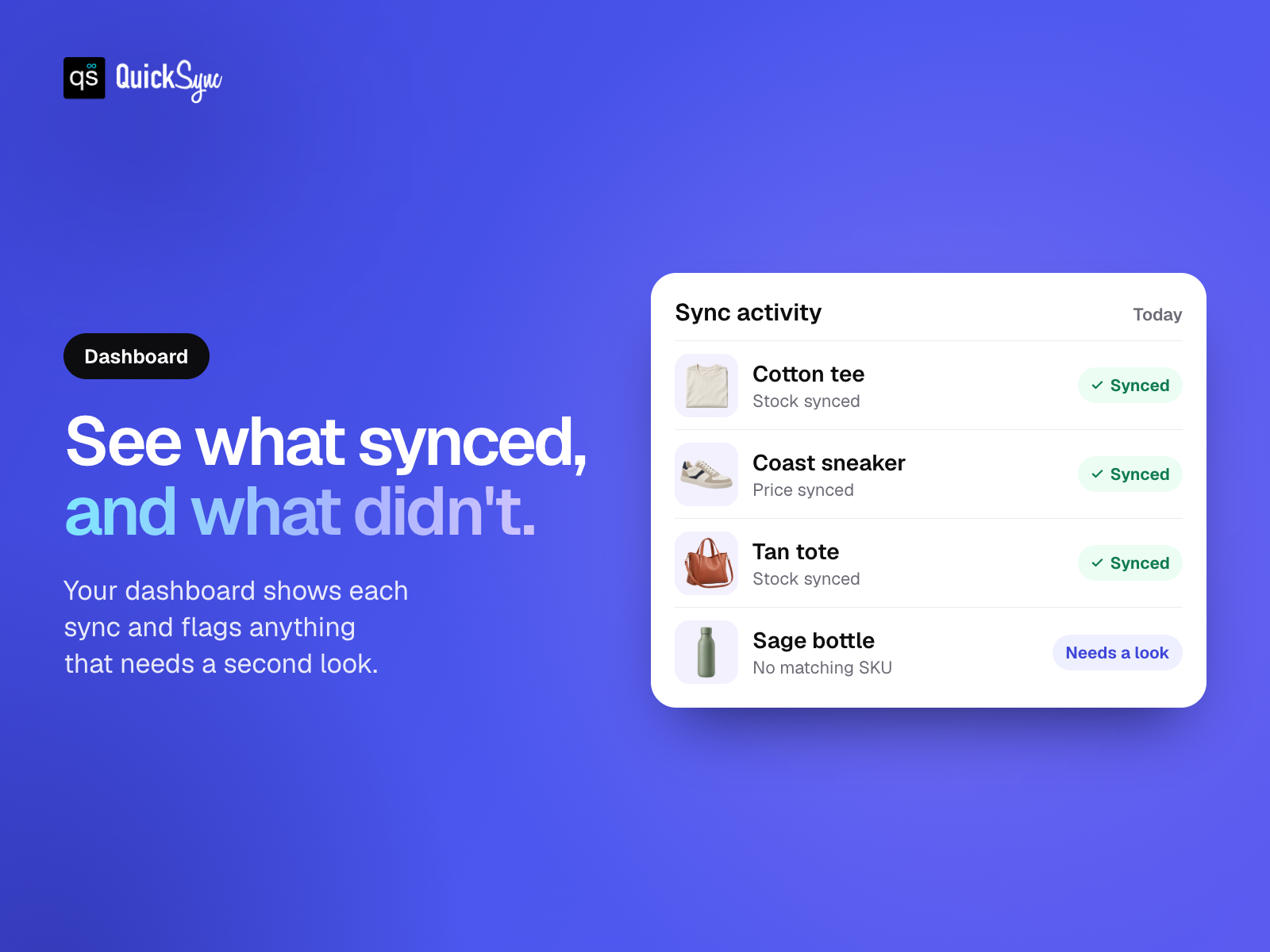
Översikt för QuickSync for QuickBooks
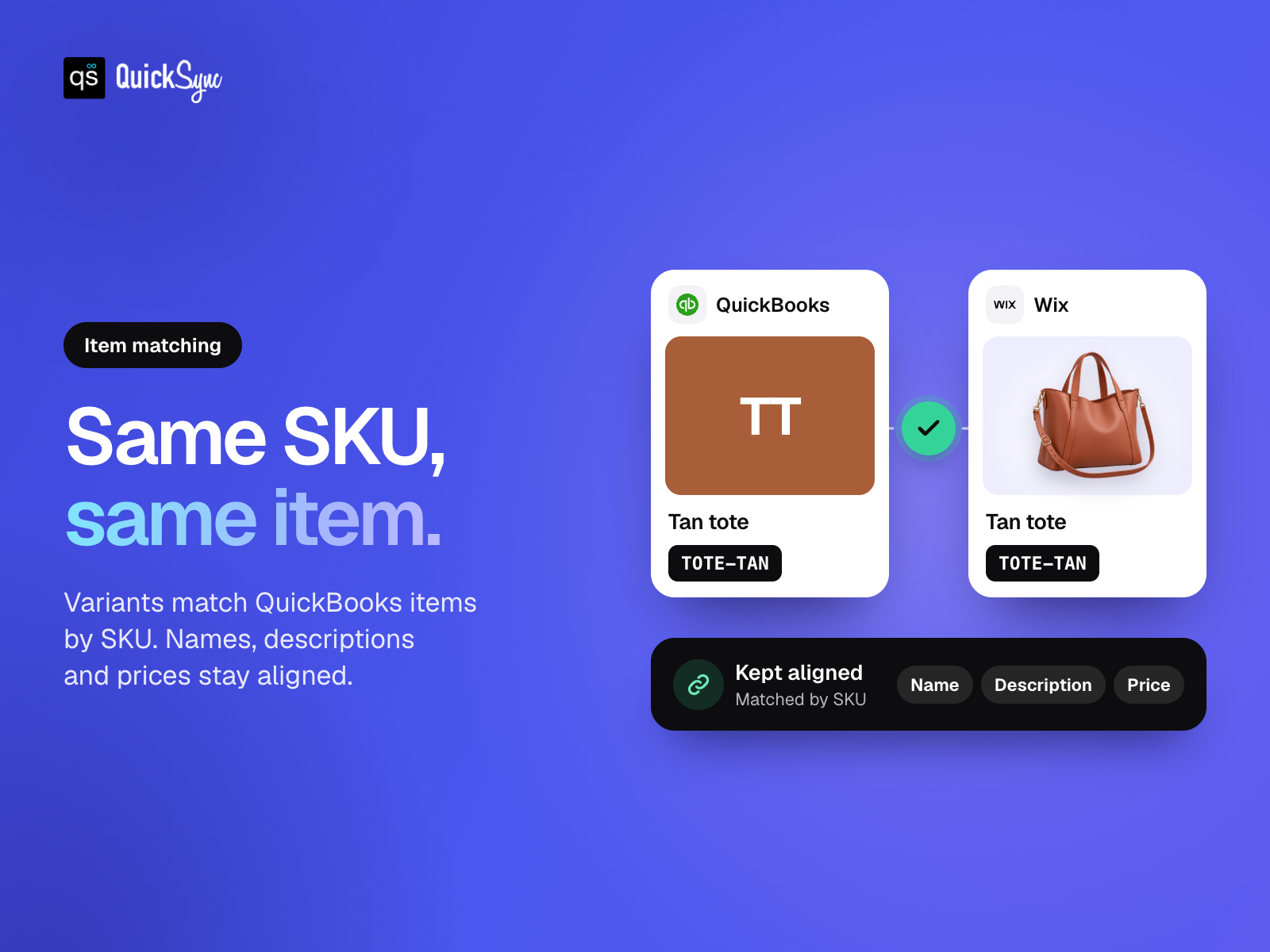
- Match your items. Link store variants to QuickBooks using their SKUs
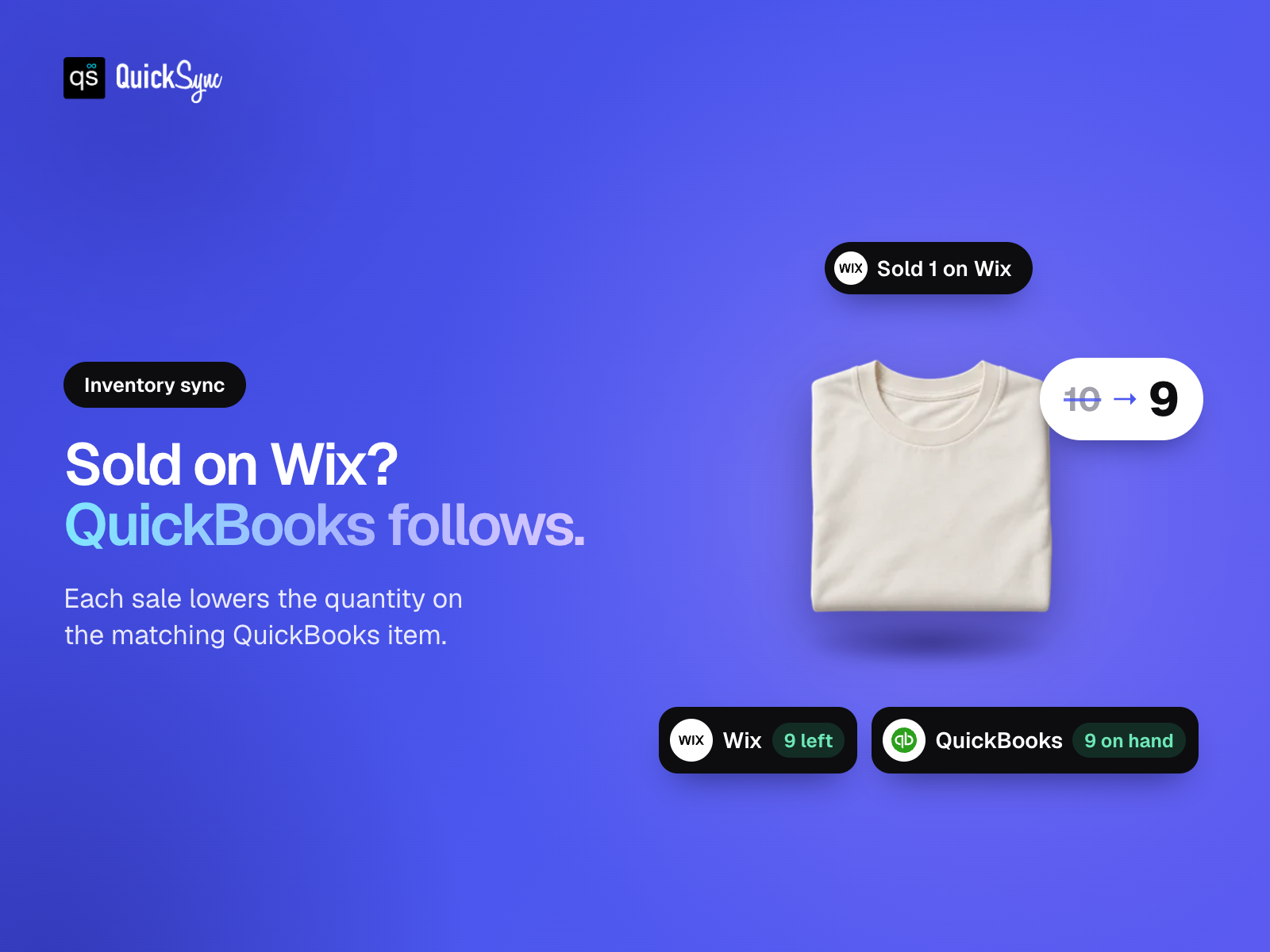
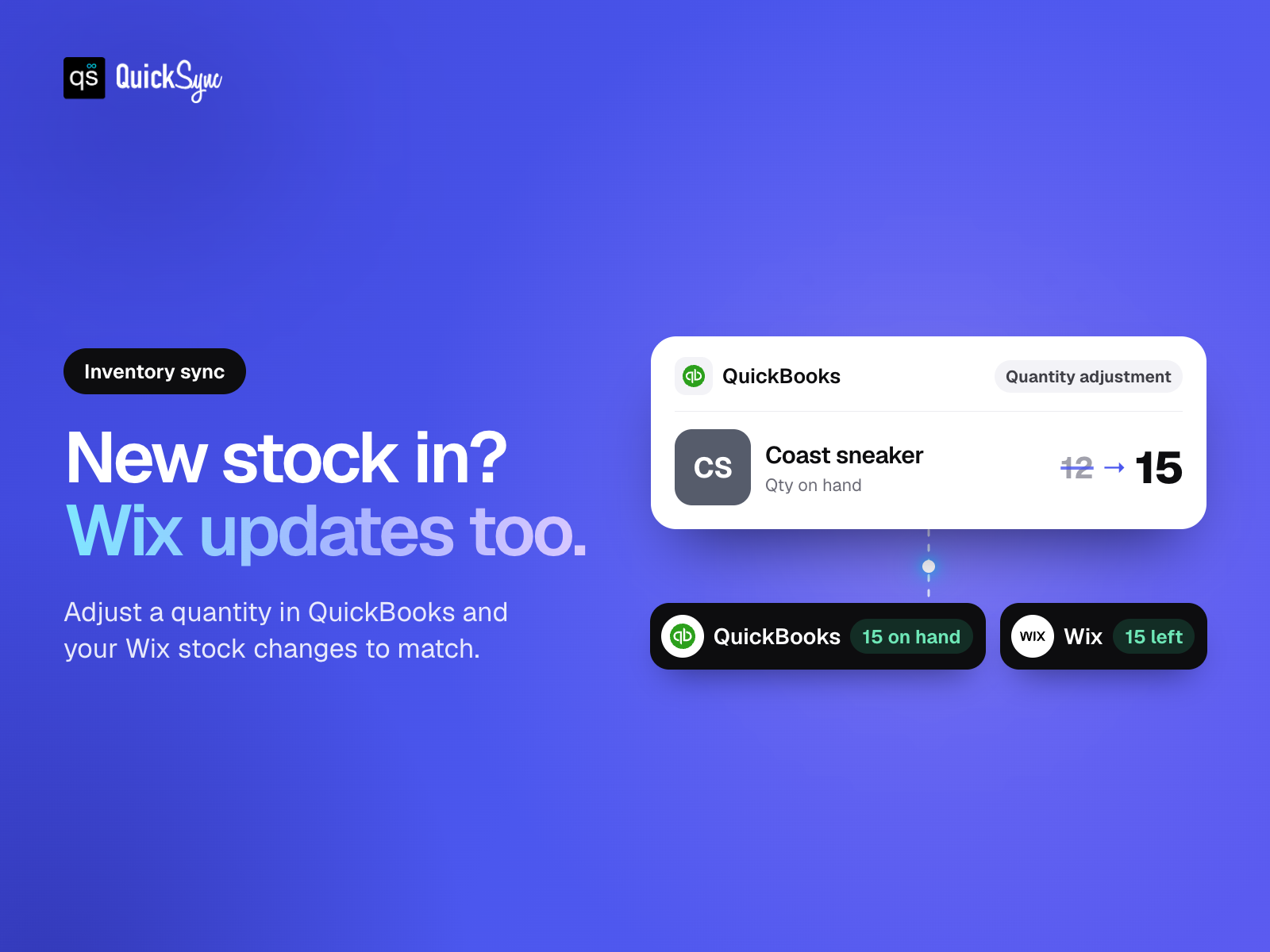
- Keep stock in sync. Update quantities for inventory-tracked QuickBooks items
- Update items once. Send supported details from your store to QuickBooks
- Choose what syncs. Select your products and review your item matches
Betyg och omdömen
Den här appen har inte fått några omdömen än. Bli den första att betygsätta den.Basic-paket
Gratis
Real-time inventory syncing
Standard support
Import & export products
Sync up to 100 items
Pro-paket
$
26
00
/månad
Everything in Lite
Product & order syncing
Sync up to 2.5K items
Priority support
Ultra-paket
$
62
00
/månad
Everything in Pro
Sync up to 10K items
Forex & price rules
Priority support
Ultra +-paket
$
89
00
/månad
Everything included in Ultra
Sync up to 20K items
Priority syncing performance
Dedicated priority support
* Priset är i USD.