

webshop
bokningar
evenemang
popup

QuickSync for Clover
från
Clover POS integration for inventory sync
Inga omdömen än
Gratis paket tillgängligt

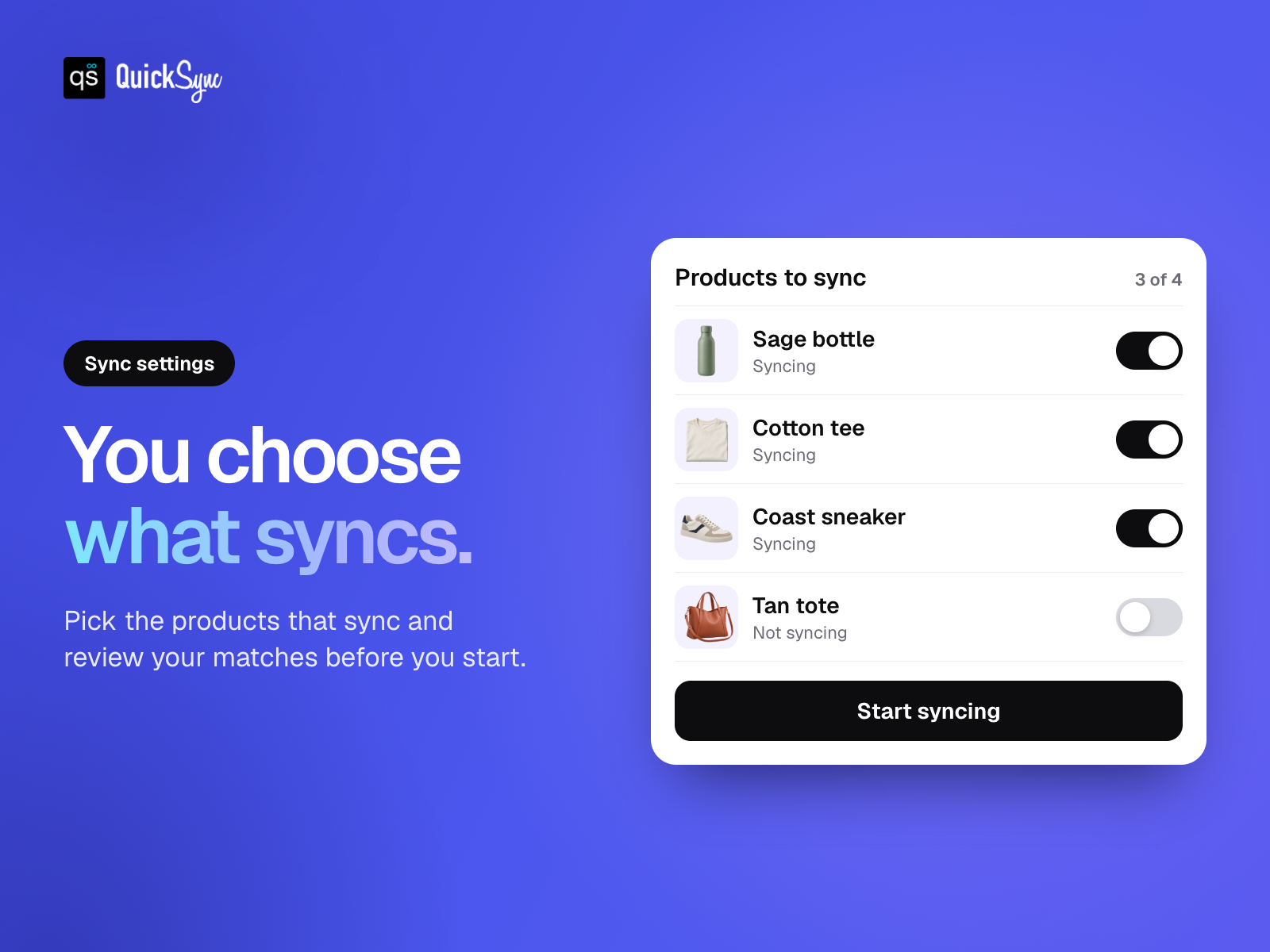
Översikt för QuickSync for Clover
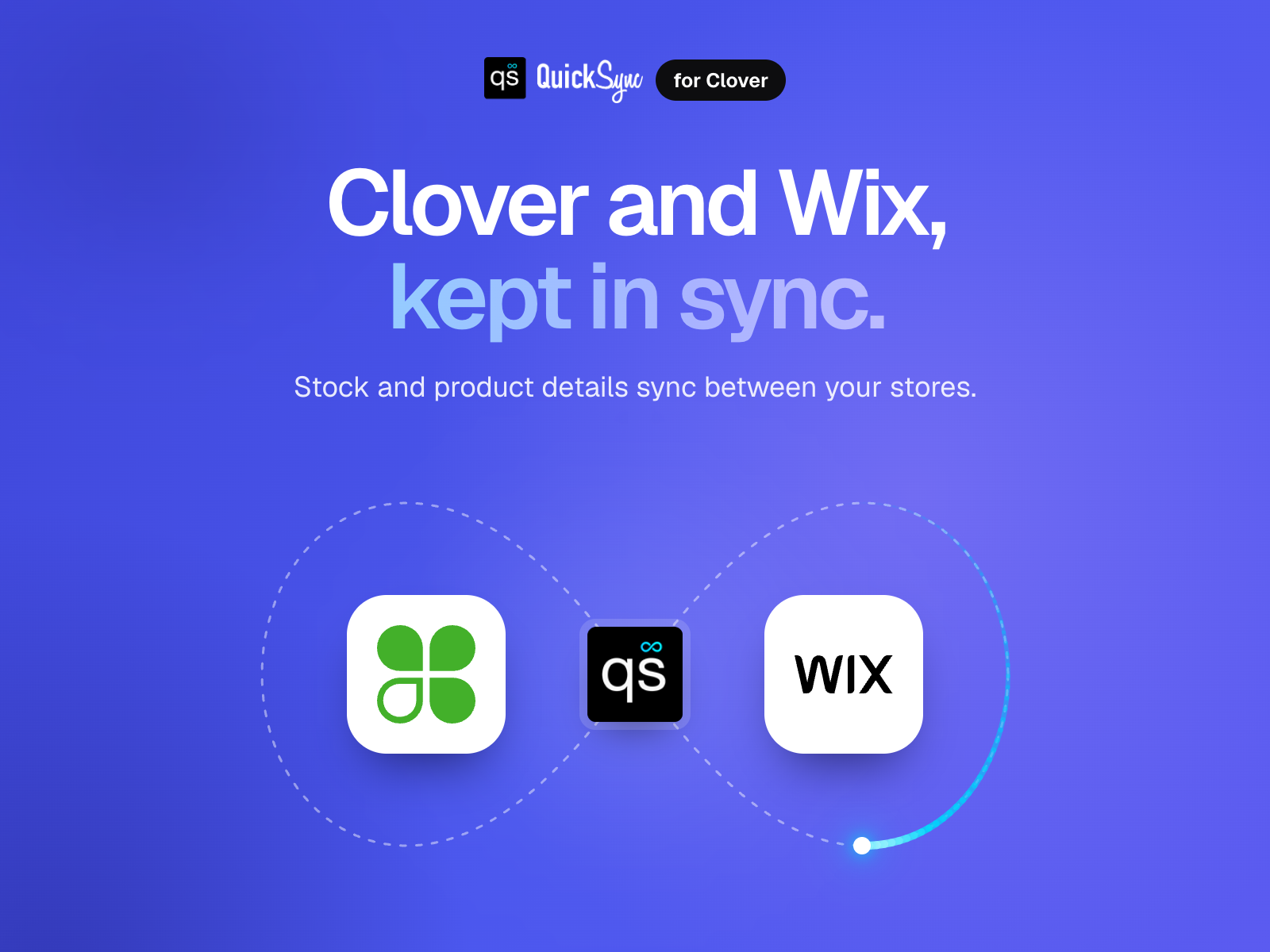
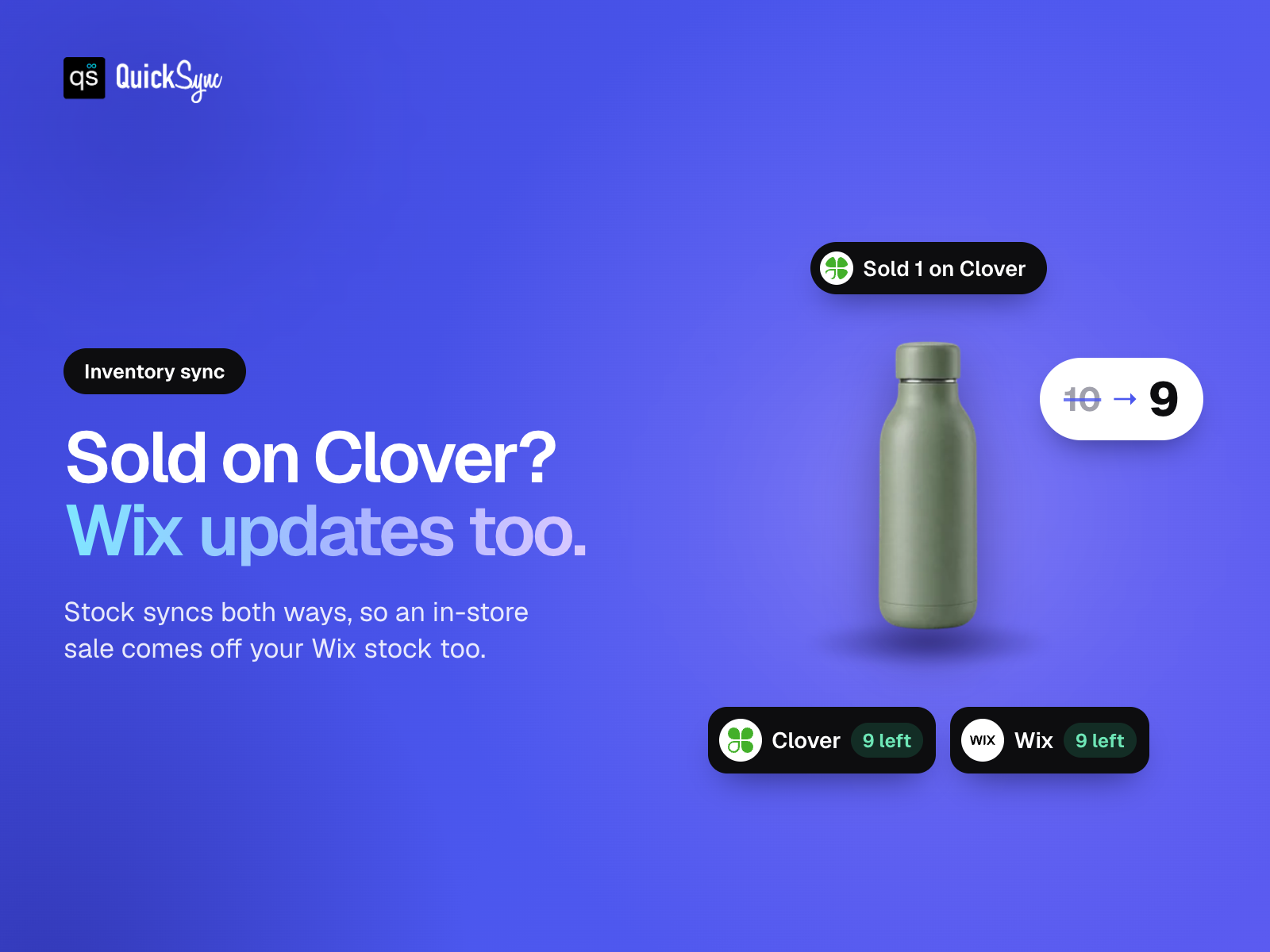
- Keep stock in sync. Connect Clover POS with your online store
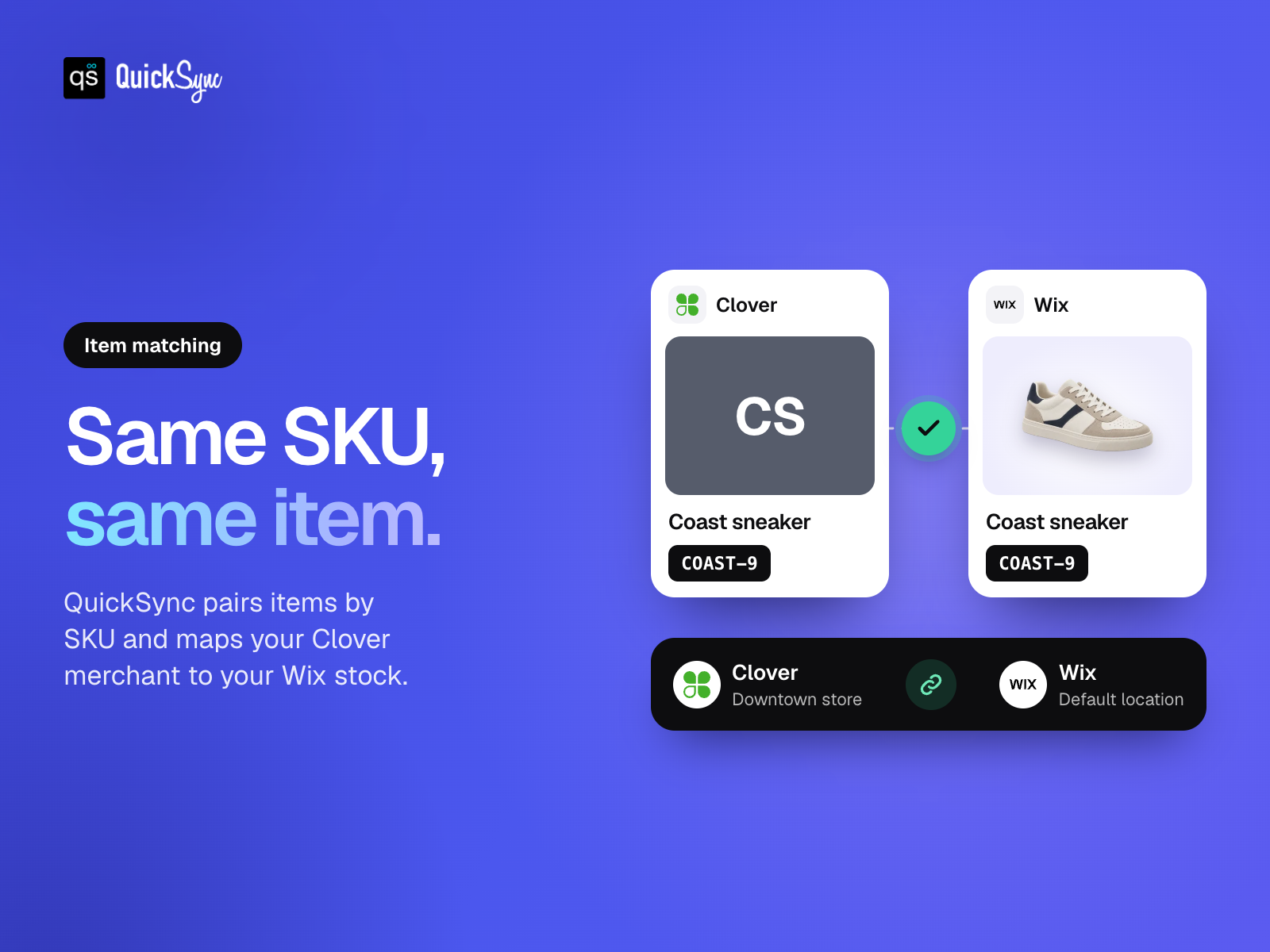
- Match your items. Link products and variants across stores by SKU
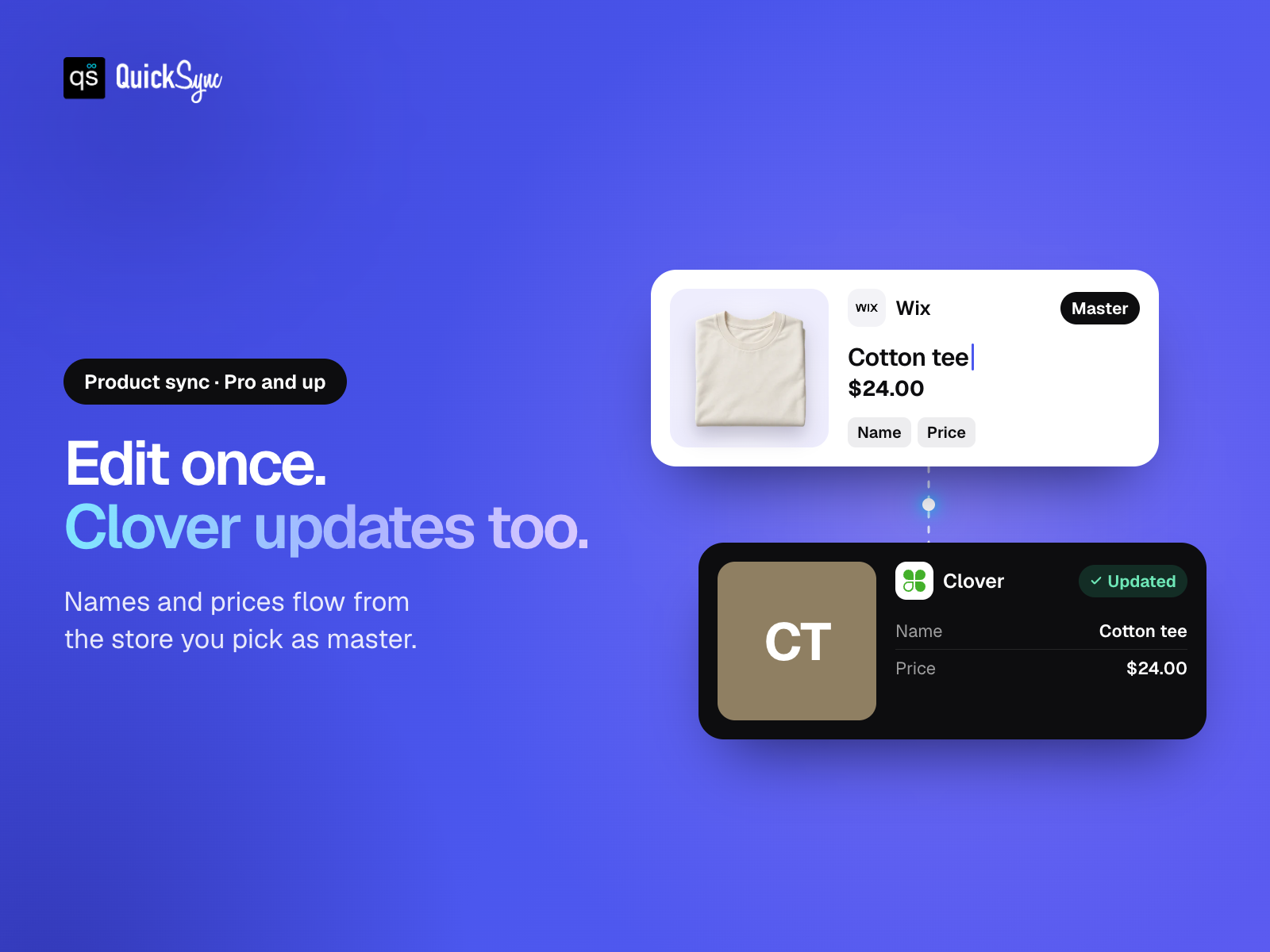
- Update products once. Copy supported names and prices from your source store
- Connect your locations. Link each Clover merchant to an online stock location
Tillgänglighet:
Den här appen är tillgänglig över hela världen.Språk i appen:
Engelska,
Franska,
Italienska,
Japanska,
Nederländska,
Portugisiska,
Spanska,
Tyska
Krav på hemsidan:
-
Betyg och omdömen
Den här appen har inte fått några omdömen än. Bli den första att betygsätta den.Basic-paket
Gratis
Inventory syncing
Up to 100 syncing variants
Choose which products sync
Standard support
Pro-paket
$
26
00
/månad
Product and inventory syncing
Up to 2,500 syncing variants
Choose your product master
Review product and location matches
Ultra Standard-paket
$
62
00
/månad
Everything in Pro
Up to 10,000 syncing variants
Choose which products sync
Review product and location matches
Ultra Plus-paket
$
89
00
/månad
Everything in Ultra Standard
Up to 20,000 syncing variants
Choose which products sync
Review product and location matches
* Priset är i USD.