

webshop
bokningar
evenemang
popup

Peacode Age Check
från
Age verification pop-up for 18+ and 21+ sites
Inga omdömen än
Gratis paket tillgängligt

Översikt för Peacode Age Check
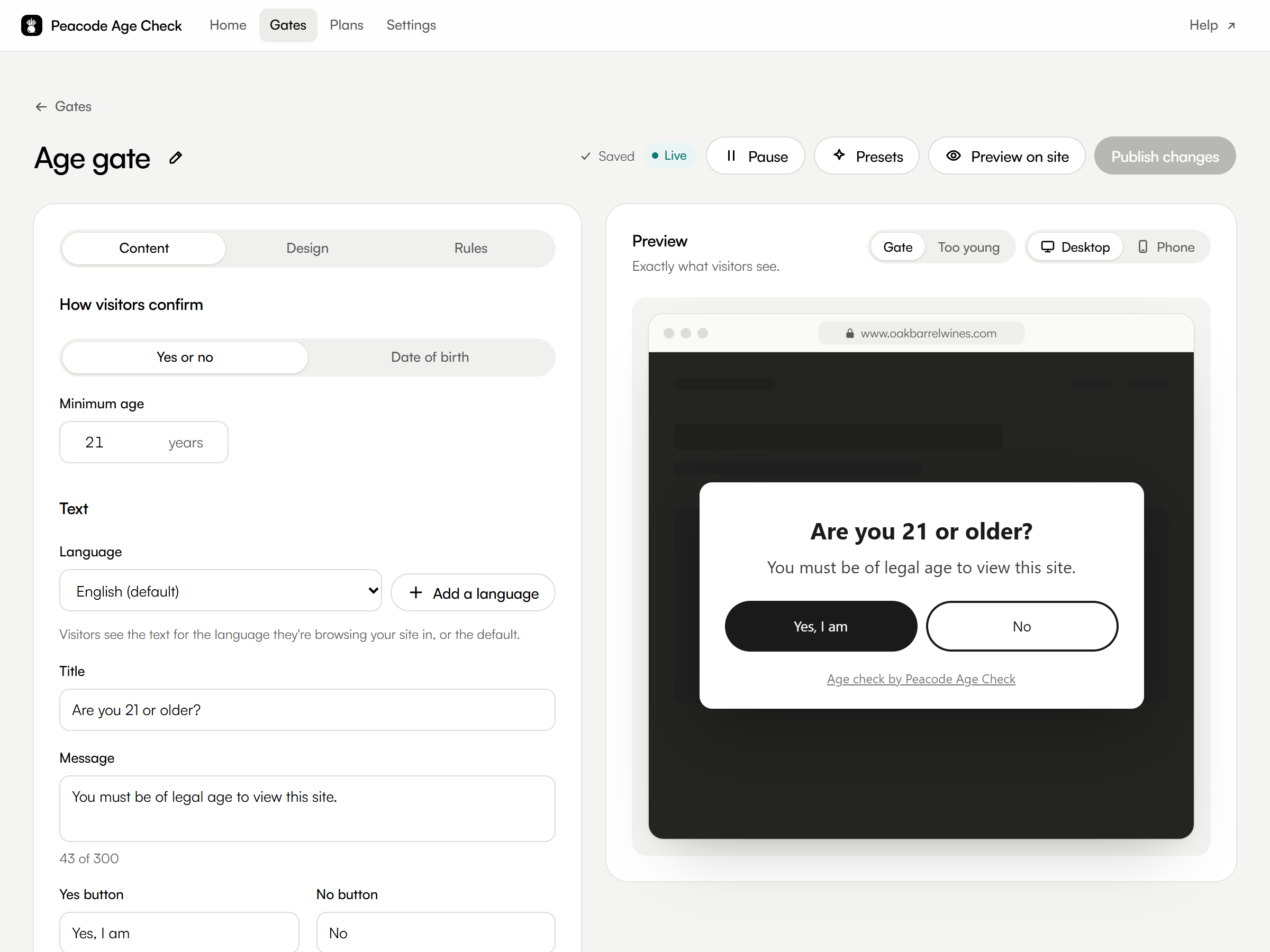
- Yes/no or date-of-birth check, in 9 languages
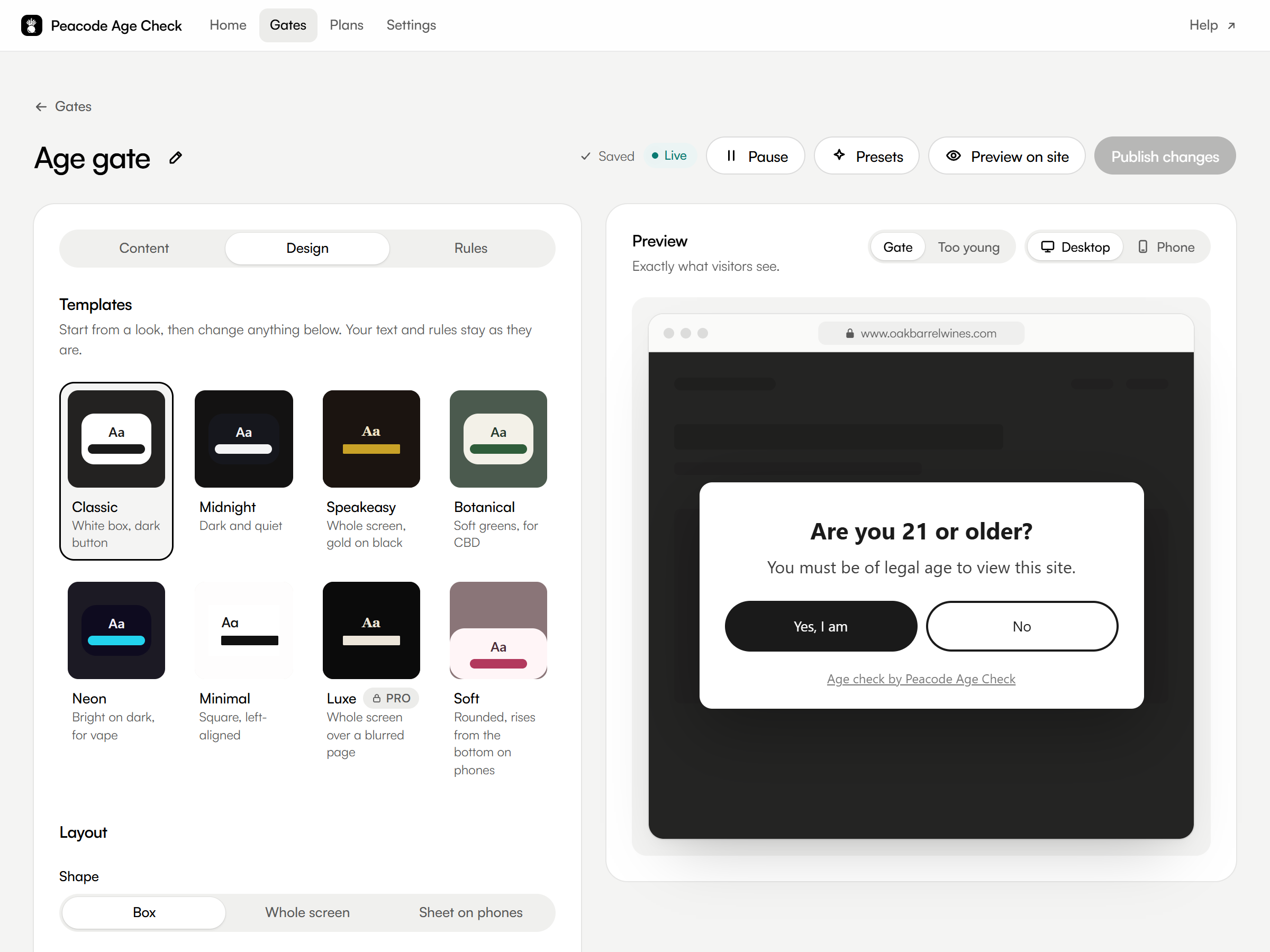
- Presets for alcohol, vape, CBD and adult sites
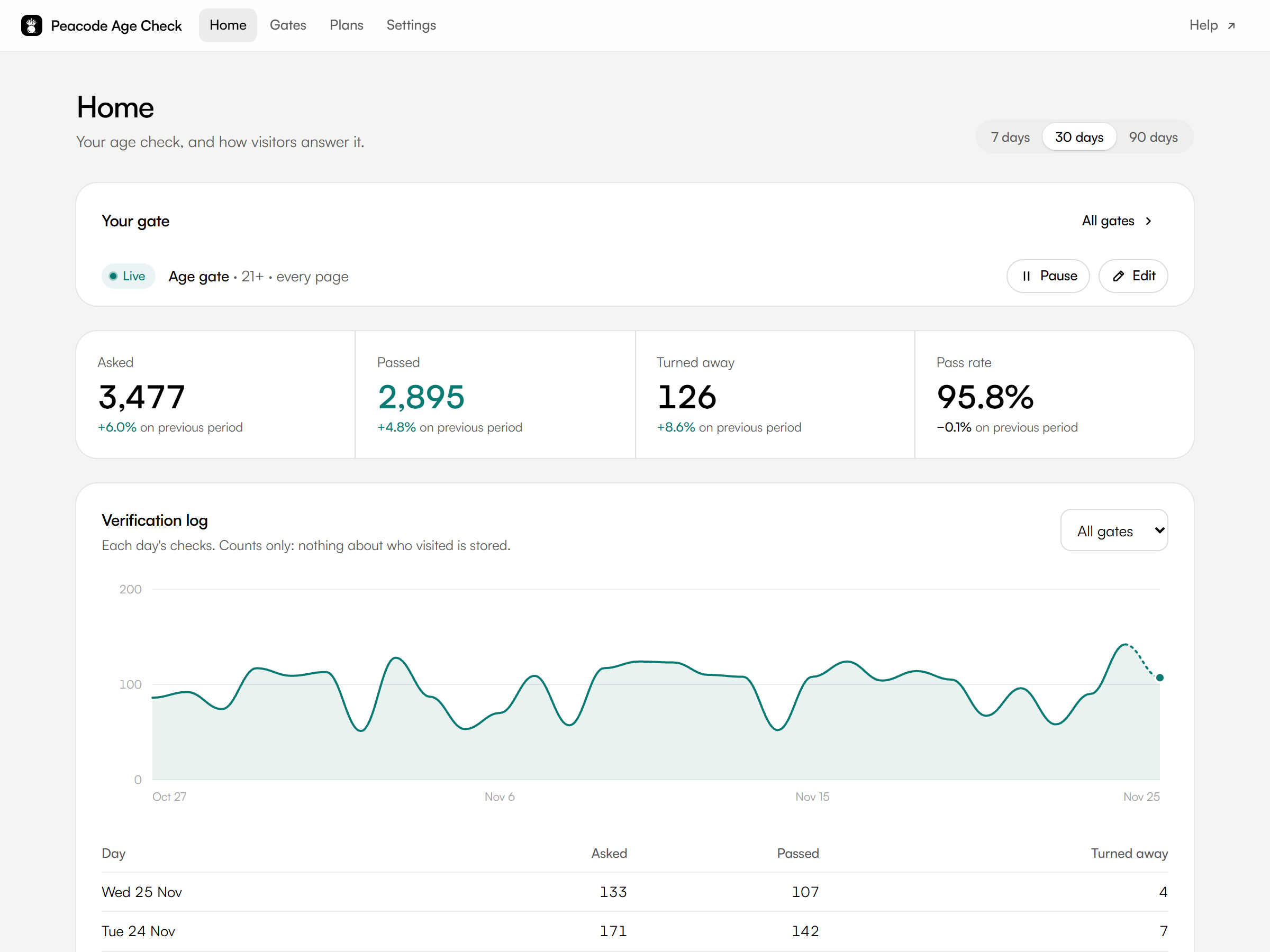
- Daily counts of visitors who passed or were turned away
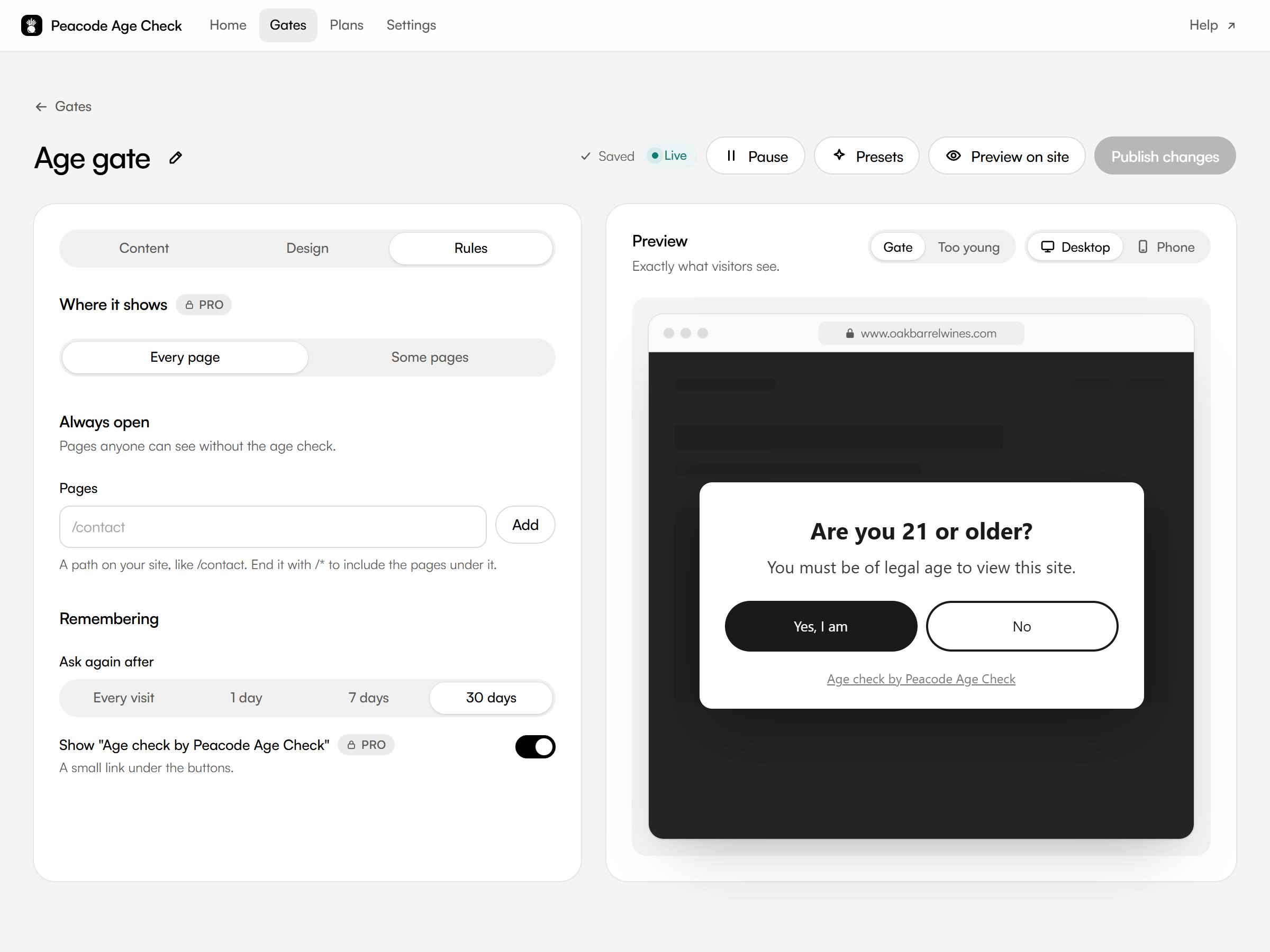
- Keep contact and policy pages open to everyone
Betyg och omdömen
Den här appen har inte fått några omdömen än. Bli den första att betygsätta den.Priser & paket
Basic-paket
Gratis
One gate on every page, any age
Yes/no or date-of-birth check
All templates and languages
Daily pass and fail counts
Pro-paket
$
4
08
/månad
Several gates, each with its own age
Gates on chosen pages only
Your logo and a blurred background
No Age Check link on the pop-up
* Priset är i USD.