

webshop
bokningar
evenemang
popup
MT: Stocktake, Count & History
från
Barcode scan stocktake · free up to 500 variants
Inga omdömen än
Gratis paket tillgängligt

Översikt för MT: Stocktake, Count & History
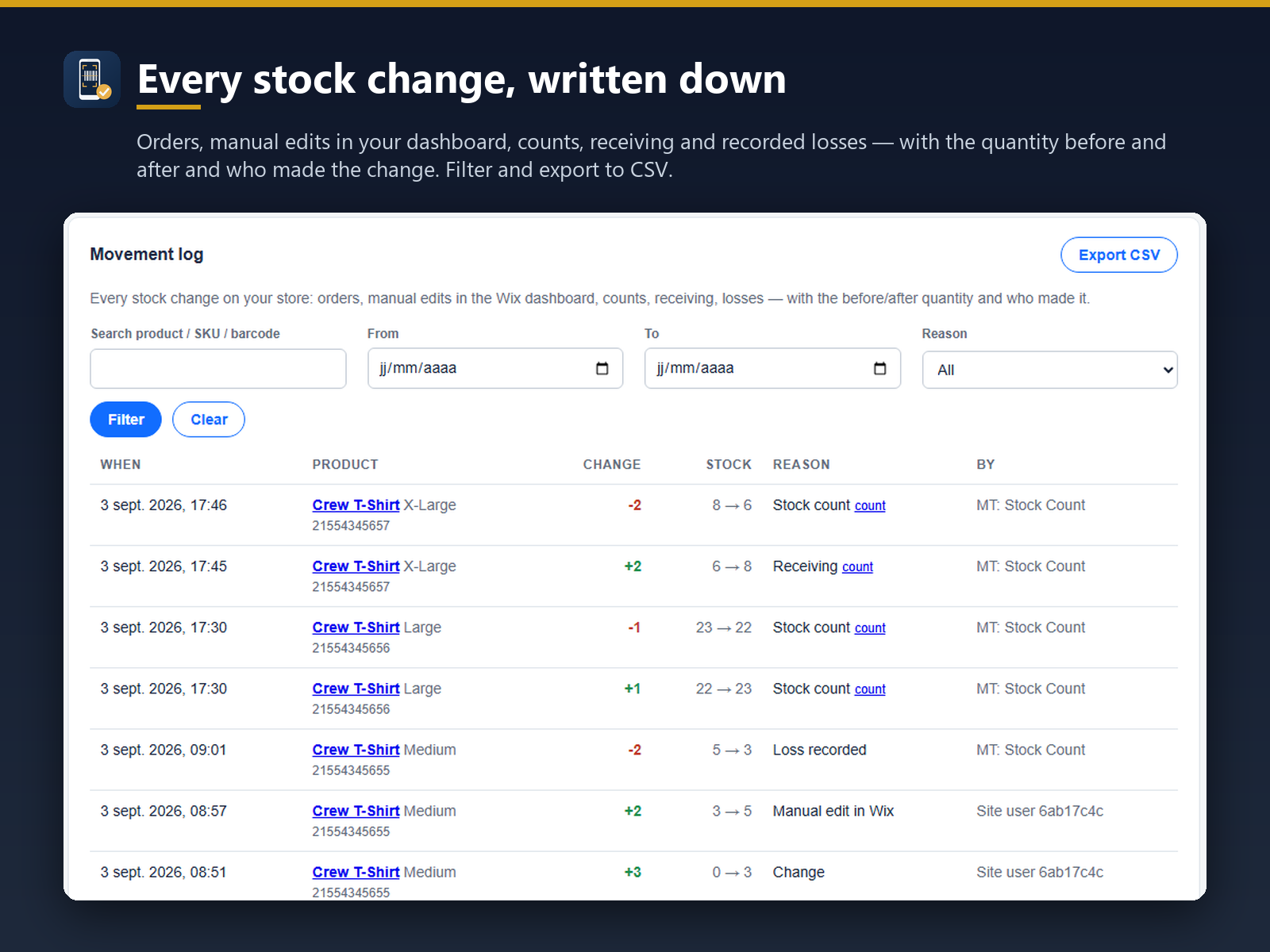
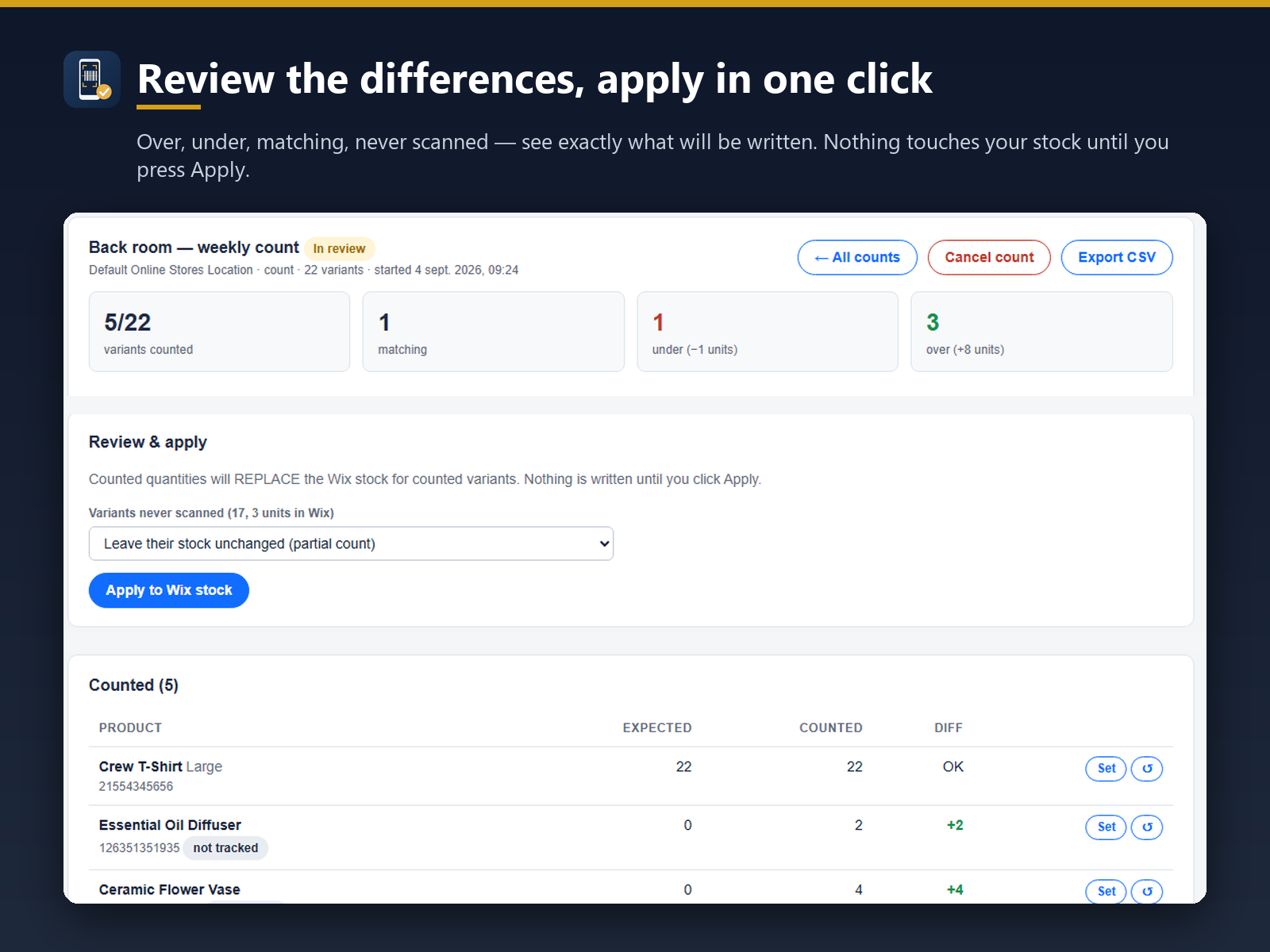
- Every stock change logged: orders, edits, counts, receiving
- Log filtered by product, date or reason, Excel/CSV export
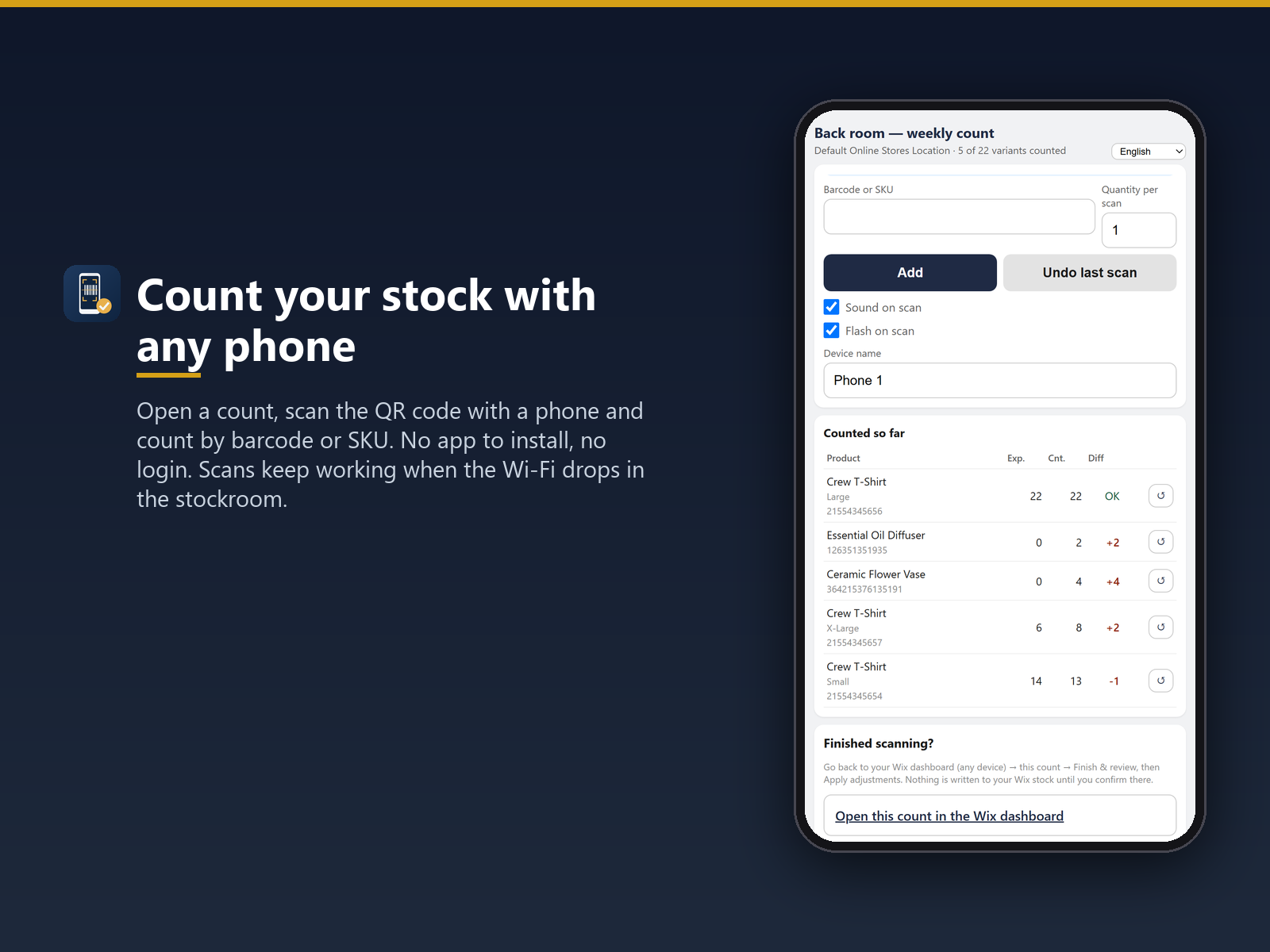
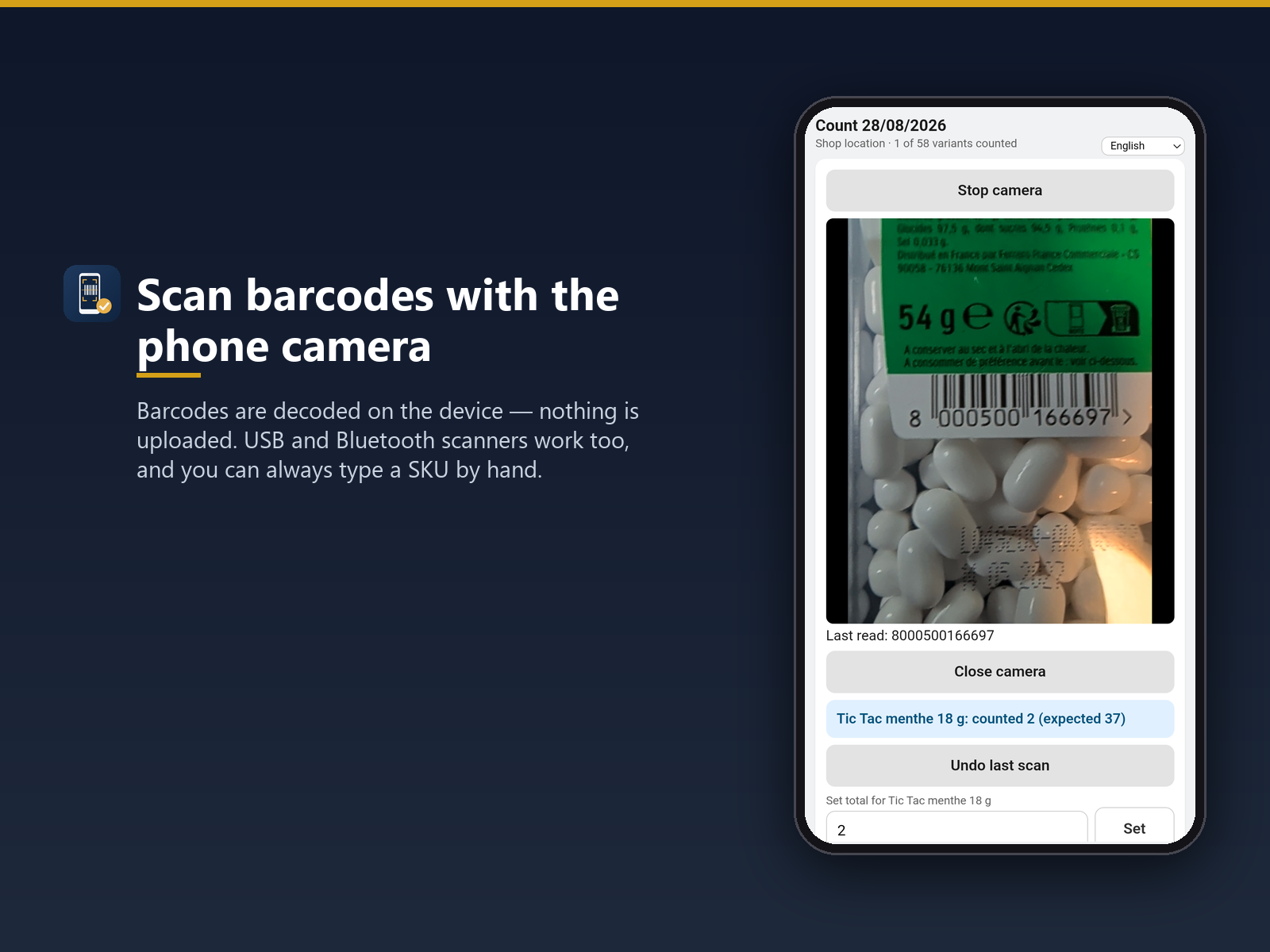
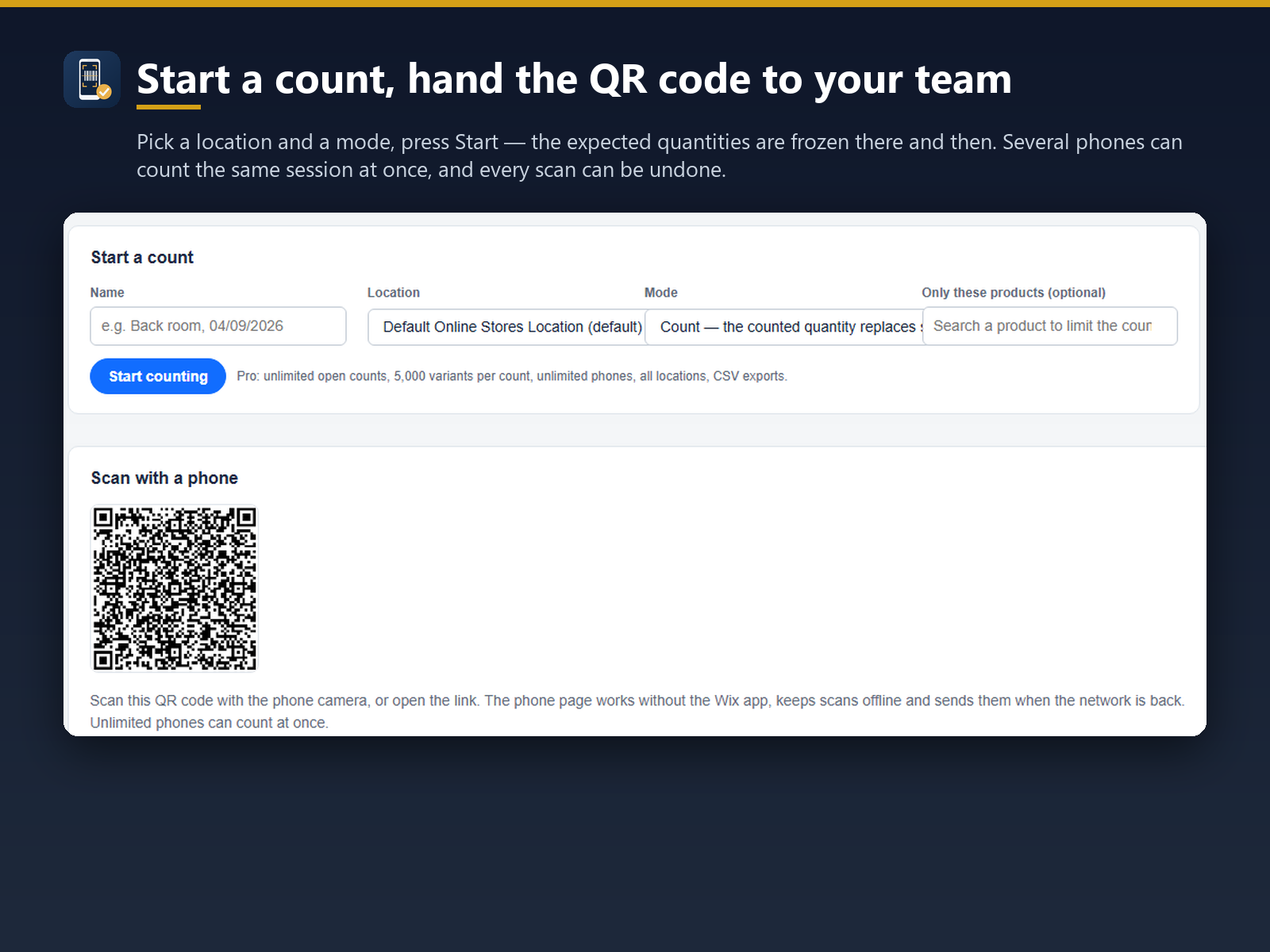
- Barcode or SKU counts from a phone, no extra hardware
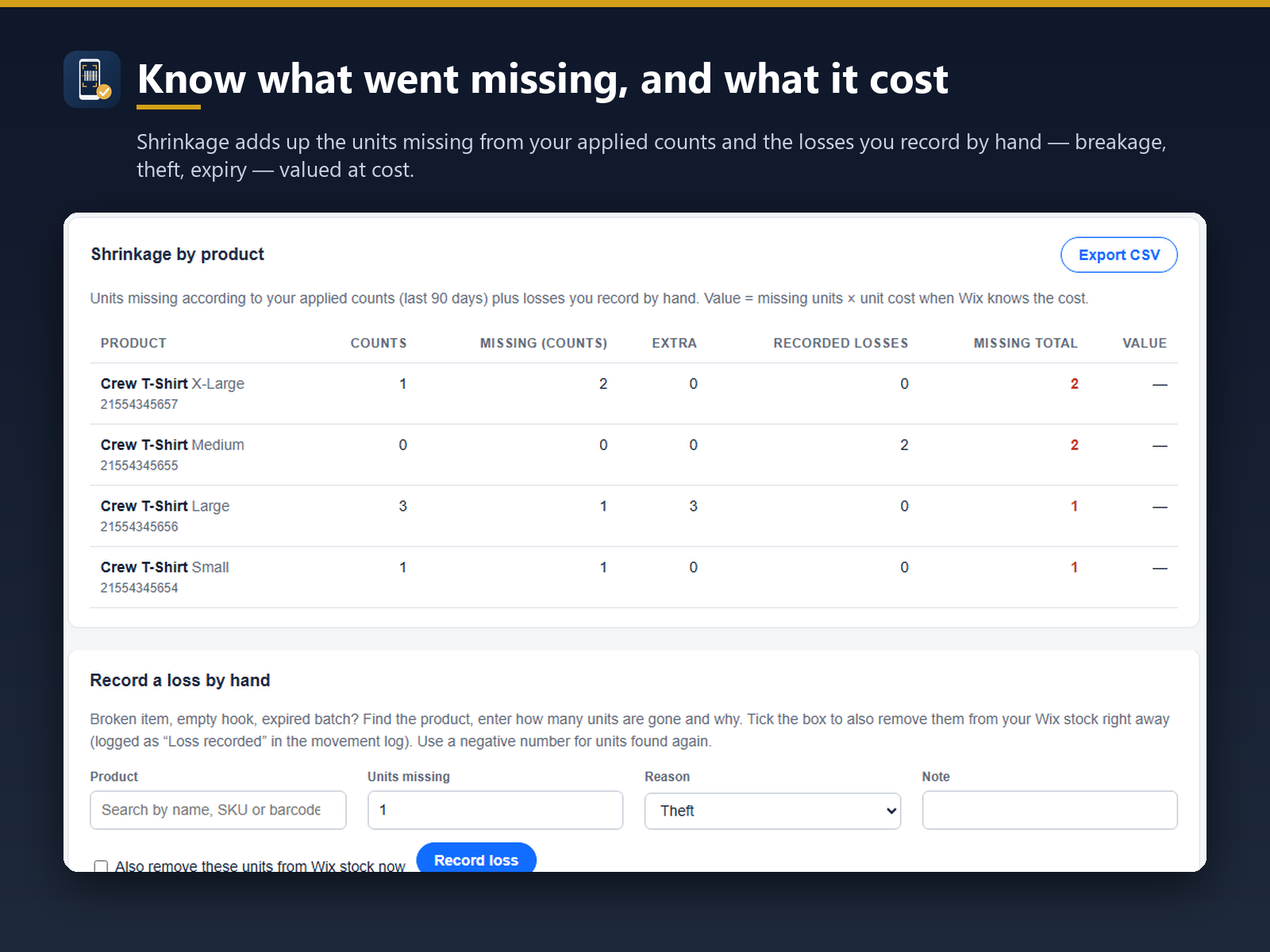
- Receiving by scan and shrinkage totals by product
Betyg och omdömen
Den här appen har inte fått några omdömen än. Bli den första att betygsätta den.Priser & paket
Basic-paket
Gratis
Barcode and SKU counting by phone
1 open count, up to 500 variants
30-day stock movement log
One phone, one location
Pro-paket
$
6
63
/månad
Unlimited counts, 5,000 variants
All locations, unlimited phones
Full stock movement log, no limit
Excel/CSV export of counts and journal
* Priset är i USD.