

webshop
bokningar
evenemang
popup
Ask in Aria
My Tickets
från
Keep customers happy. Manage tickets together
Inga omdömen än
7 dags gratis provperiod

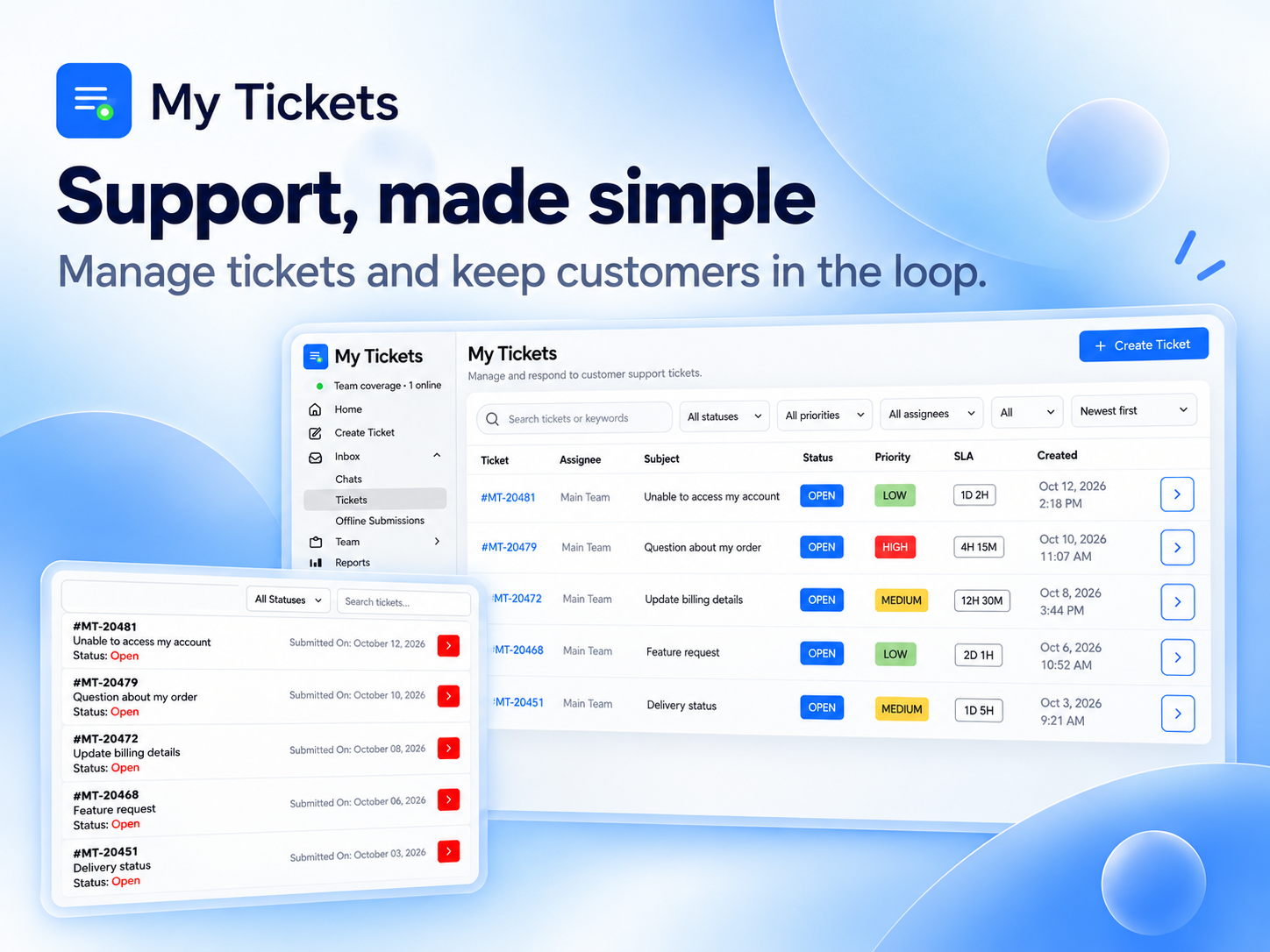
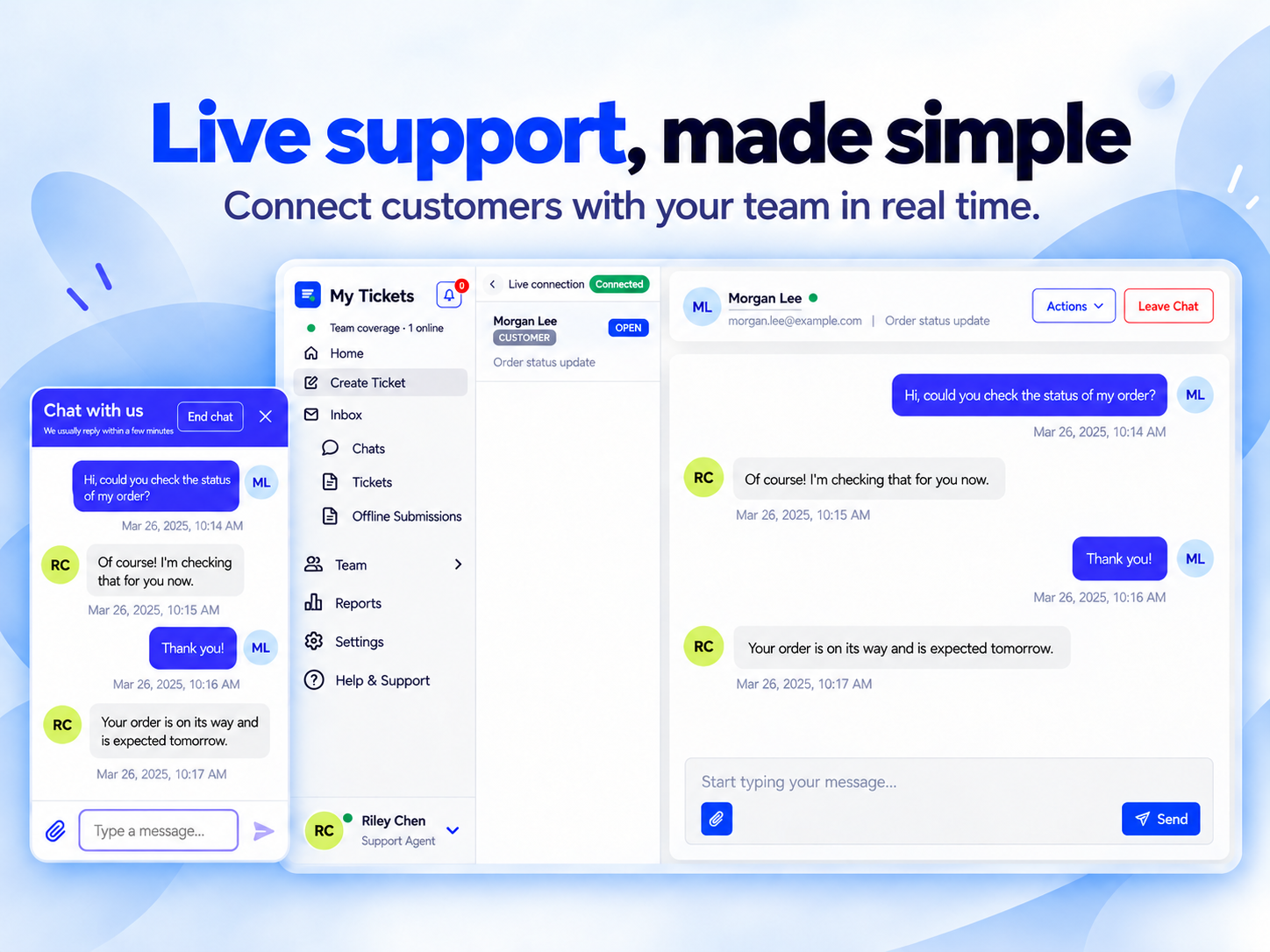
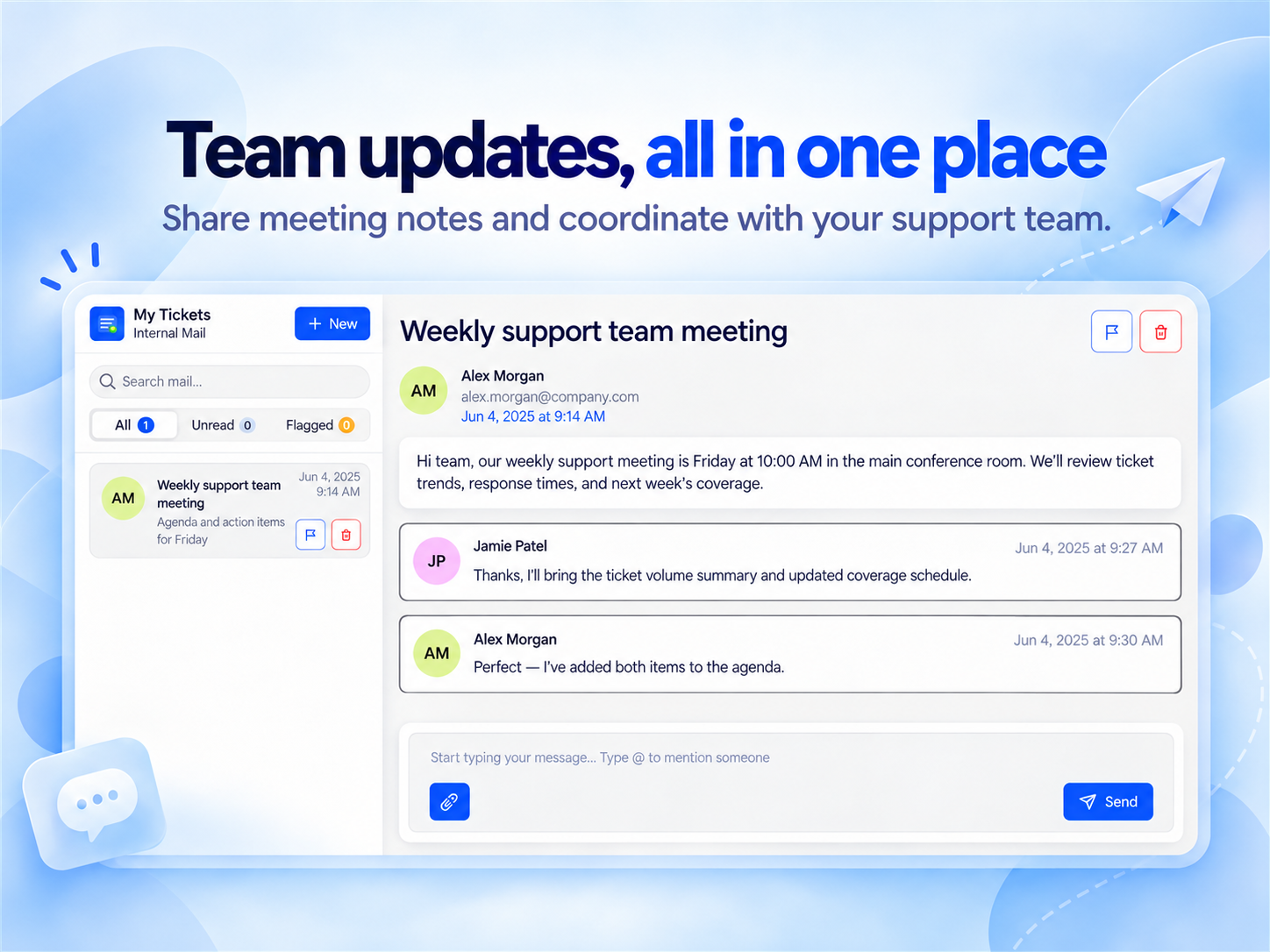
Översikt för My Tickets
- Live chat and ticket inbox
- Team support workflows
- Customer ticket hub
- Reports and service levels
Betyg och omdömen
Den här appen har inte fått några omdömen än. Bli den första att betygsätta den.Priser & paket
Den här appen erbjuder en 7 dagars gratis provperiodEssential-paket
$
6
99
/månad
Up to 1 Agent
Up to 1 Team
50 New Tickets/Month
100 Chat Conversations/Month
Team-paket
$
10
99
/månad
Up to 5 Agent
Up to 5 Team
150 New Tickets/Month
250 Chat Conversations/Month
Advanced-paket
$
13
99
/månad
Unlimited Agents
Unlimited Teams
Unlimited New Tickets/Month
Unlimited Chat Conversations/Month
* Priset är i USD.