Floating scroll-to-top button that auto-shows as visitors scroll down
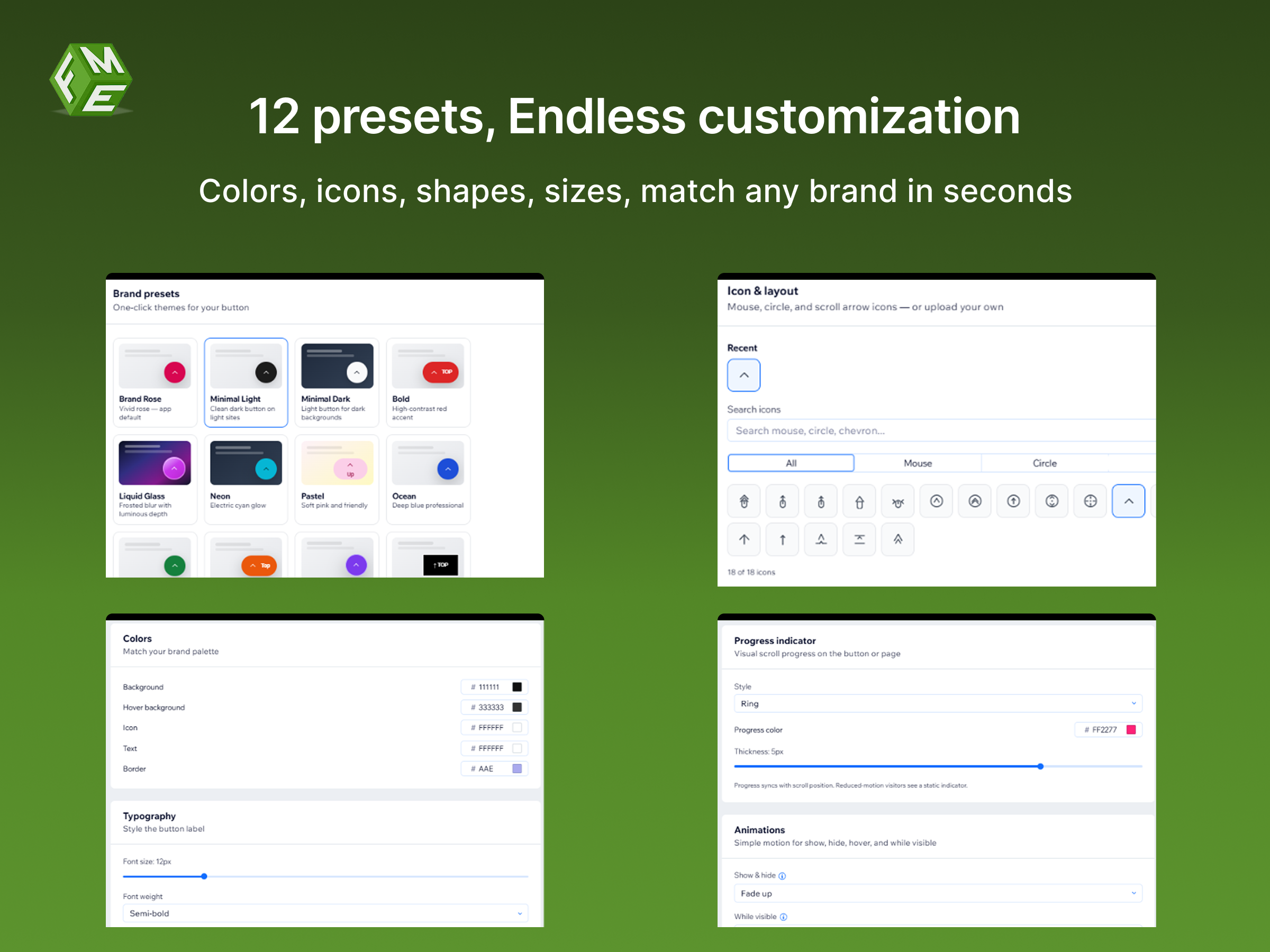
12 design presets with custom colors, icons, shapes, and sizes
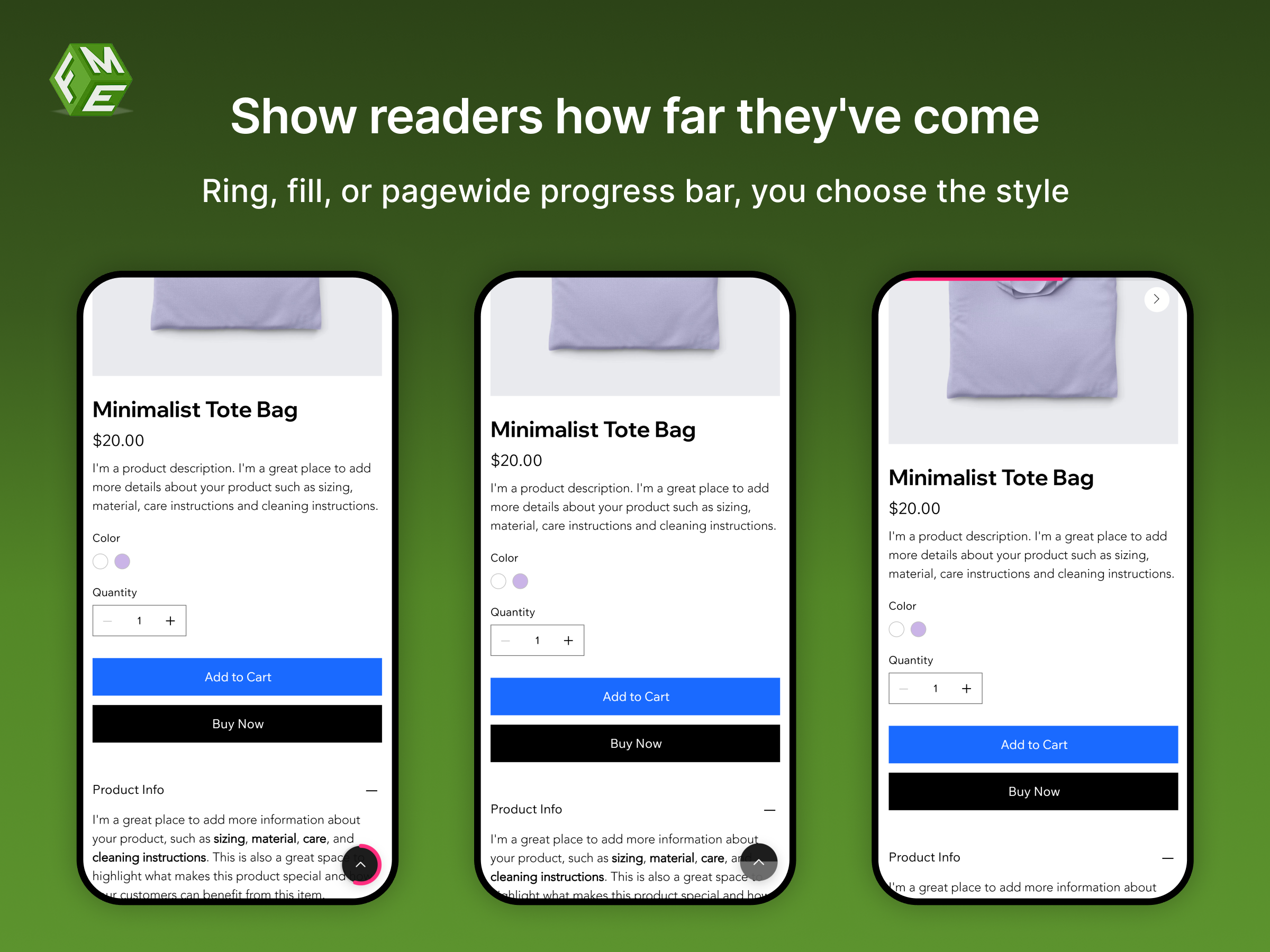
Progress indicators — ring/fill on the button or a pagewide top bar
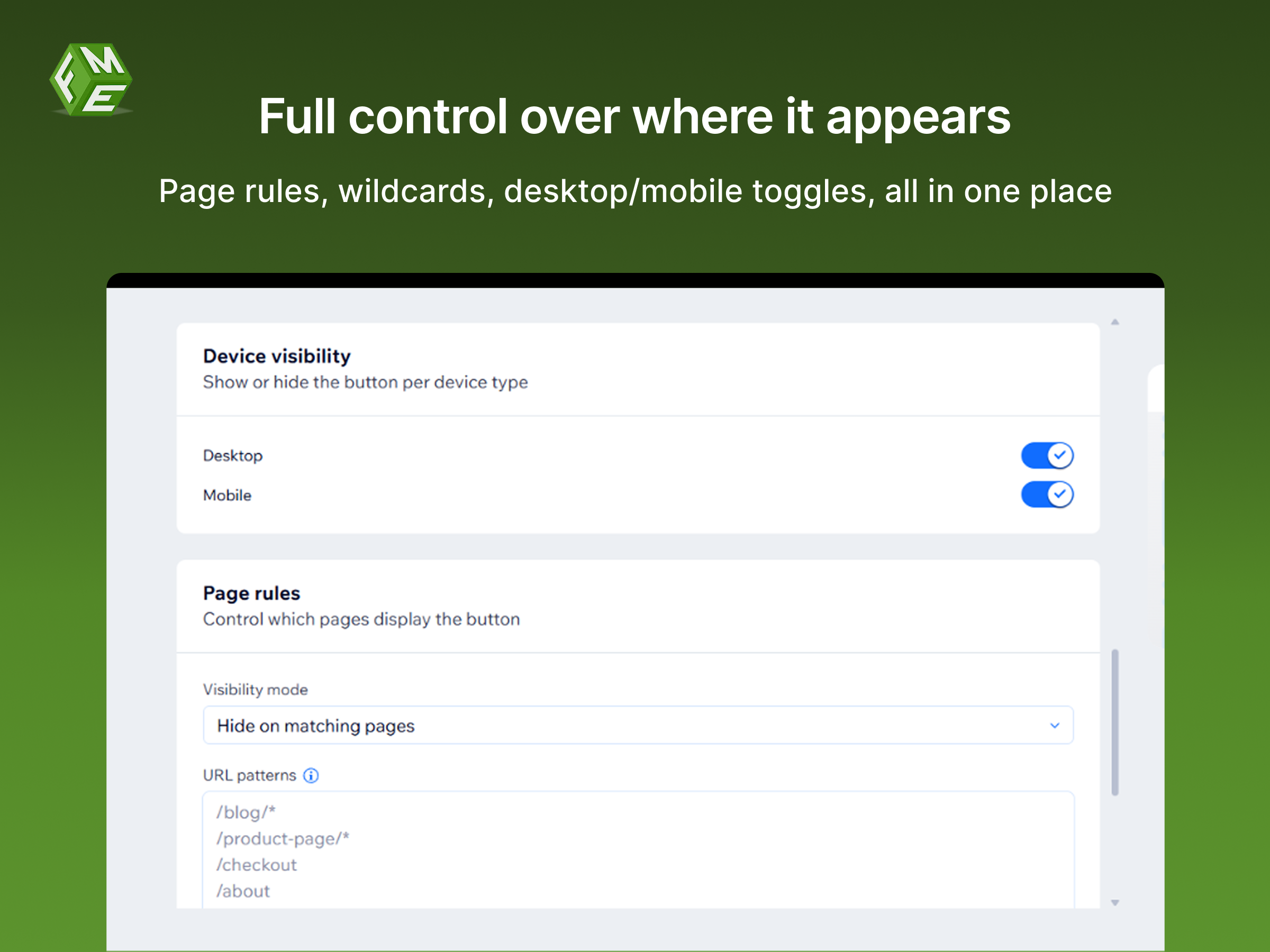
Smart page rules, animations, and live desktop & mobile preview
Fancy Scroll Button adds a polished, fully customizable scroll-to-top button to your site, completely free.
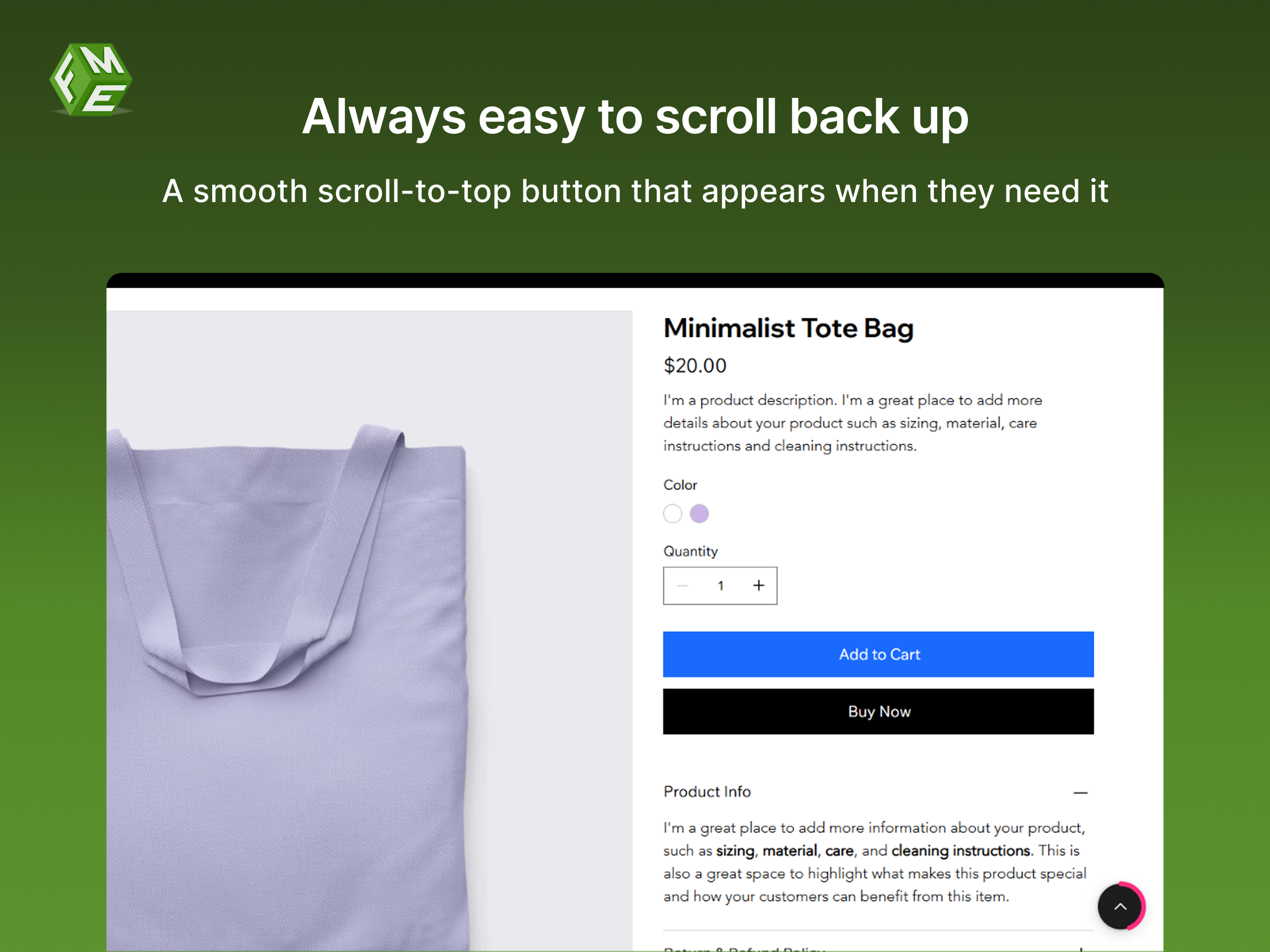
The button appears automatically when visitors scroll down and hides near the top, keeping your site clean and easy to navigate.
Choose from 12 ready-made presets, Brand Rose, Minimal, Bold, Liquid Glass, Neon, Pastel, Ocean, and more, or build your own look with custom colors, icons, shapes (circle, rounded square, pill, square), and sizes (S–XL). Upload your own icon or pick from the built-in library. Control text, typography, shadows, borders, and opacity.
Add a ring or fill progress indicator around the button, or display a pagewide progress bar at the top of the page, with or without the floating button.
Fade, scale, or slide the button in and out. Add hover effects (lift, rotate icon) and a gentle float or pulse while visible. All effects respect reduced-motion preferences.
Position the button bottom-left, right, or center. Set page-specific visibility rules with URL wildcards, toggle desktop and mobile separately, and auto-avoid chat widgets.
See exactly how your button looks on desktop and mobile before publishing, no surprises.