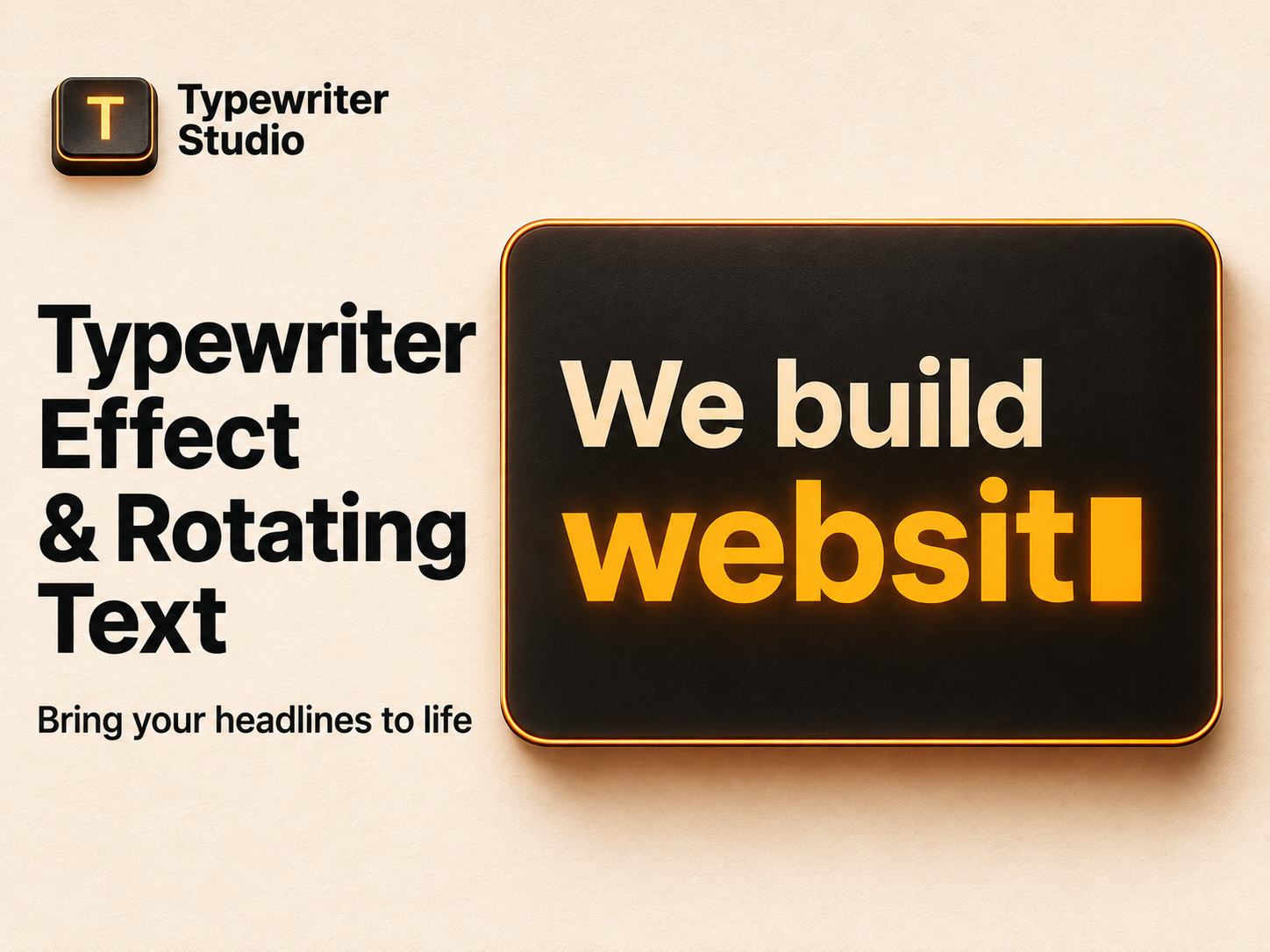
Create animated headlines with a typewriter effect or swap words within a headline
Animate letters, words, or whole phrases, or reveal stacked lines one at a time
Control the pace, loop phrases, and start on page load, in view, on click, or on hover
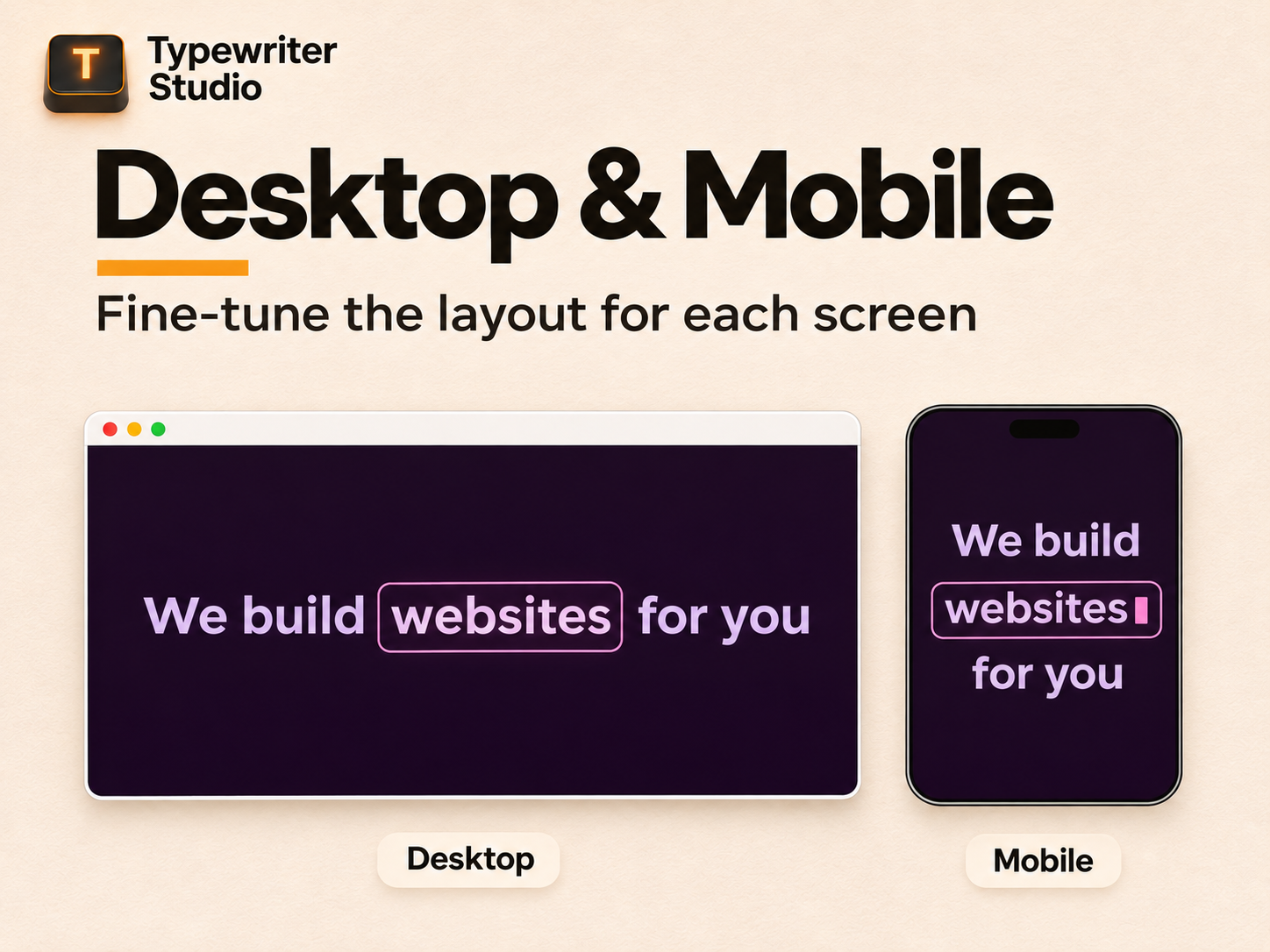
Customize presets, fonts, cursors, and layouts for desktop and mobile
Create animated text for your site with Typewriter Studio. Add a typewriter effect to a headline, use rotating text to swap words in a sentence, or reveal a message one line at a time. Highlight an offer, showcase your services, or add a short intro to your portfolio.
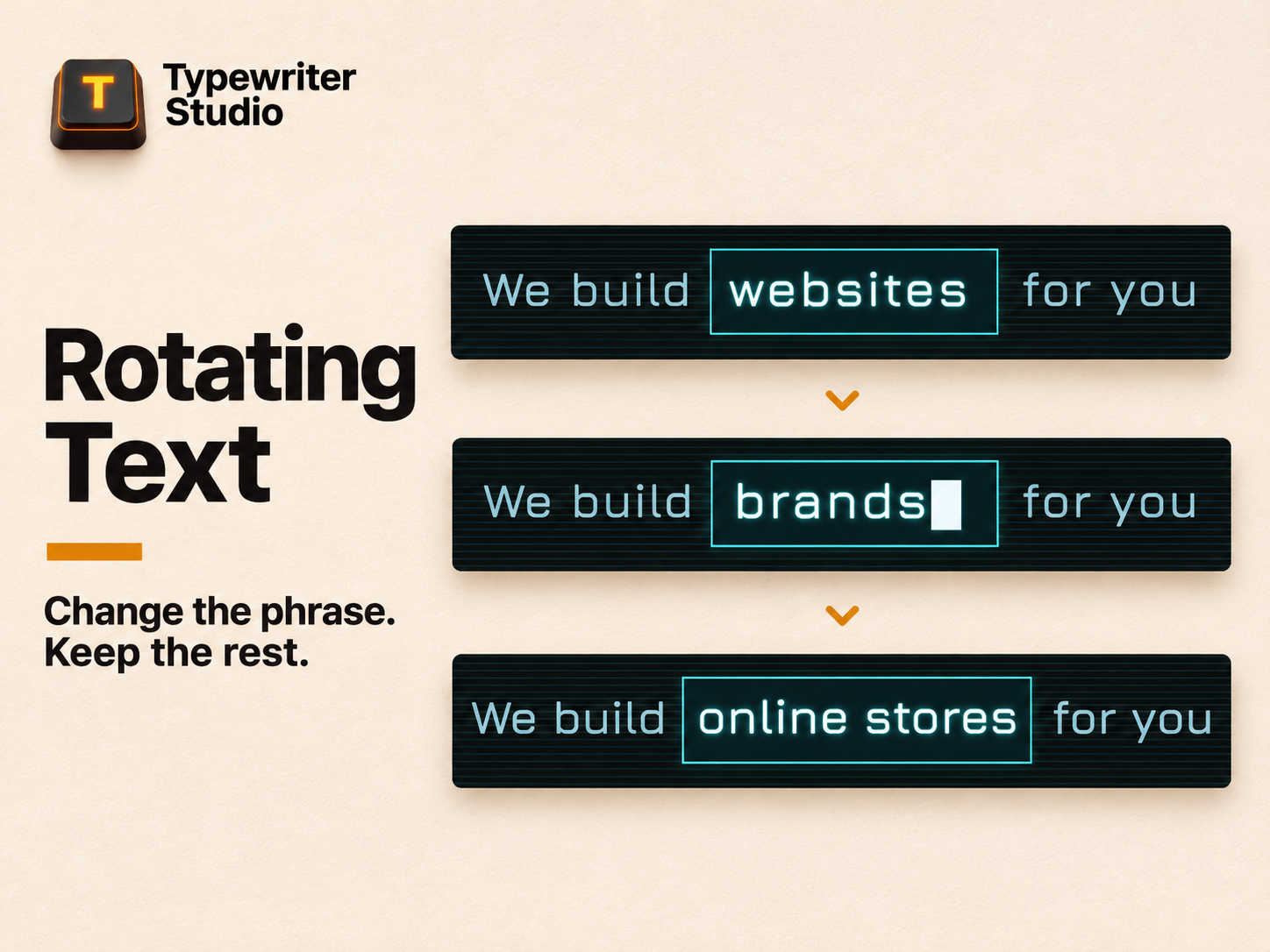
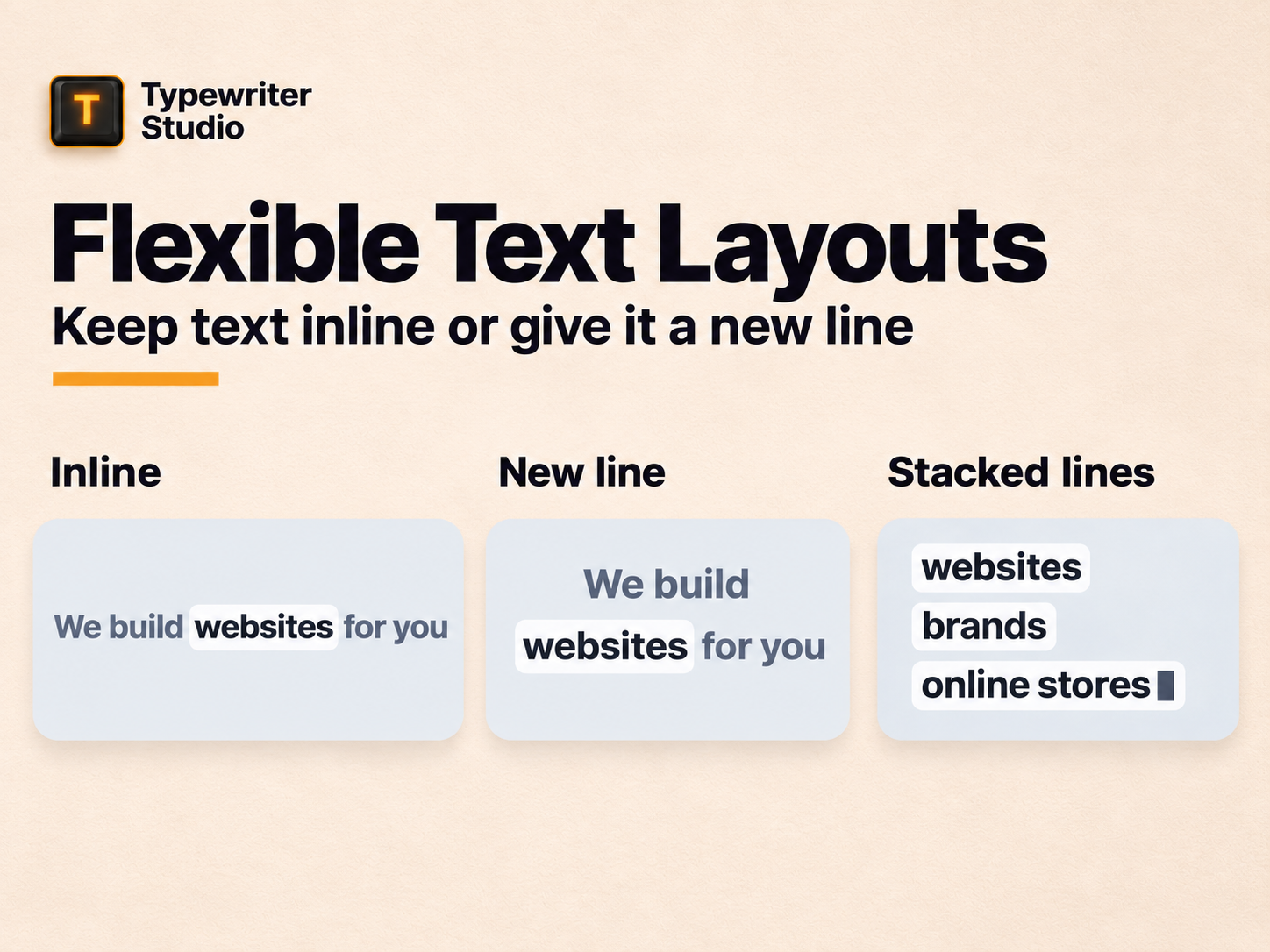
Animate letters, words, or whole phrases. Type out one headline, cycle through phrases, or keep part of a sentence in place while the rest changes. In Stacked Lines mode, each new line appears below the previous one. Drag phrases to reorder them.
Choose a natural typing rhythm or a visual effect like Reveal. Play the sequence once or loop it, and start it on page load, when the text comes into view, or when visitors click or hover.
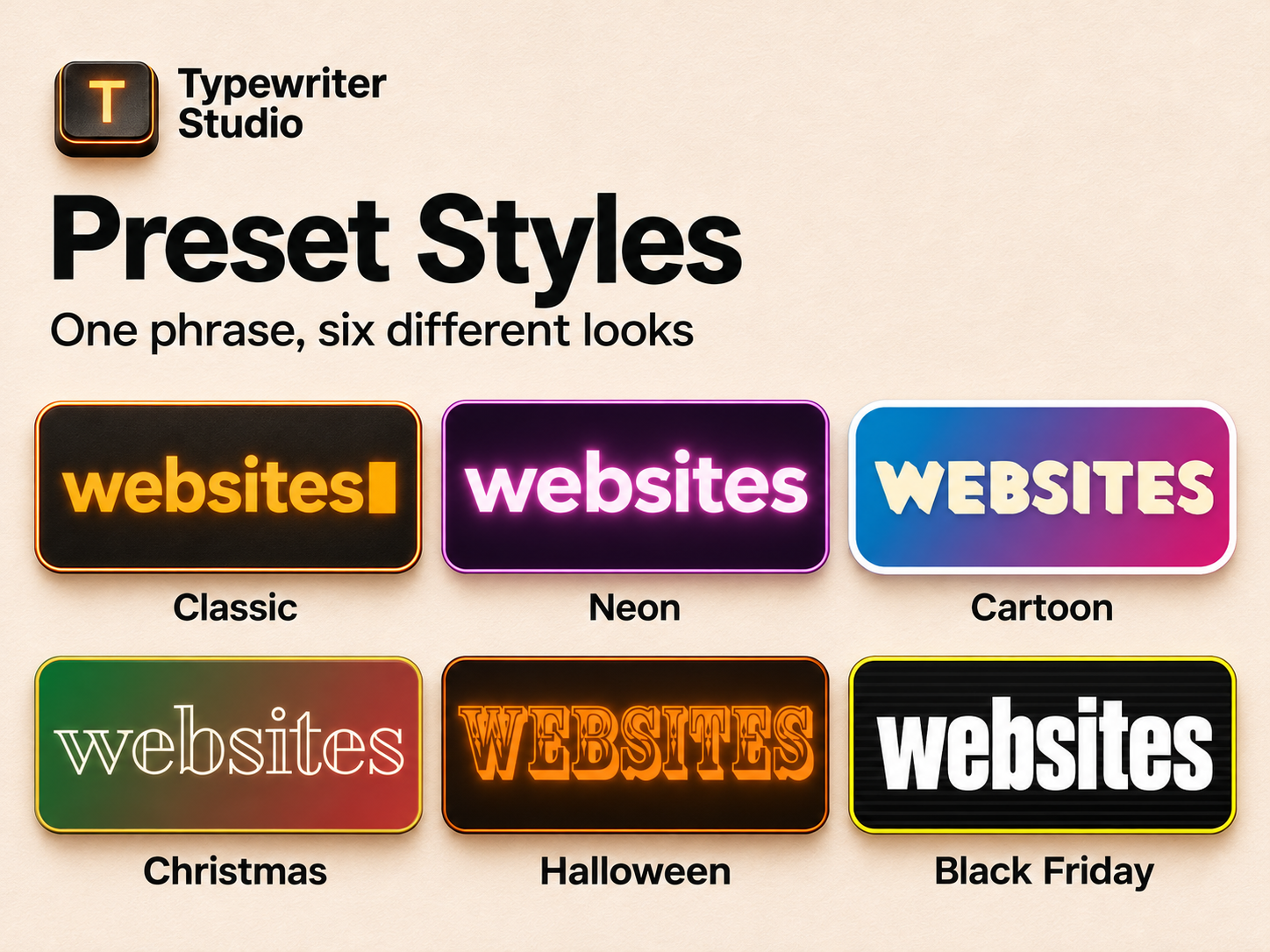
Pick a design preset, from clean and minimal to neon or seasonal. Customize fonts, colors, cursors, glow, and backgrounds without changing your text or timing. Set text size, alignment, and spacing separately for desktop and mobile.
Visitors who prefer reduced motion see a static version. You can also write a custom message for that view.