

webshop
bokningar
evenemang
popup
Sponsor Wall: Sponsor Logos
från
Tiered sponsor logos with links and click counts
Inga omdömen än
Gratis paket tillgängligt

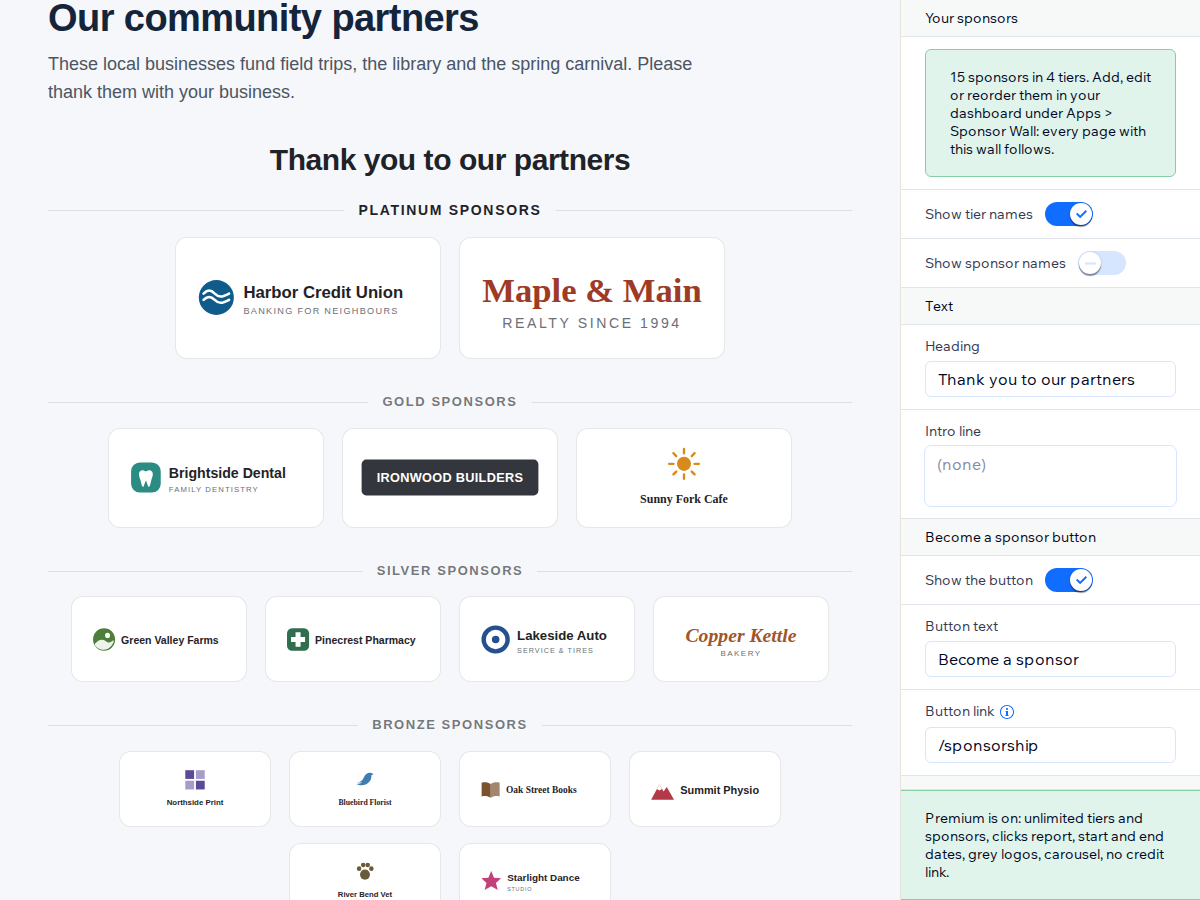
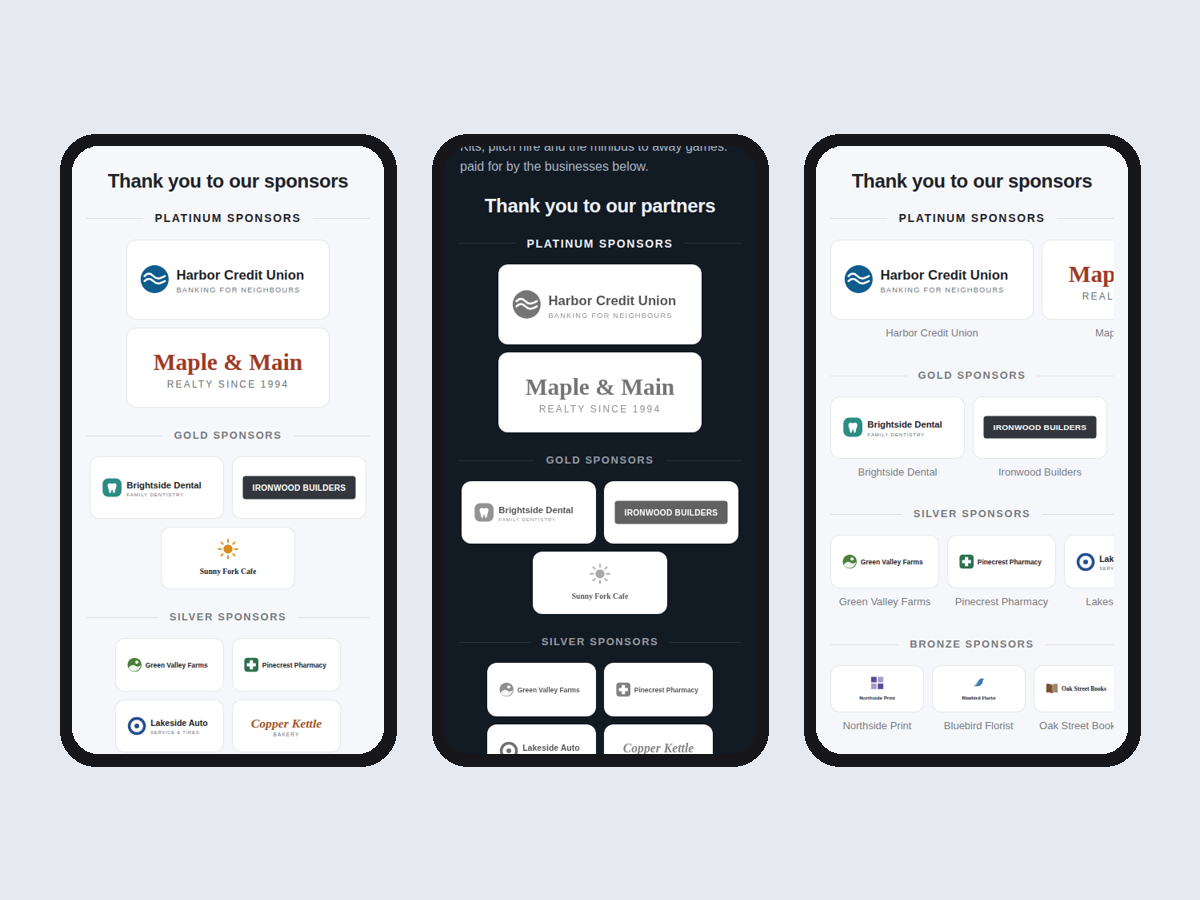
Översikt för Sponsor Wall: Sponsor Logos
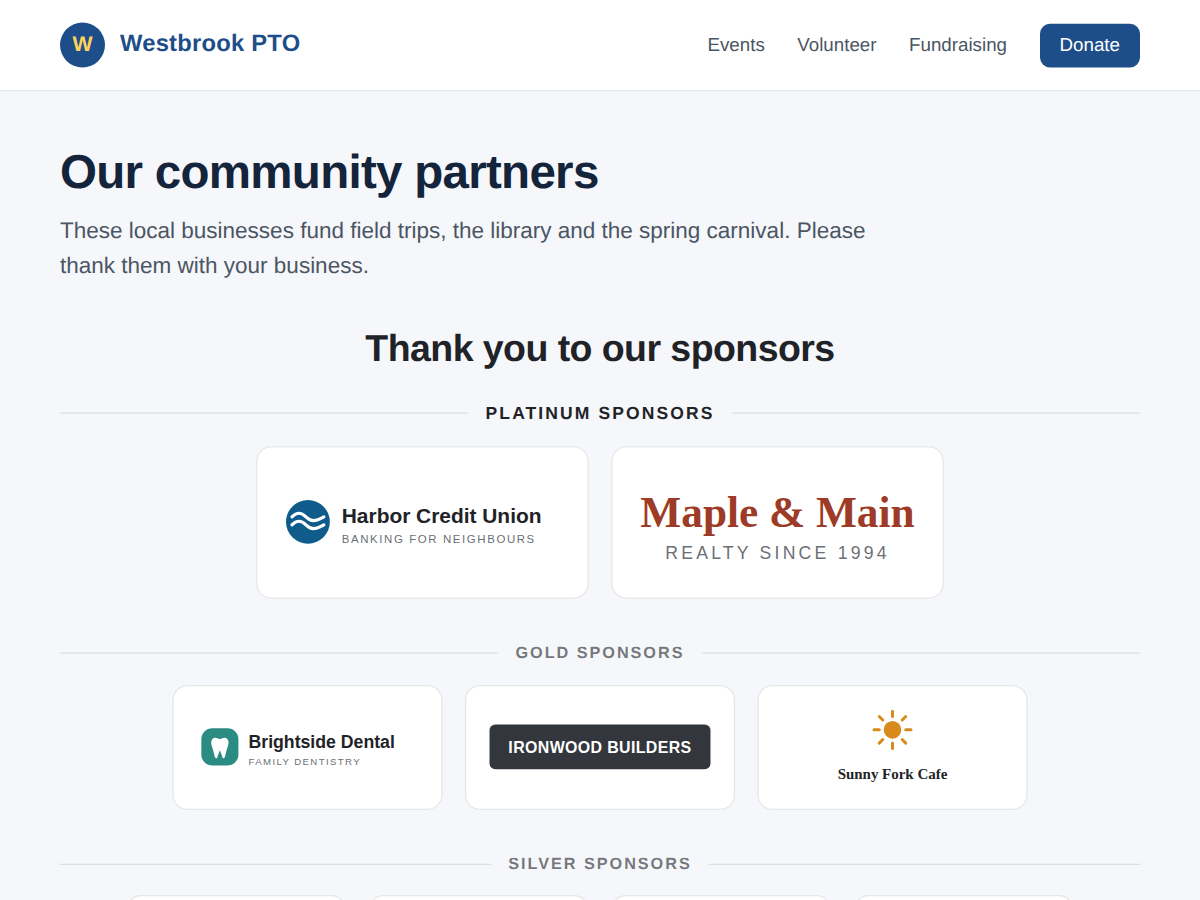
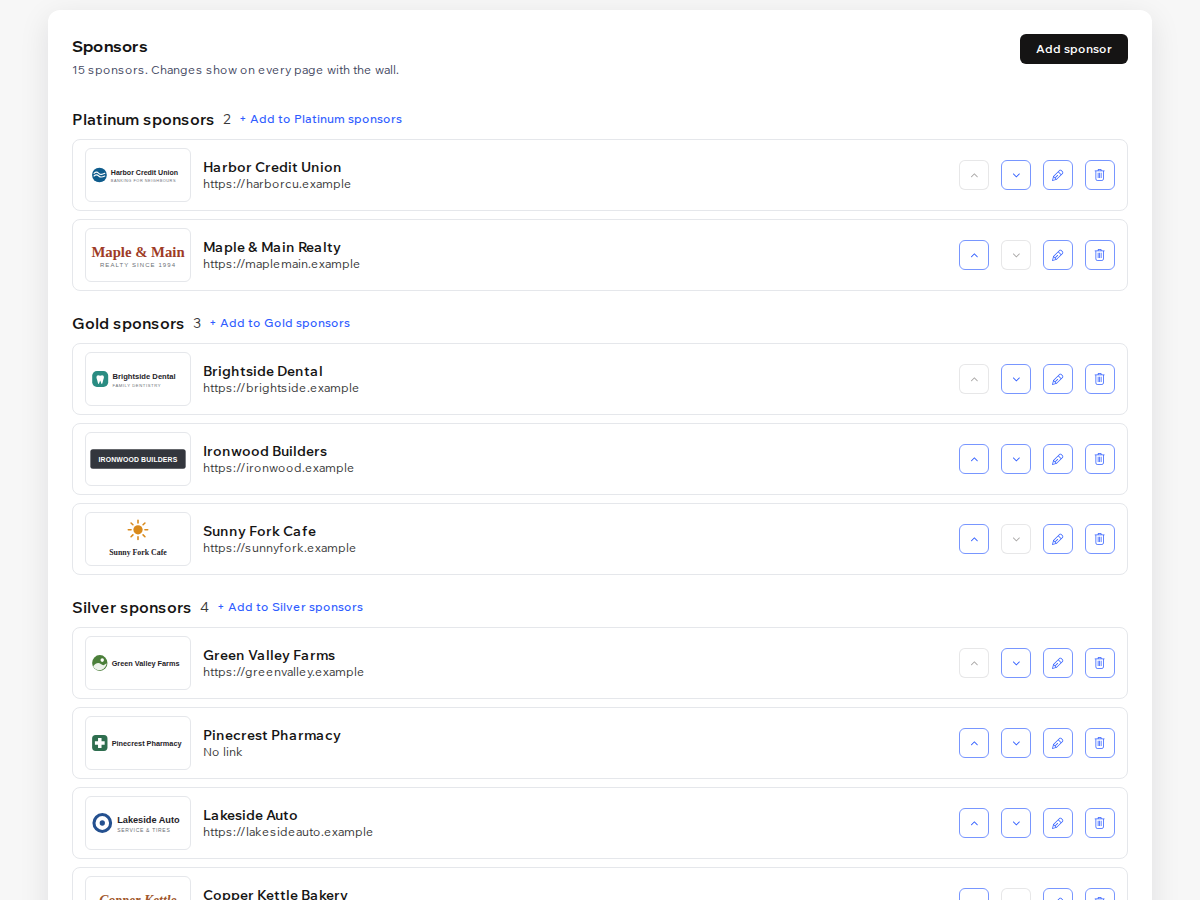
- Platinum, Gold, Silver and Bronze logo tiers
- One sponsor list updates every page at once
- Each logo links to the sponsor in a new tab
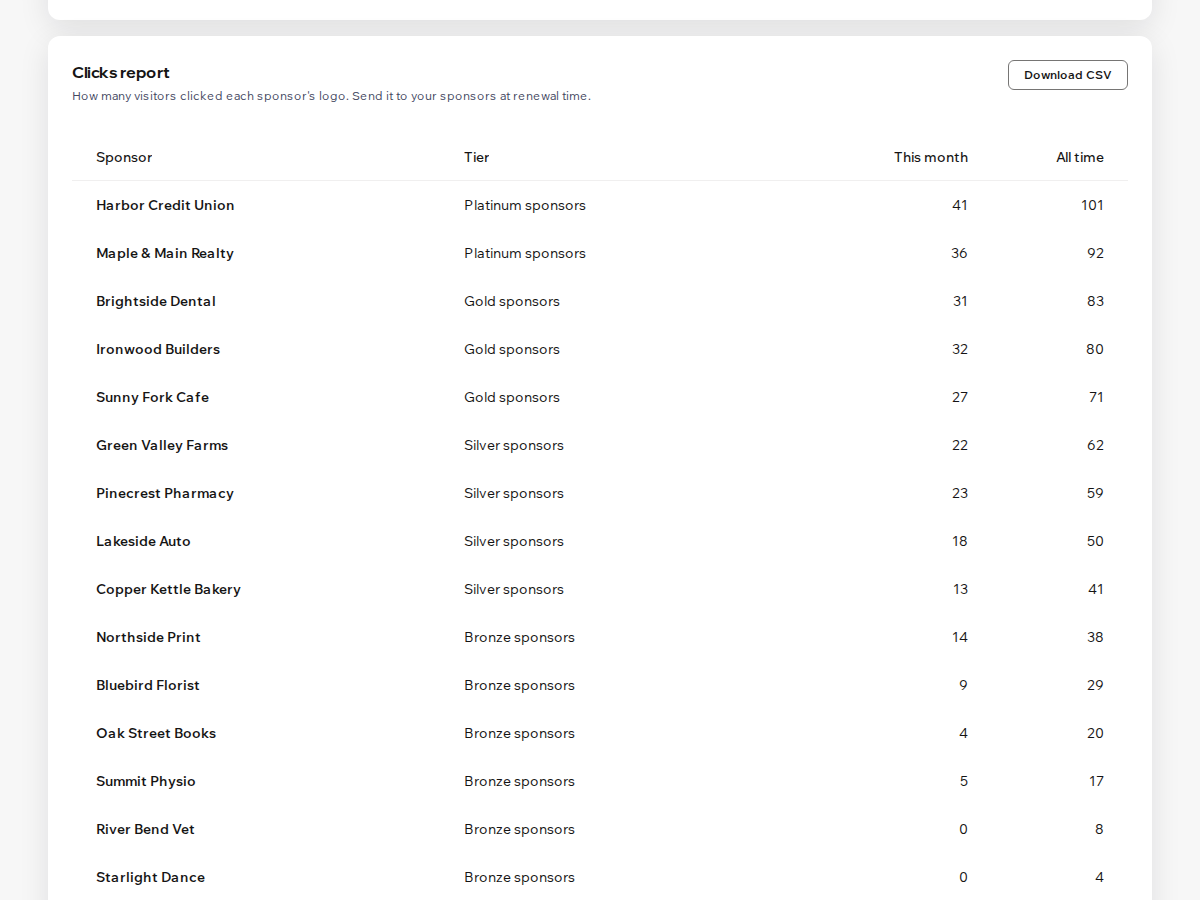
- Clicks report per sponsor with CSV (Premium)
Betyg och omdömen
Den här appen har inte fått några omdömen än. Bli den första att betygsätta den.Priser & paket
Basic-paket
Gratis
2 tiers and 8 sponsors
Logo links and a sponsor button
Sponsor list in the dashboard or CMS
Small credit link
Premium-paket
$
4
00
/månad
Unlimited tiers and sponsors
Clicks report per sponsor with CSV
Dates, grey logos and carousel
Remove the credit link
* Priset är i USD.