

webshop
bokningar
evenemang
popup

Ask in Aria
Ask Seller Button
från
Let shoppers ask about a product in one click
Inga omdömen än
Gratis paket tillgängligt

Översikt för Ask Seller Button
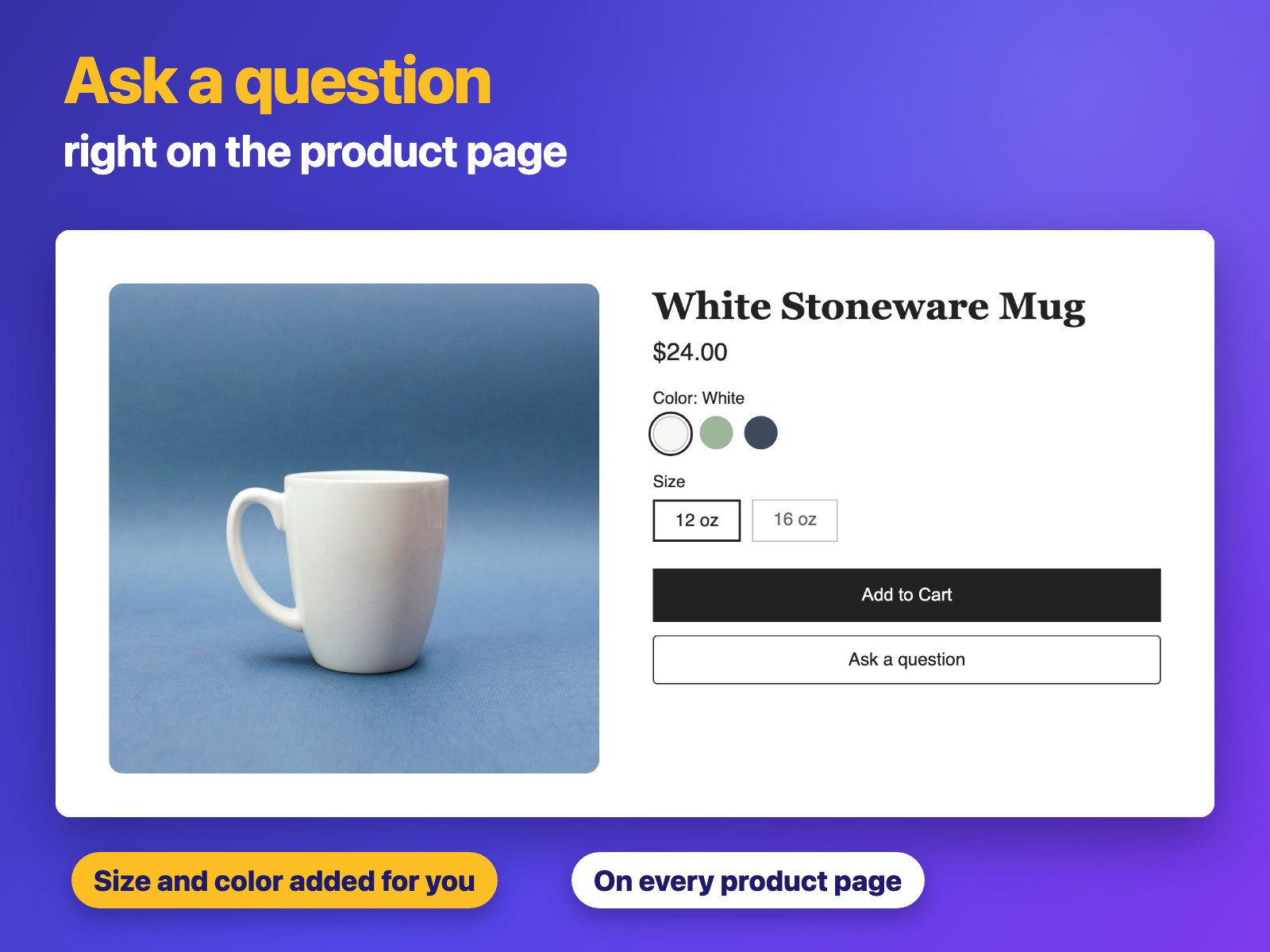
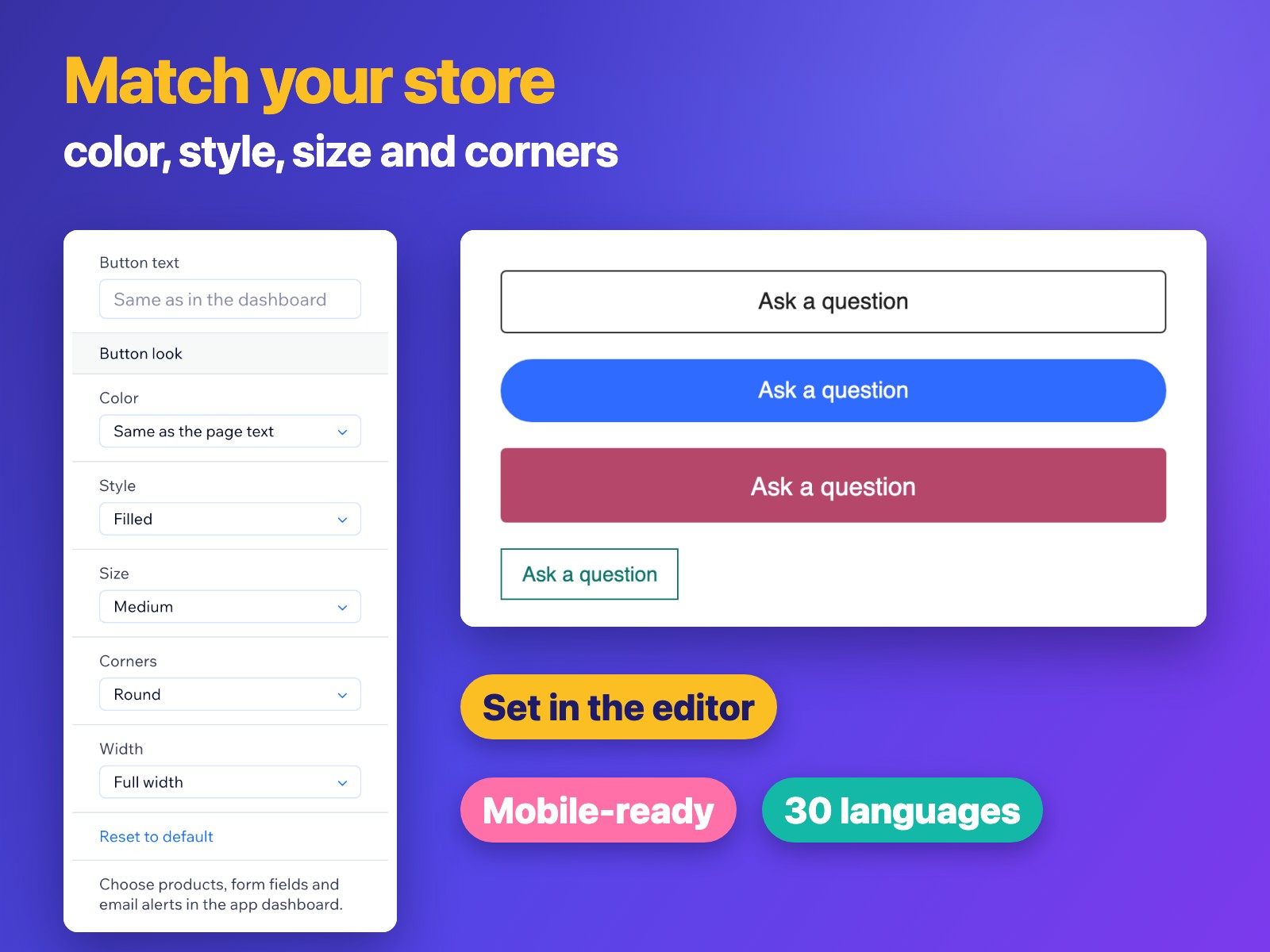
- Add an Ask a question button to your product pages
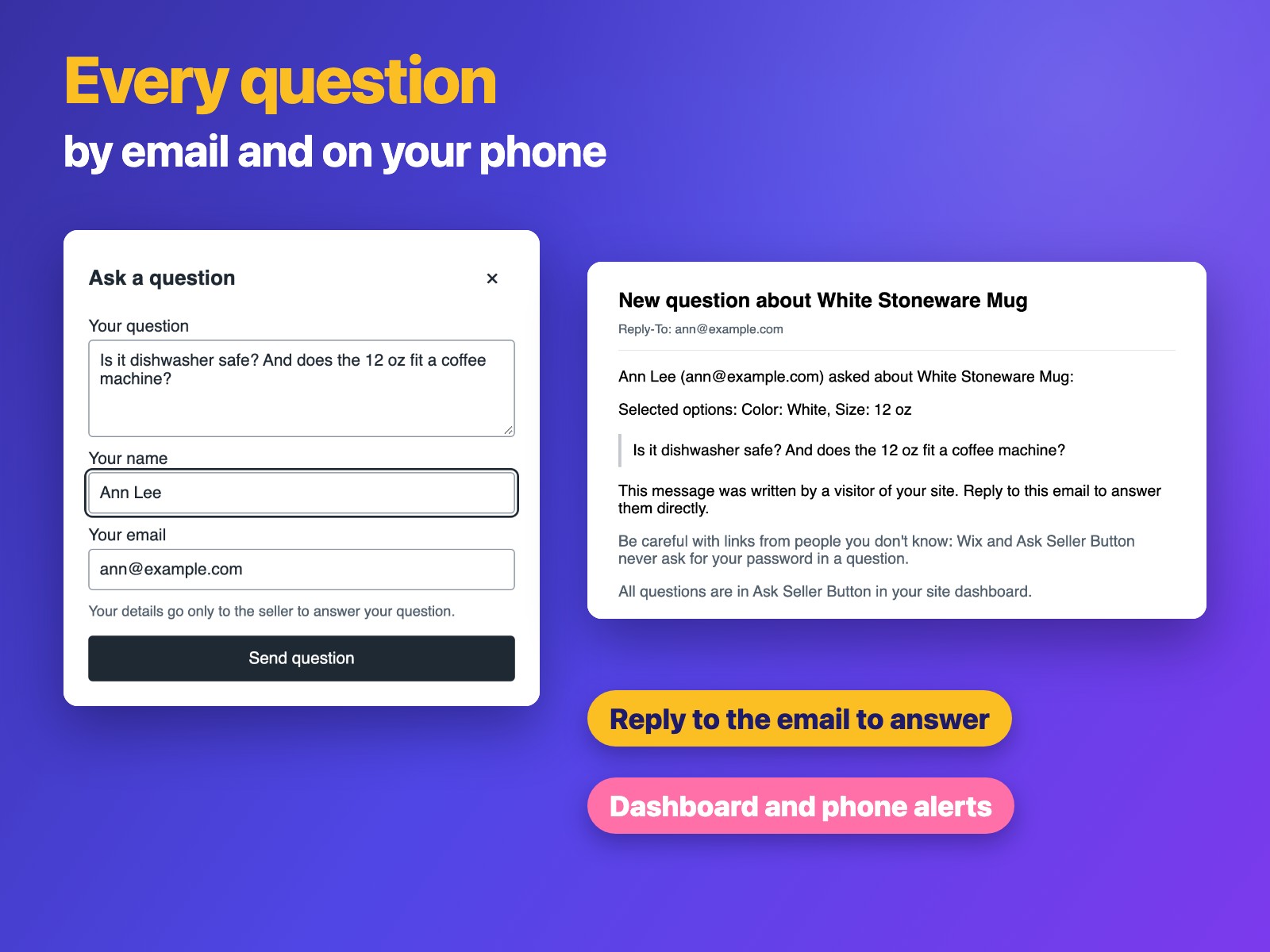
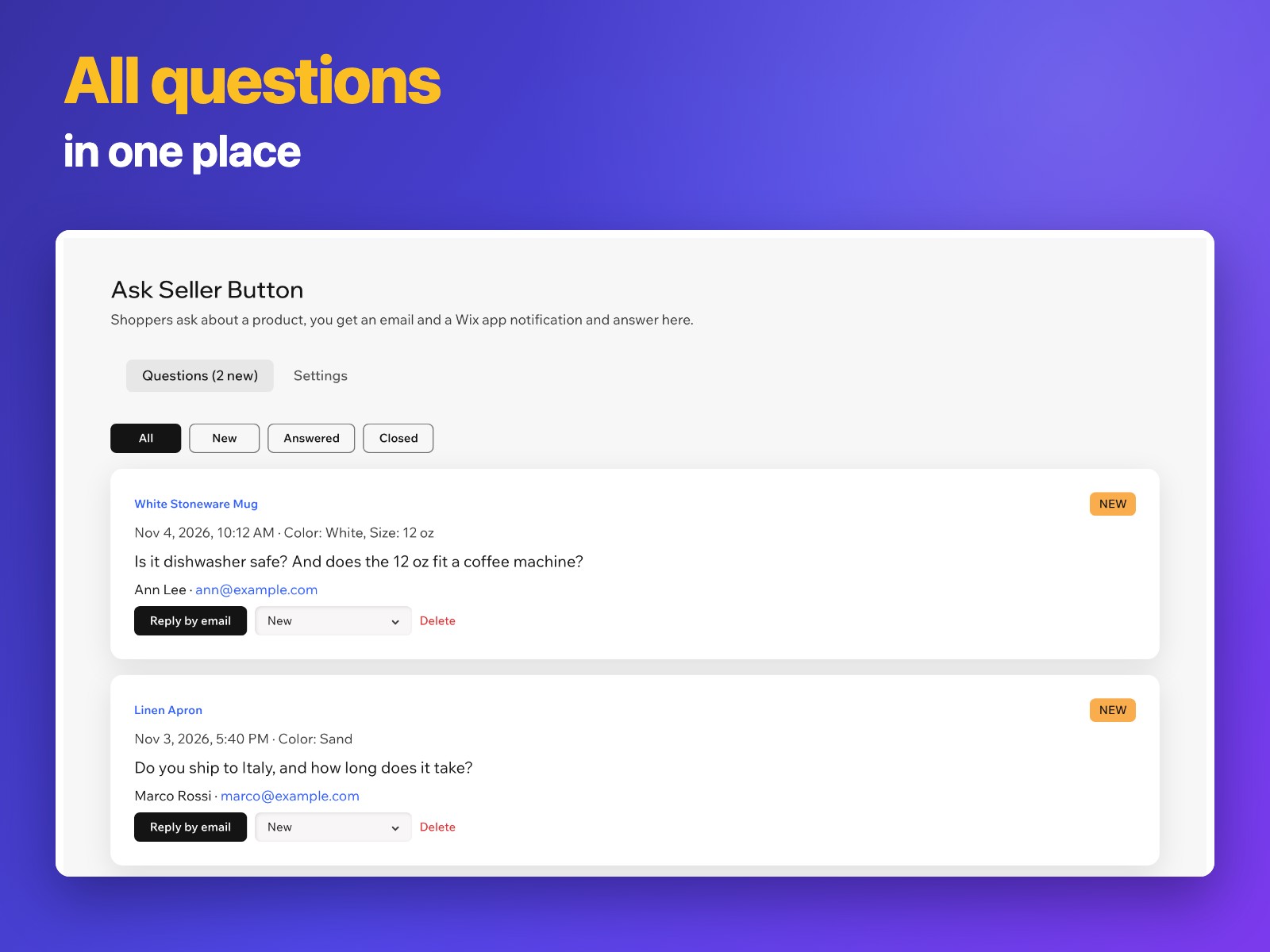
- Get an email and a dashboard and mobile alert for each question
- See the size, color or other options the shopper selected
- Reply by email in one click and track New, Answered and Closed
Betyg och omdömen
Den här appen har inte fått några omdömen än. Bli den första att betygsätta den.Priser & paket
Free-paket
Gratis
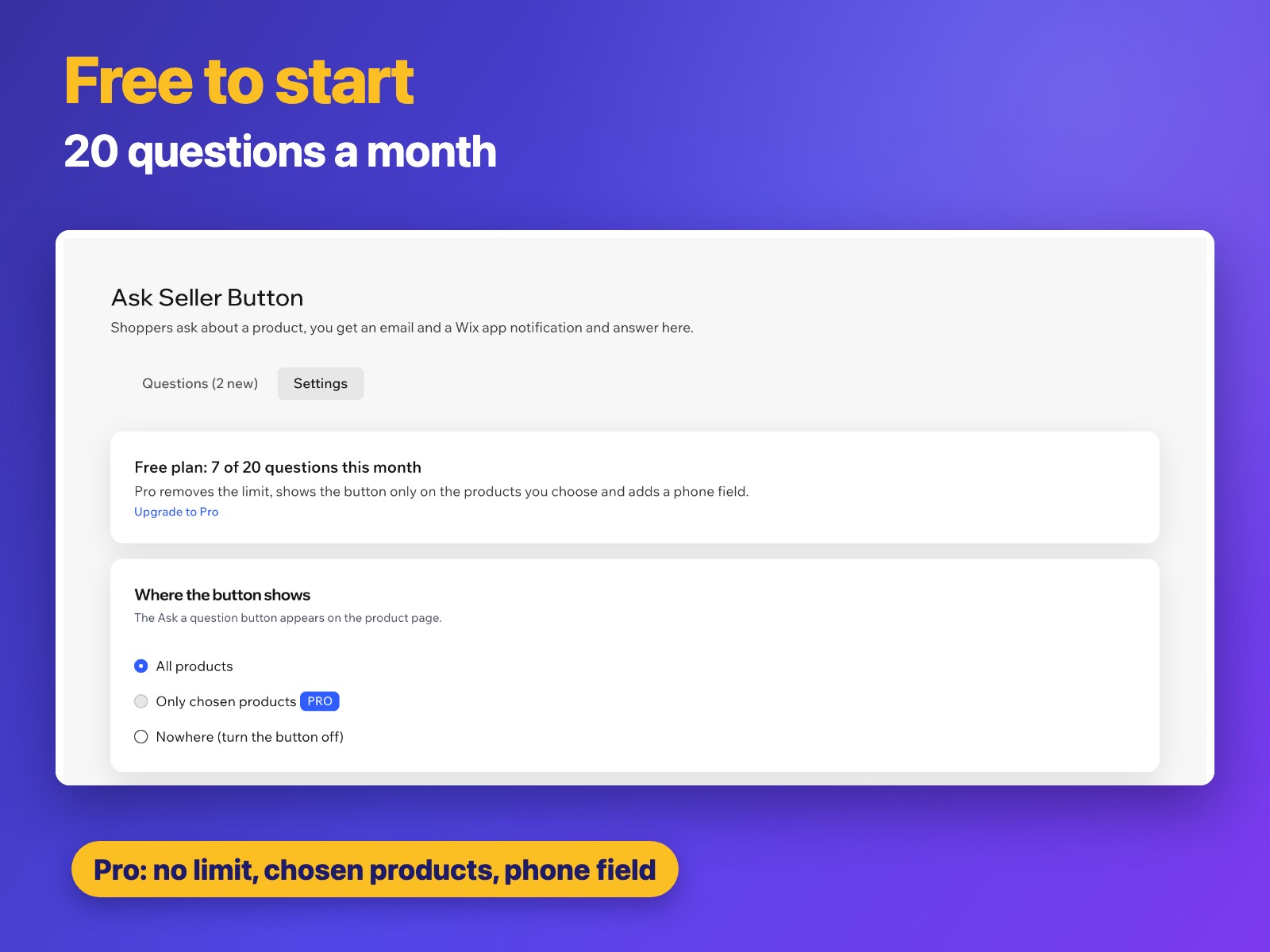
20 questions a month
Email and Wix app alerts
Reply by email in one click
Pro-paket
$
3
99
/månad
Unlimited questions
Button only on products you choose
Phone number field in the form
Everything in the Free plan
* Priset är i USD.