

webshop
bokningar
evenemang
popup
Hintly: Tooltip Text
från
Hover tooltips that explain words in your text
Inga omdömen än
Gratis paket tillgängligt

Översikt för Hintly: Tooltip Text
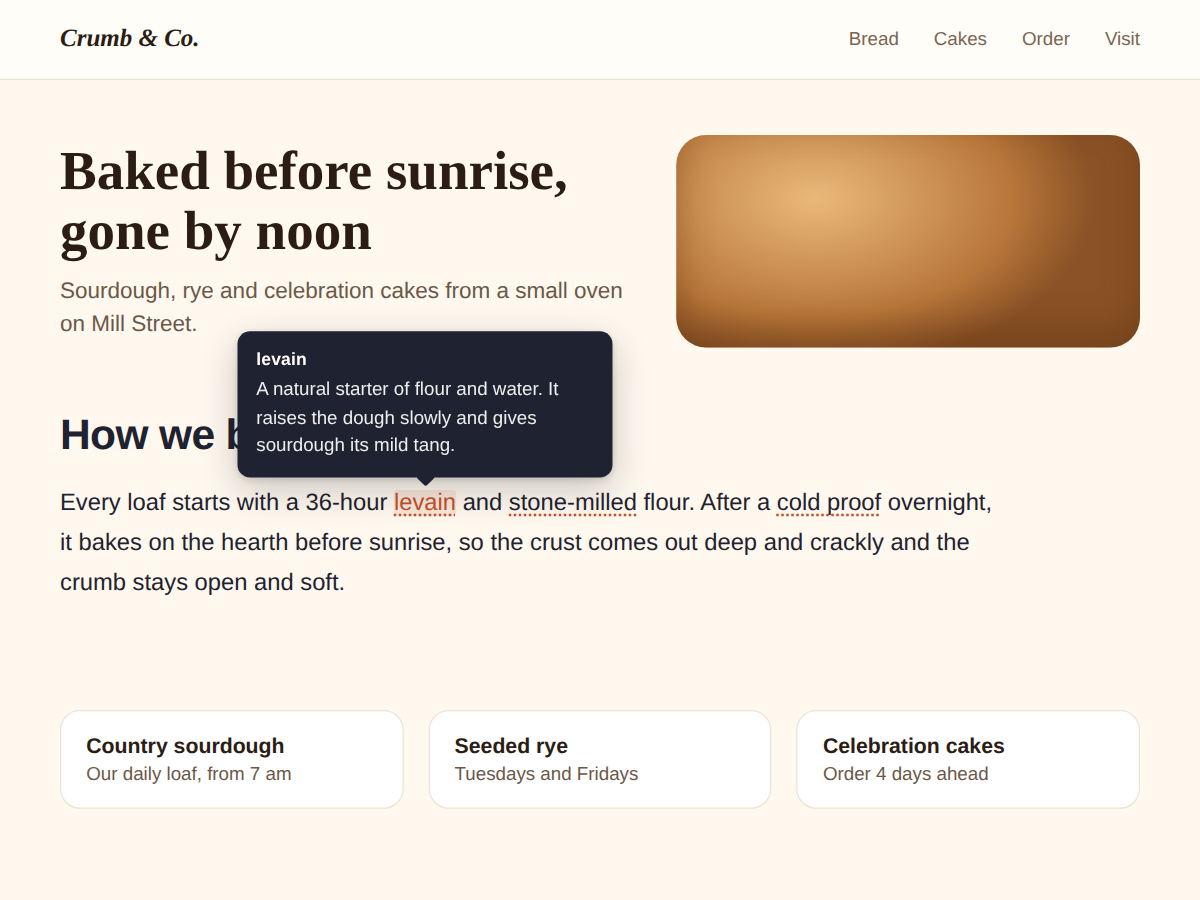
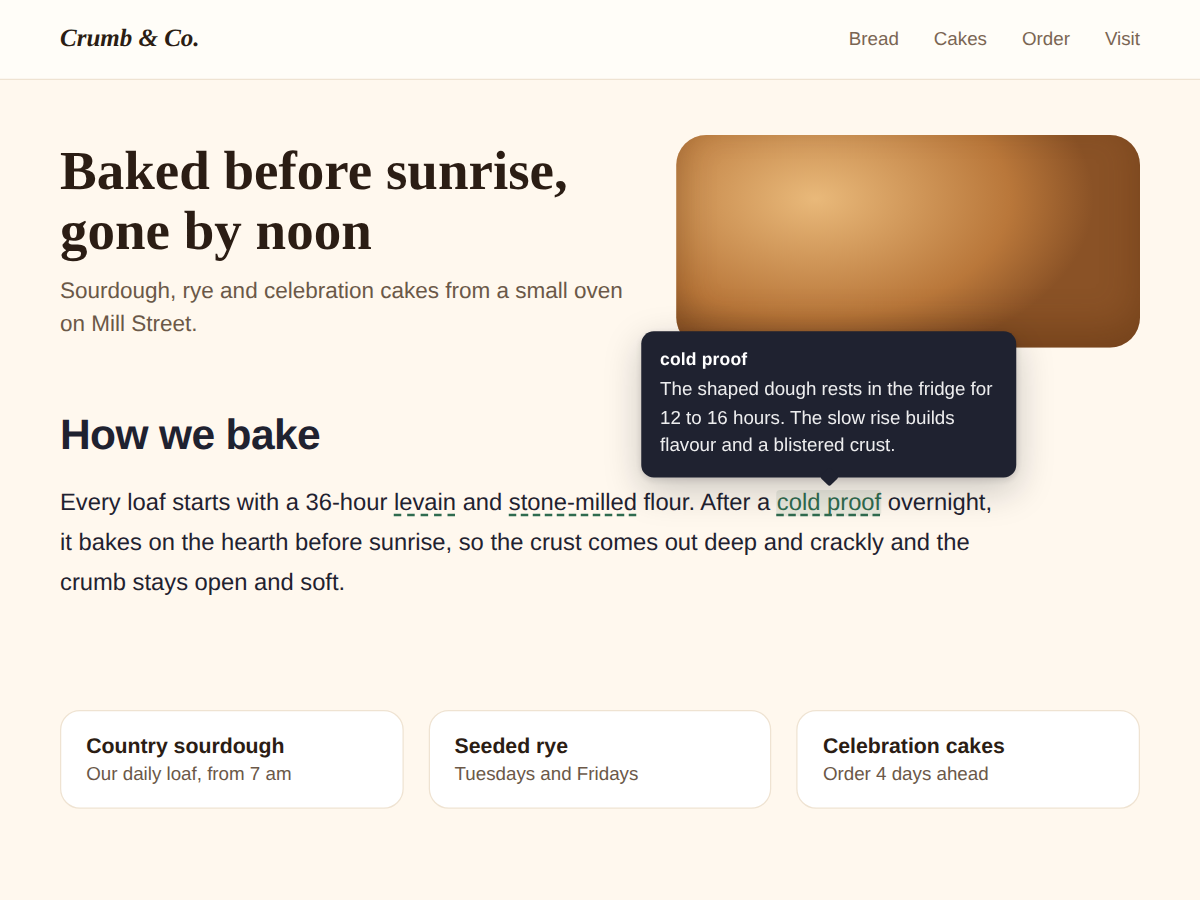
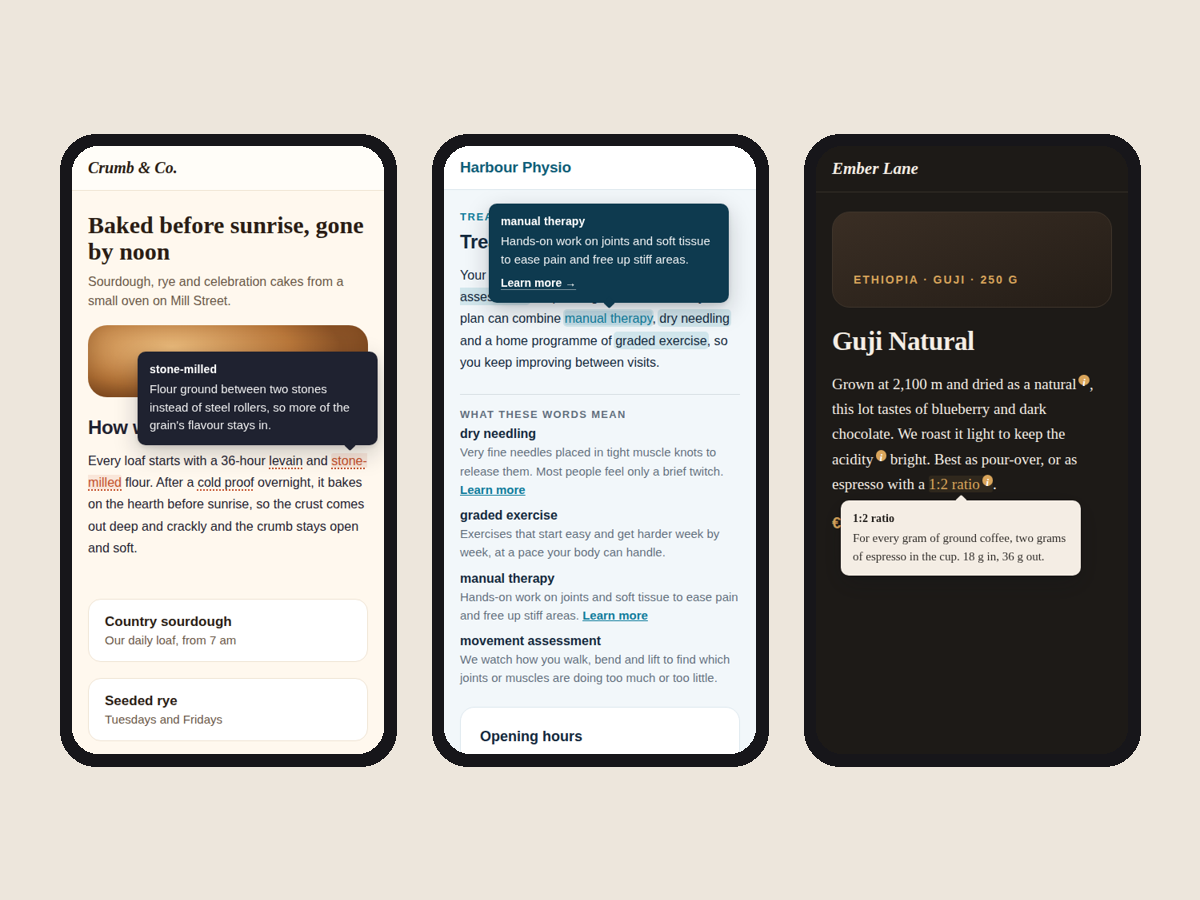
- Dotted underline on the words that need help
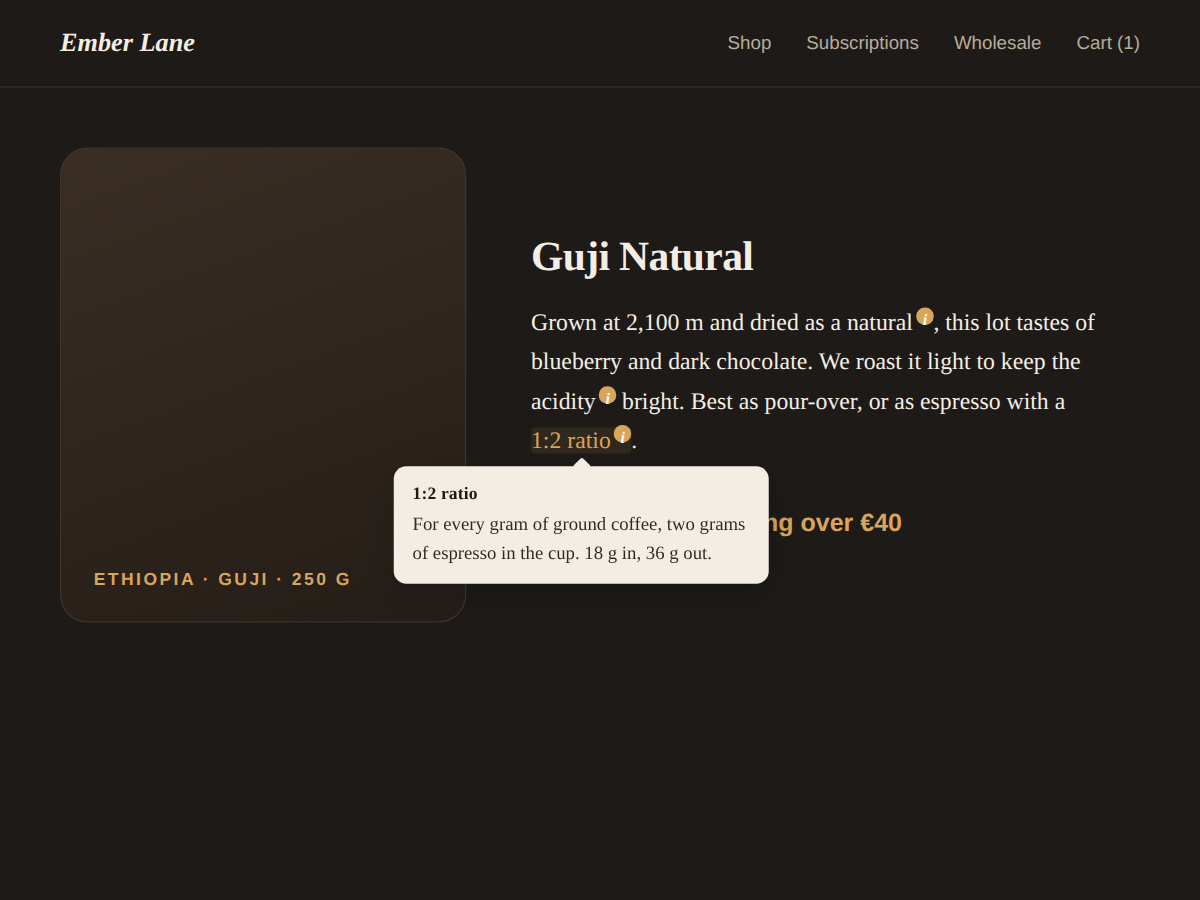
- Opens on hover, on tap and with the Tab key
- Looks finished before you change a thing
- Definitions are page text search engines read
Betyg och omdömen
Den här appen har inte fått några omdömen än. Bli den första att betygsätta den.Priser & paket
Basic-paket
Gratis
Up to 3 terms per widget
Hover, tap and keyboard tooltips
Colours, font, 4 underline styles
No branding on your site
Premium-paket
$
3
00
/månad
Up to 60 terms per widget
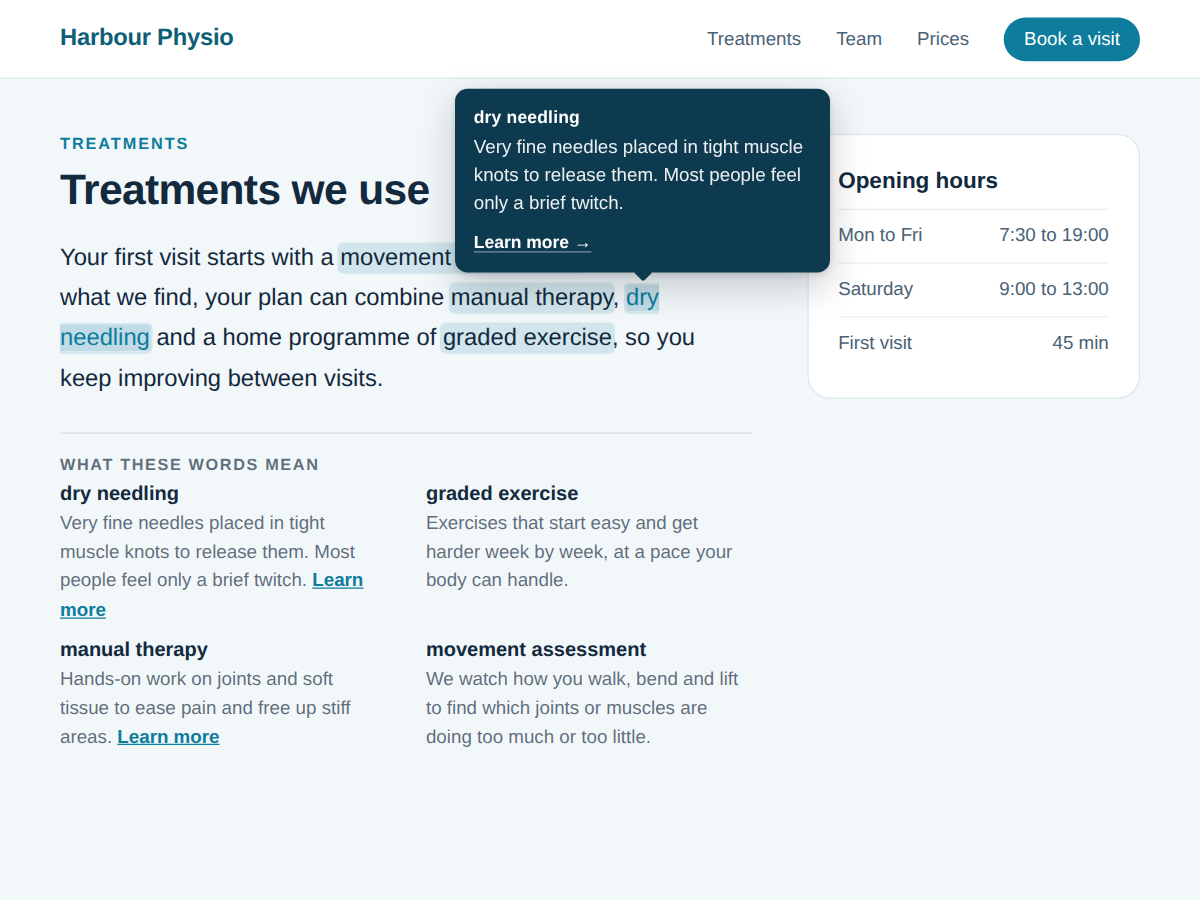
A link inside each tooltip
Glossary list under the text
Tooltip side and every-match marks
* Priset är i USD.