

webshop
bokningar
evenemang
popup

Address Autofill Control
från
Fix or switch off wrong address autofill
5.0
Gratis paket tillgängligt

Översikt för Address Autofill Control
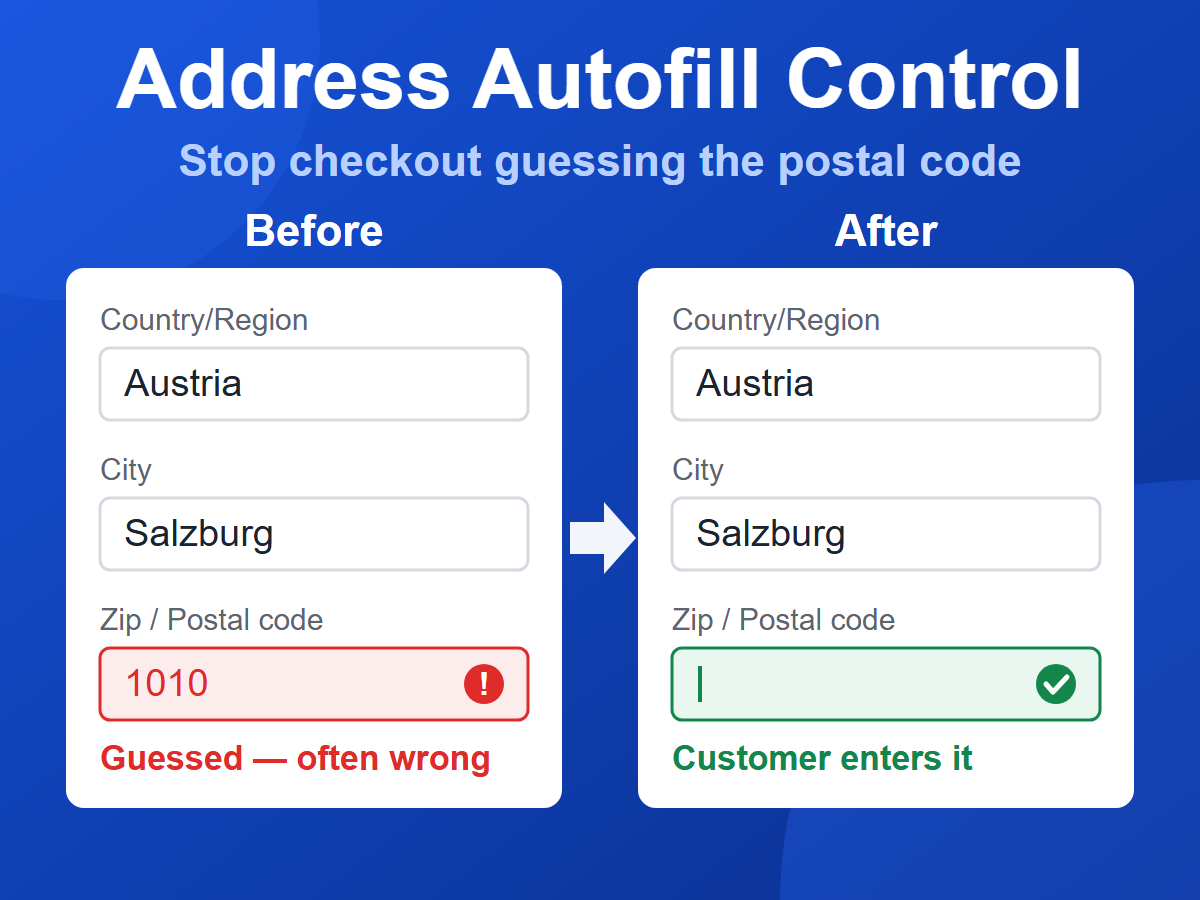
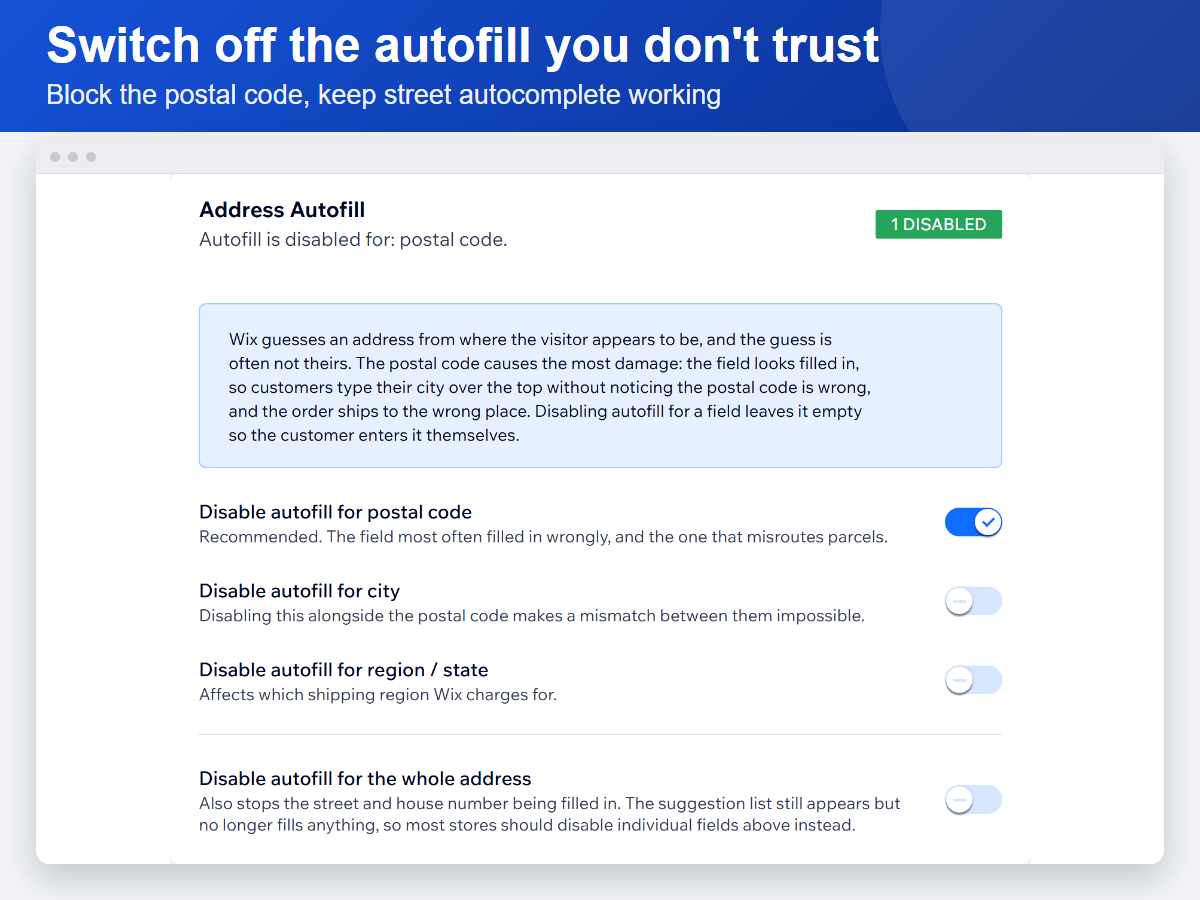
- Switch off address autofill per field — postal code, city or region
- Keep street autocomplete working while blocking only the fields that get it wrong
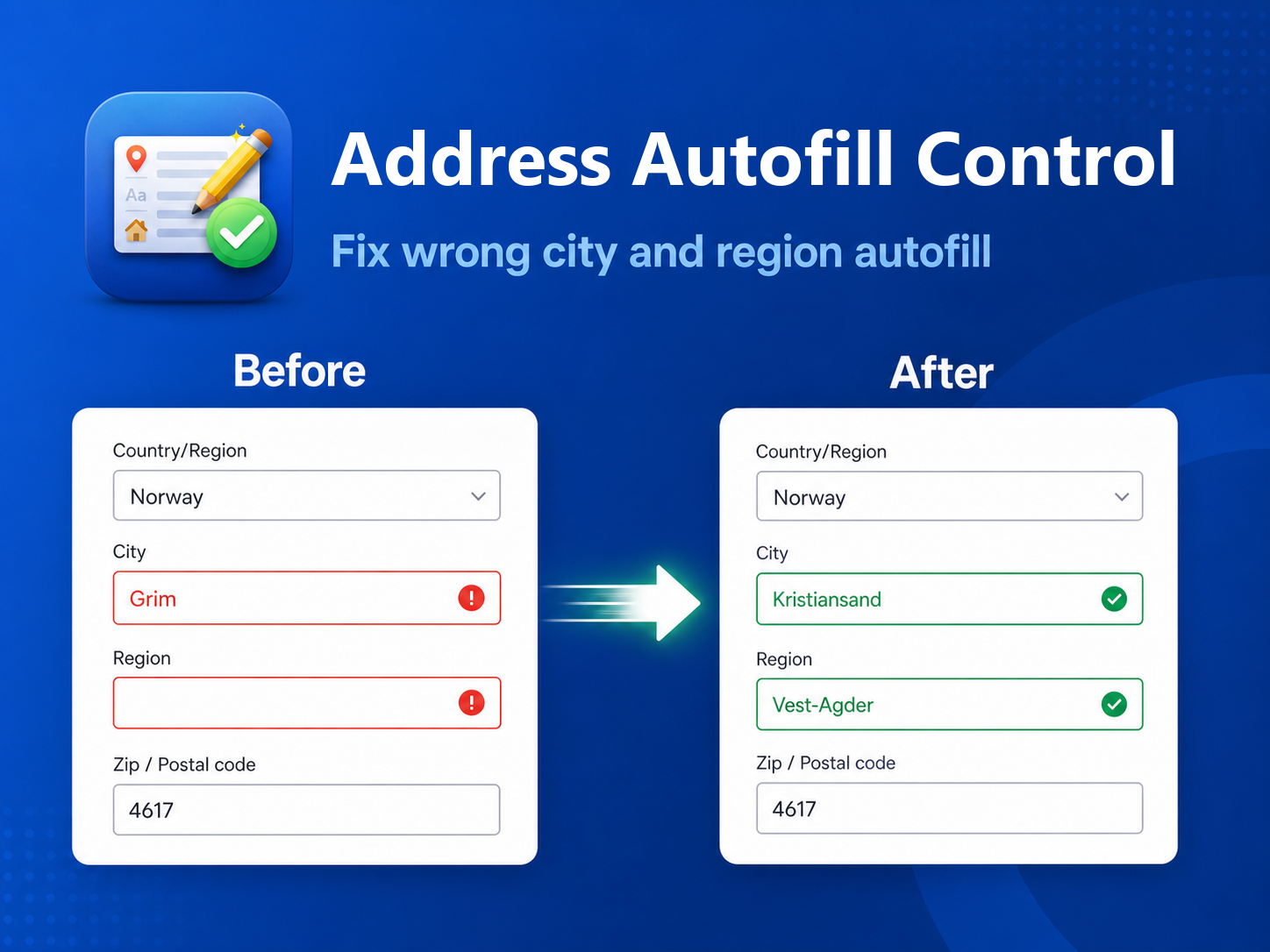
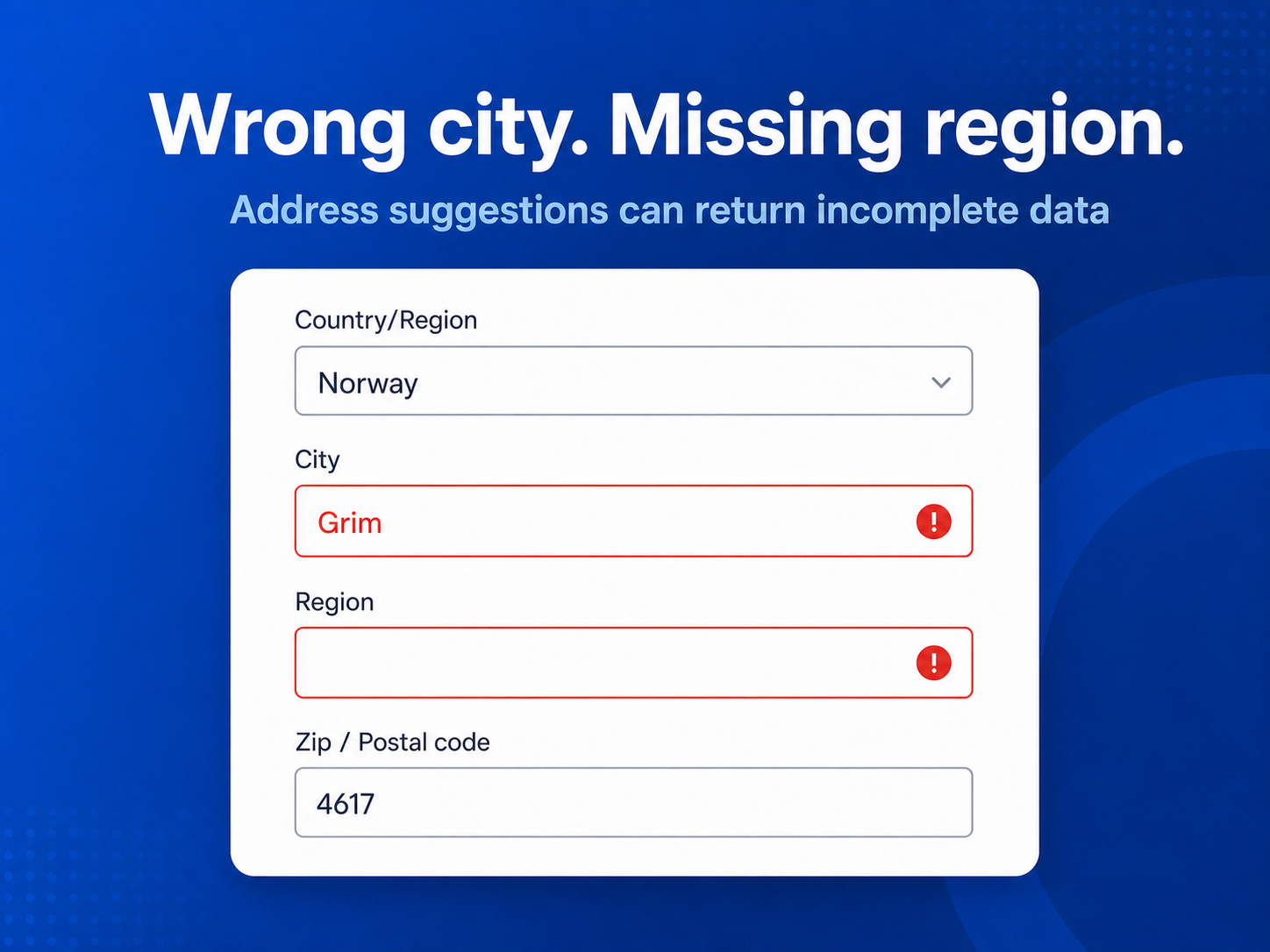
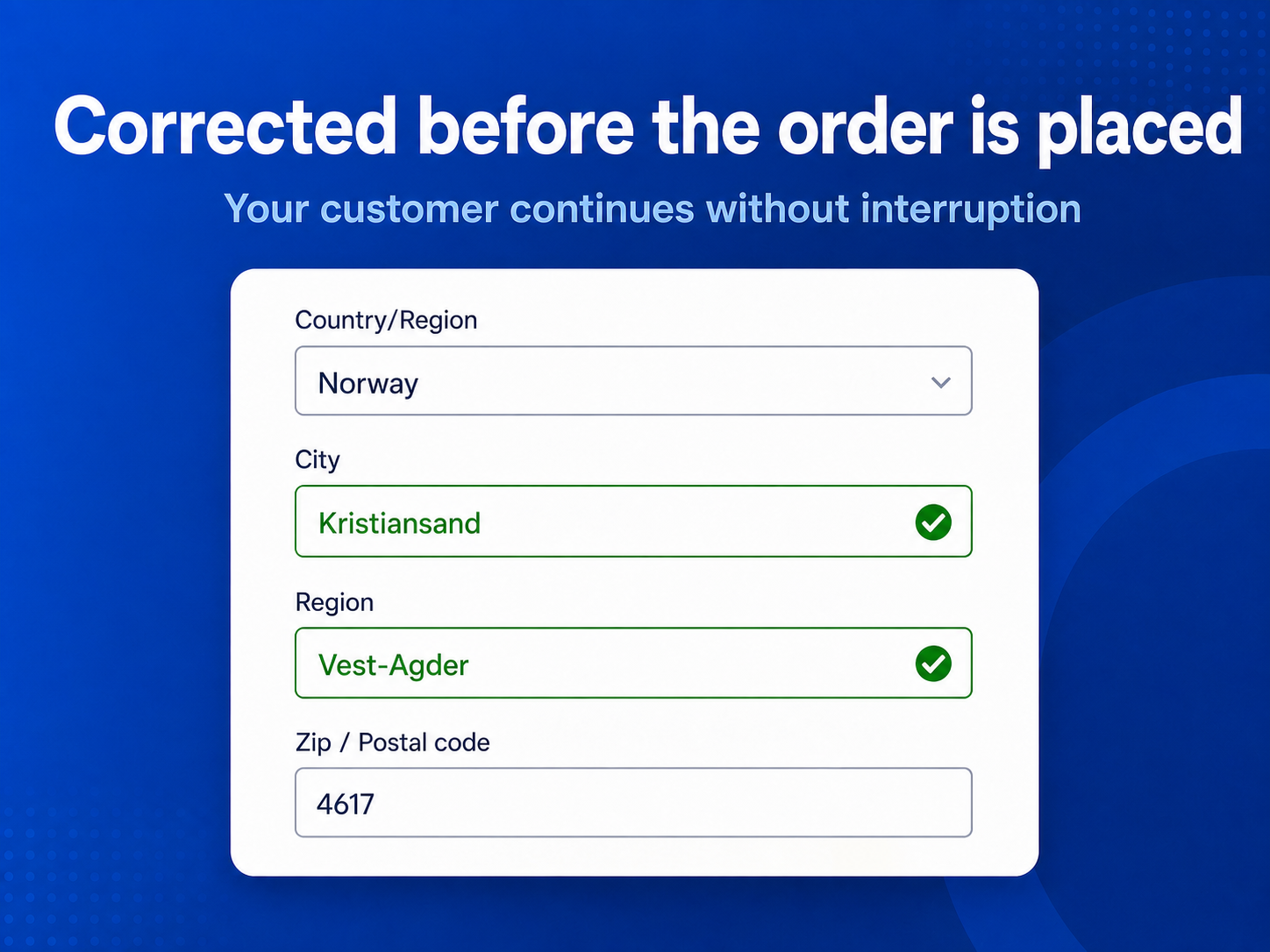
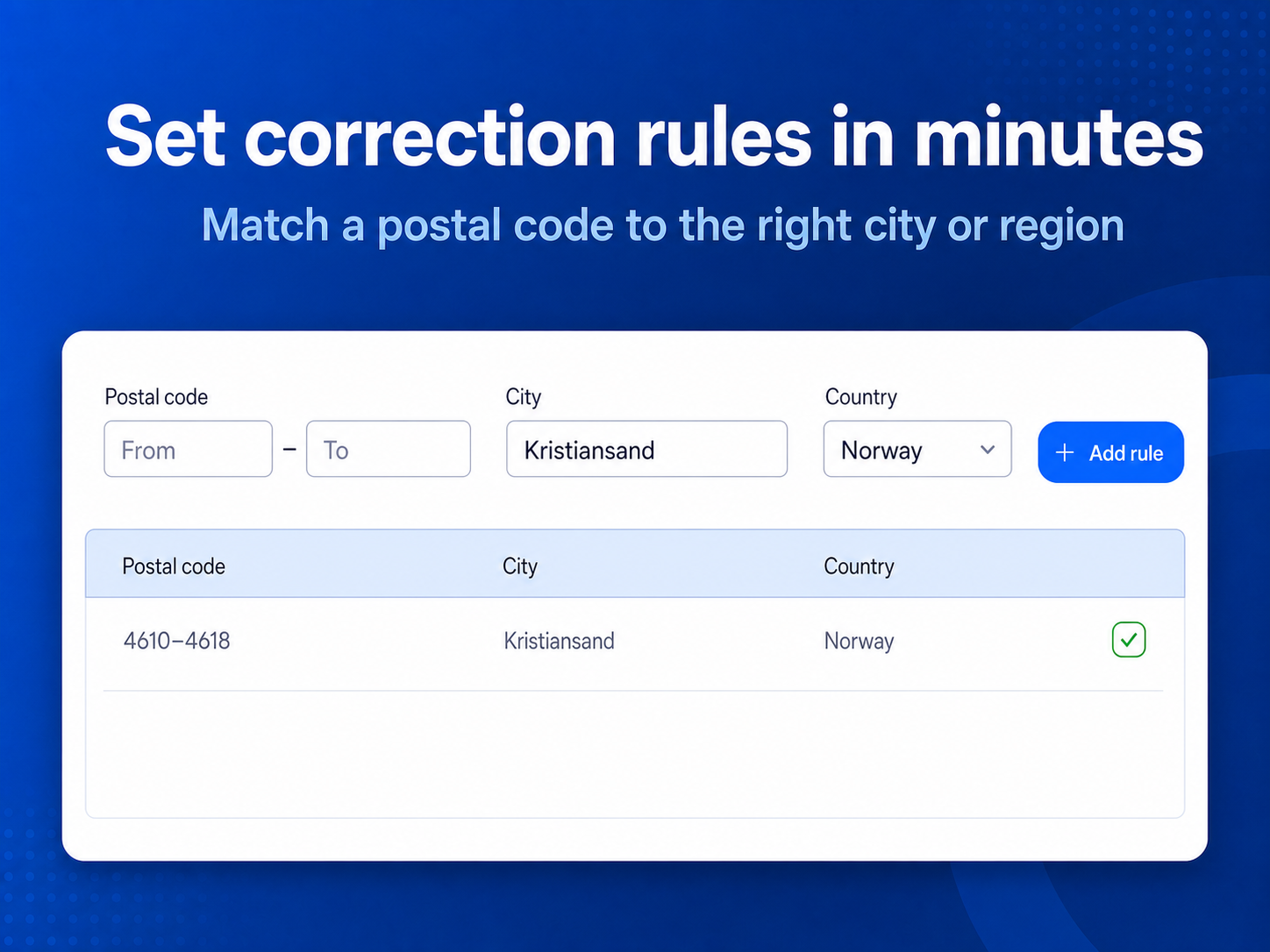
- Correct wrong city or region automatically with postal code rules
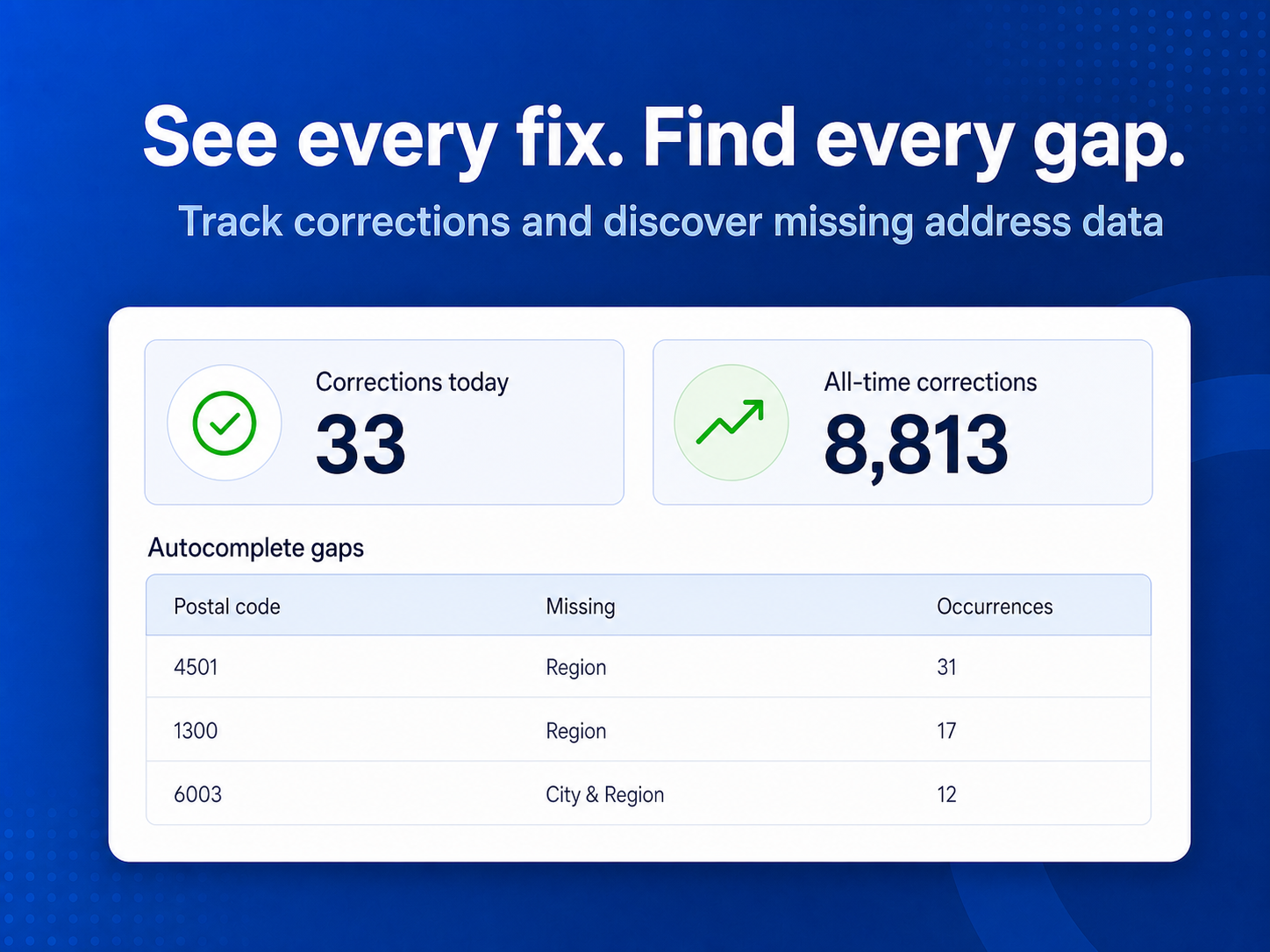
- See which postal codes actually cause trouble, ranked by how often
5.0 genomsnittlig betyg
2 omdömen
5
2
4
0
3
0
2
0
1
0
Sortera efter:
RE
Reviewsapp007/ Sep 9, 2026
Easy Address ManagementSolved a problem we kept running into with customer addresses. Easy to set up and use, and saves us from having to deal with address issues manually.
(0)
Tack för din feedback
YA
Yasirshopify33/ Sep 9, 2026
Easy Address ManagementReally handy app! Makes it easy to fix or override addresses when needed. Simple, straightforward, and does exactly what it should.
(0)
Tack för din feedback
Priser & paket
Basic-paket
Gratis
City and state/region corrections
Up to 5 active correction rules
Unlimited checkout corrections
Pro-paket
$
4
00
/månad
City and state/region corrections
Up to 100 active correction rules
Bulk import
Full support
Unlimited-paket
$
9
00
/månad
Switch off address autofill
Unlimited active correction rules
Bulk import
Priority support
* Priset är i USD.